
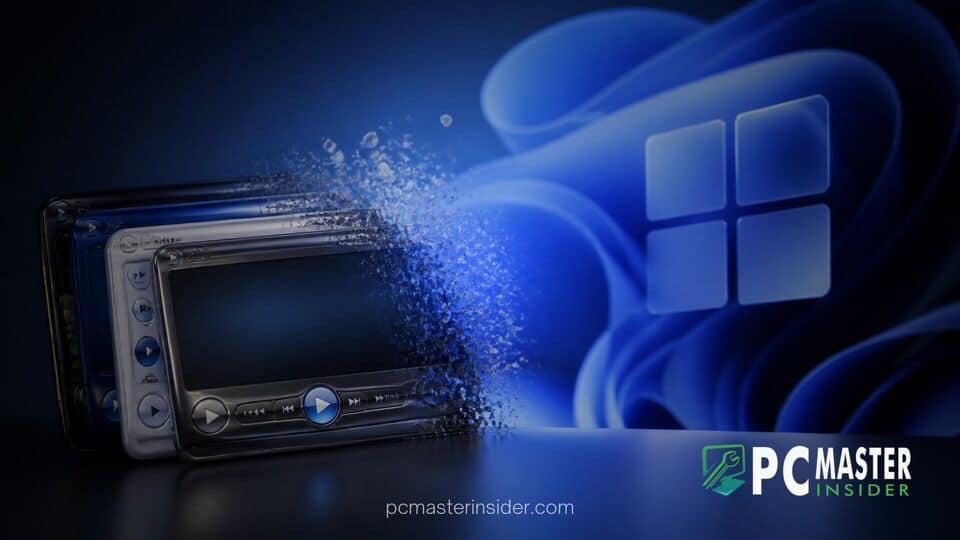
Microsoft is officially deprecating custom skin support in Windows Media Player Legacy for systems running Windows 11 version 24H2 and newer updates. The change marks the end of an iconic customization feature that allowed desktop users to completely transform the player interface using themed graphics and custom control layouts.
According to updated technical documentation on Microsoft Learn, custom skins packaged in standard .wmz and .wms format will no longer load inside Windows Media Player Legacy starting in late 2026. Once the deprecation takes full effect across supported Windows 11 builds, the application will permanently revert to its default user interface style without options for visual skinning.
windows media player skins deprecated in upcoming Windows 11 builds
The decision to retire custom theme support affects the legacy media app that has accompanied Windows operating systems for decades. While the application itself remains present on Windows 11 systems for now, its customization pipeline is being systematically decommissioned as Microsoft consolidates its desktop audio and video strategy around the rebuilt modern Media Player app.
Microsoft Retires Classic Media Player Personalization Features
For over two decades, Windows Media Player skins allowed desktop users to tailor their playback controls with futuristic HUD designs, pop culture themes, and minimalist floating bars. Introduced during the era of Windows 98 Second Edition and popularized through Windows XP, the skin architecture enabled independent developers and media franchises to bundle custom interactive interfaces.
With the updated policy, Microsoft is stripping away those legacy customization hooks. When users attempt to apply skin files on newer Windows 11 builds, the application bypasses custom interface definitions and remains locked to its default layout. While primary playback capabilities, offline music library indexing, and CD burning functions continue to operate normally, visual personalization is no longer maintained.
This deprecation follows a broader pattern of streamlining legacy Windows subsystems. Microsoft previously phased out online CD metadata lookups for the classic player, and recent platform changes have brought similar maintenance adjustments across the OS. For instance, Microsoft retires companion apps for Calendar, Files, and People on Windows 11 as part of its ongoing cleanup of legacy utility features.
Phasing Out Legacy Custom Skins
Technical updates to the Windows Media Player SDK confirm that developers should no longer build custom interfaces around the old framework. Software engineering teams inside Microsoft have designated the legacy player infrastructure as superseded, encouraging software developers and end users to transition toward modern media playback APIs.
Users who rely on tailored desktop setups can still preserve their downloaded skin archives manually. Security experts and system administrators note that copying skin archives out of system directories ensures local assets are saved, even if the legacy executable refuses to parse them in future OS revisions. However, without active platform support inside Windows 11, third-party media players like VLC or AIMP remain the primary alternatives for enthusiasts seeking customizable audio interfaces.
Transitioning to the Modern Windows 11 Media App
Microsoft's modern Media Player application, designed around Fluent Design guidelines and modern XAML controls, serves as the primary playback engine in Windows 11. Unlike its classic predecessor, the new app focuses on clean typography, system accent matching, dark mode support, and seamless integration with hardware acceleration APIs rather than skinnable XML interface wrappers.
This push toward modern application frameworks aligns with several recent shell and system updates across the OS. Microsoft regularly updates desktop utilities to match current platform standards, such as when Windows 11 preview adds energy recommendations to Quick Settings and when Microsoft tests text-only taskbar preview list in Windows 11. By removing older interface hooks from legacy utilities, development teams can reduce system maintenance overhead and eliminate security vulnerabilities associated with unmaintained parser engines.
Impact on Legacy Media Playback Workflows
The removal of skin support primarily impacts power users, retro computing enthusiasts, and workplace environments that maintained legacy desktop configurations. However, core file playback capabilities inside Windows Media Player Legacy remain functional for existing media formats.
System performance and stability also play a role in Microsoft's ongoing updates. While some power users note that legacy utilities consume minimal background memory, maintaining dual application stacks creates compatibility challenges across major annual OS builds like 24H2 and 26H2. This focus on system stability is a frequent topic among desktop administrators, particularly as studies show Windows 10 proves significantly more stable than Windows 11 in 2026 data during transition periods.
Additionally, users managing local media libraries alongside enterprise deployments should review system requirements as new platform updates arrive. For enterprise testing environments, Microsoft releases Windows 11 26H2 Enterprise evaluation ISOs ahead of rollout, allowing IT managers to verify software behavior before deploying updates across organizational fleets.
Ultimately, the deprecation of classic player skins closes a memorable chapter in Windows customization history. As Microsoft continues modernizing core operating system components, legacy applications are increasingly streamlined to align with standard Windows 11 design languages and modern playback standards.



