 How to
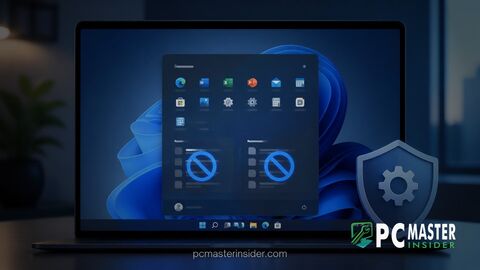
 How to Disable Recent Files and App Recommendations in Windows 11 Start Menu
Clean up your Windows 11 Start Menu by disabling recent files and recommended apps with this step-by...
 How to
 Clean up your Windows 11 Start Menu by disabling recent files and recommended apps with this step-by...
 How to
 Master how to configure Windows 11 Auto Super Resolution (Auto SR) to improve frame rates and visual...
 How to
 Follow this guide to pause Windows 11 updates indefinitely using the July 2026 feature—step-by-step...
 How to
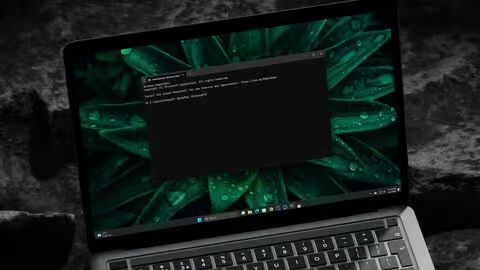
 Learn to flush DNS on Windows 11 to fix common browsing and connection problems in minutes.
 How to
 Boost internet speed, enhance security, or bypass restrictions by changing DNS on Windows 11. Guide...
 How to
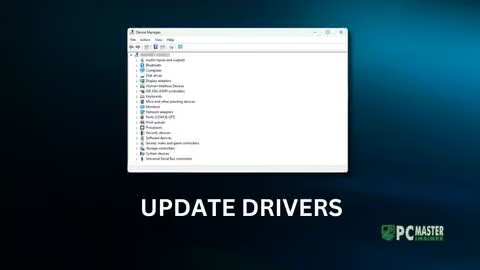
 Experiencing device issues on Windows 11? Learn how to update drivers using Device Manager or third-...
 How to
 Corrupted system files on Windows 11 can cause various problems like BSOD, slow performance, and mor...
 How to
 Discover how to enable AI Actions in File Explorer on Windows 11 using Copilot to perform smart, AI-...
 How to
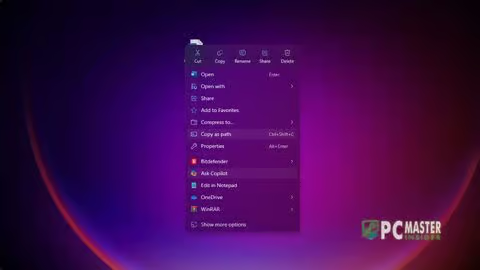
 Quick guide to remove Ask Copilot from Windows 11 File Explorer context menu for a cleaner right-cli...
 How to
 Fix Windows Update problems by safely resetting the catroot2 folder with this easy, step-by-step gui...