
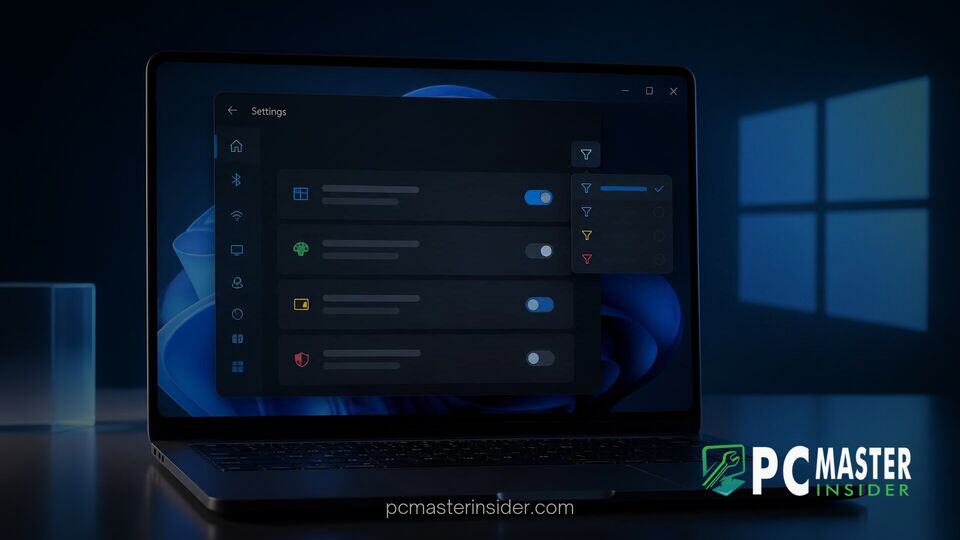
Microsoft has released a targeted refinement for power users and developers testing pre-release operating system builds. The newest Windows 11 Insider Preview release introduces built-in filtering controls directly to the Windows Insider Program settings page.
This addition allows testers to sort experimental toggles based on whether individual feature flags are currently turned on or off across their active system environment. The update simplifies managing under-the-hood settings without requiring third-party tools.
Microsoft Integrates Feature Flag Enablement Filtering in Settings
The primary addition in the latest preview build revolves around organizing how experimental toggles present themselves within the Settings application. Rather than forcing testers to scroll through exhaustive entries of experimental switches, Microsoft now offers a direct filter for enablement states. By navigating to Settings, selecting Windows Update, and opening the Windows Insider Program section, users can isolate features based on whether they are active or inactive.
This implementation does not change the operational state of any feature flag on its own. Instead, it acts as a visual organization tool designed to reduce navigation time and enhance visibility for enthusiasts keeping track of active test features. The new filter works alongside recent system improvements, such as ongoing efforts where Microsoft design teams use AI coding agents to fix Windows 11 code inconsistencies across native system interfaces.
Simplifying Experimental Toggle Management for Testers
For years, Windows Insiders relying on early-stage builds had to resort to external utilities or command-line scripts like ViveTool to discover and manage hidden toggles. Earlier this year, Microsoft began native integration of a dedicated Feature Flags page inside the Settings app. This move brought experimental controls into the official system settings UI, giving registered preview participants a native method to evaluate upcoming updates.
As Microsoft expanded the sheer volume of flags available across different channels, navigating the unorganized list grew increasingly cumbersome. The addition of enablement filtering solves this bottleneck by letting users quickly locate specific switches without manually auditing every single entry on their PC.
How Feature Flags Function in Windows 11 Build 26340.9767
The enablement filter rolled out as part of Windows 11 Insider Preview Build 26340.9767 in the Experimental channel. In Windows OS development, feature flags serve as individual software switches that activate or suppress specific code paths, interface redesigns, and background services. Because Microsoft frequently employs Controlled Feature Rollouts (CFRs), identical builds running on separate machines often feature different default enablement profiles.
With Build 26340.9767, selecting a filter option instantly alters the list view:
- Enabled: Displays only the feature flags currently active on the device.
- Disabled: Highlights experimental flags that remain turned off or pending rollout.
- All: Restores the complete list of available experimental flags.
Alongside this feature flag update, Build 26340.9767 introduces other system tray and performance upgrades. Insiders can now execute a native browser-free internet speed test from Quick Settings, building on previous experiments where Microsoft added quick settings speed tests and mobile controls directly to the system tray. Additionally, mobile device controls have been expanded to allow users to toggle Do Not Disturb or locate nearby connected phones.
What Feature Flag Controls Mean for Future Windows Updates
By bringing granular filtering tools to the Windows Insider Program settings, Microsoft is acknowledging the growing role preview testers play in shaping daily OS performance. Providing a clean interface to track experimental toggles allows developers and enthusiasts to report precise feedback through the Feedback Hub. This approach complements broader usability tweaks across the ecosystem, including updates where Microsoft overhauls File Explorer menu options with direct customization settings.
In official build notes released on the Windows Insider Blog, Microsoft confirmed that feature flag enhancements remain exclusive to preview channels for now. Features tested in experimental builds are continually refined, modified, or occasionally dropped based on telemetry and insider response before reaching general availability.
The addition of feature flag enablement filters inside Windows 11 Insider Settings marks a welcome usability improvement for preview participants. By giving users a clean way to sort active and inactive experimental toggles, Microsoft continues to refine the native tools available for operating system testing.



