
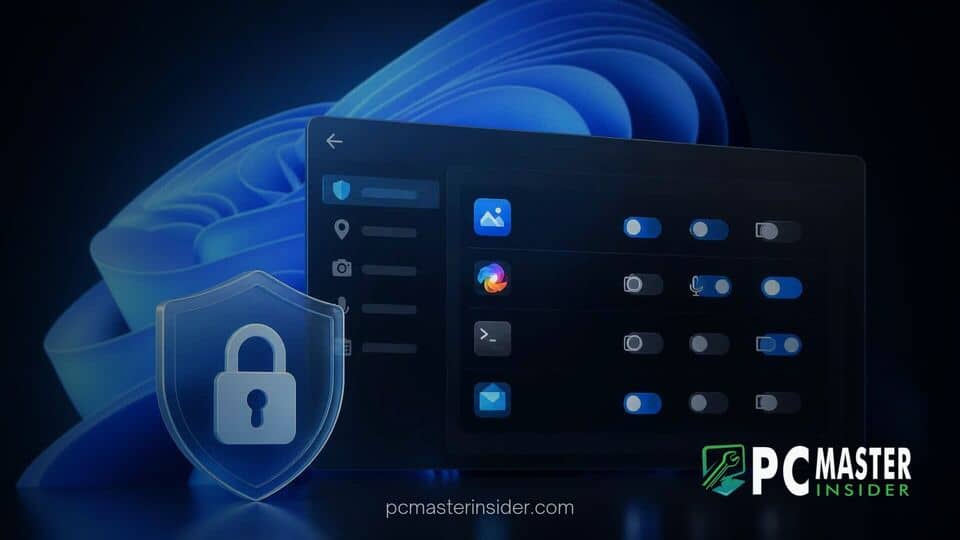
Microsoft has begun testing dedicated, app-by-app hardware access controls for traditional Win32 desktop software within the Windows 11 Insider Preview program. The new capability allows users to grant or deny camera, microphone, and precise location permissions to individual desktop applications rather than relying on a single, global toggle.
The feature brings classic desktop software to parity with Universal Windows Platform (UWP) apps distributed through the Microsoft Store. In preview builds rolling out to the Insider channels, users can inspect resource access histories and manage hardware permissions directly from the central Settings menu.
windows 11 insider per app desktop permissions
The addition of windows 11 insider per app desktop permissions replaces the long-standing binary setting where enabling desktop hardware access allowed all legacy executables to request device sensors without individual operating system restrictions. Under the updated framework, each application appears as a distinct entry under the system privacy pages once it attempts to utilize hardware resources.
Microsoft explained the design objective behind the architectural shift in documentation accompanying the release: "Windows Insiders can now manage camera, microphone, and location permissions for individual desktop apps. Previously, access for traditional desktop applications was managed through a single device-wide setting. With this update, you can review and control access on an app-by-app basis, giving you greater visibility into which apps are requesting access to sensitive resources and more control over your privacy choices".
Per-App Privacy Management Arrives for Desktop Software
For years, Windows handled app permissions under two entirely separate security models. Modern UWP apps and web apps installed through the Microsoft Store were sandbox-restricted, forcing them to present explicit runtime prompts and register individually inside the Settings app. Conversely, traditional desktop applications running outside the containerized environment operated under broad, catch-all permission toggles.
If a user wanted to grant web conferencing apps access to a webcam while blocking background utility programs, the previous interface provided no native method to separate them at the operating system level. Users had to rely on in-app configuration menus or third-party security software. The new preview changes streamline this workflow, merging Win32 desktop executables into the primary permission lists alongside packaged Store applications.
This initiative aligns with broader efforts across the platform to unify user experience standards. Similar visual and functional updates have surfaced across the system recently, such as when Windows 11 Beta overhauls File Explorer menu with customization options to streamline file management controls.
Granular Control Over Camera, Microphone, and Location
The per-app toggles cover three primary hardware sensors: webcams, audio recording devices, and location services. When a desktop application initiates its first request for hardware access on an updated system, Windows 11 registers the executable path and adds a dedicated toggle under the corresponding sub-category.
Under the updated framework:
- Camera: Users can specify exactly which desktop video conferencing clients, games, or media editors can capture video streams.
- Microphone: Audio recording can be restricted for background desktop tools while keeping voice communication clients fully functional.
- Location: Desktop web browsers, mapping utilities, and weather apps can be permitted or barred from retrieving precise device coordinates on an individual basis.
Existing permission configurations are preserved during the upgrade process. Desktop applications that previously held active hardware access retain those privileges until the user manually modifies the new toggles in the Settings application.
How the New Desktop Application Permission Controls Work
To view and configure the new permissions in an eligible preview build, navigate to Settings > Privacy & security and select either Camera, Microphone, or Location.
Inside each sub-menu, the top section lists installed Microsoft Store apps, while the newly integrated lower section displays detected desktop software. Each desktop application listing displays the executable name, developer metadata where available, and a toggle switch. Disabling the toggle immediately blocks the program from accessing the hardware API, returning an empty or inactive stream to the software when it attempts an access call.
Microsoft has included a warning note regarding app identification within these sub-menus. Because some traditional desktop applications rely on shared operating system libraries, secondary helper processes, or embedded browser frameworks, certain tools may show up under generic service names or appear as unsigned applications if Windows cannot verify the software publisher's digital certificate. Operating system guidelines advise users to exercise caution and only grant sensor access to recognized binaries.
Impact on Privacy and System Transparency
Cybersecurity analysts and system administrators have noted that bringing granular privacy toggles to Win32 software resolves a major security blind spot on desktop workstations. In enterprise environments, IT administrators frequently struggled with global toggles that prevented disabling unnecessary hardware access for background programs without breaking essential communication platforms used by employees.
The change also supports broader operating system hardening efforts, complementing user interface cleanups seen across other core features. For instance, as Microsoft removes Copilot AI actions from Windows 11 OneDrive context menu to reduce UI clutter, the privacy overhaul similarly removes ambiguous legacy switches in favor of direct system transparency.
In addition to hardware sensor management, Microsoft continues to refine user control mechanisms across various system layers. Recent Insider testing has addressed workspace personalization as well; recently, Windows 11 Insider build adds small and large Start menu size options alongside new layout customizations.
Availability Across Windows 11 Preview Channels
The per-app desktop permission controls were initially introduced to select rings in early testing builds and are expanding across active Windows 11 Insider Preview channels. Users enrolled in the Dev, Beta, and Experimental Insider channels can test the feature if their device is updated to current preview builds.
Microsoft has not provided an exact date for when per-app desktop permissions will reach general availability for all retail Windows 11 users. However, given its presence in active servicing branches, the feature is anticipated to roll out in an upcoming feature update or cumulative configuration update following feedback collection from the testing community.
By standardizing privacy rules across both store-packaged and traditional Win32 applications, Windows 11 offers desktop users far clearer oversight regarding how third-party software uses sensitive PC hardware.



