
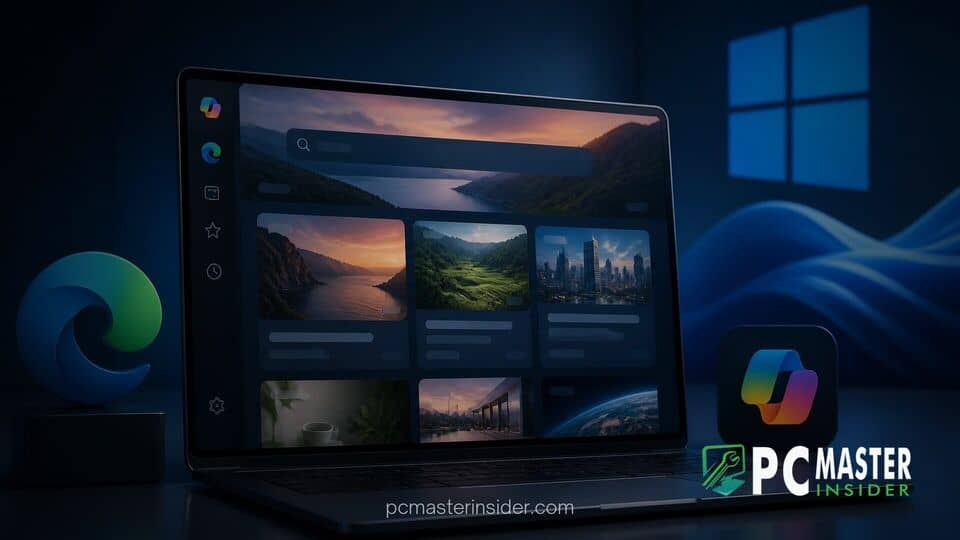
Microsoft has officially rolled out a major design update to its start experience across Microsoft Edge and the Windows desktop environment. The refreshed experience integrates AI curation powered by Microsoft Copilot, replacing traditional recommendation streams with tailored content cards, short-form video formats, and customized topical summaries.
The redesign affects both the New Tab Page in the Microsoft Edge web browser and the native Discover panel accessible through the Windows taskbar. By leveraging advanced machine learning models, Microsoft aims to deliver higher signal-to-noise content recommendations while giving users greater control over their news feeds.
Microsoft Edge Windows Discover Feed Redesign Brings Smart Curation
The core objective behind the microsoft edge windows discover feed redesign is to address user feedback regarding cluttered content layouts and low-relevance articles. Under the new system, Copilot analyzes content quality, publisher trust metrics, and user preferences to generate concise summaries for breaking news and deep-dive stories. The updated algorithm prioritizes story freshness and depth over simple click-through signals, aiming to reduce clickbait across all participating desktop surfaces.
Alongside text-based reporting, Microsoft has introduced a dedicated short-form video component. Users can now browse vertical video clips embedded directly within feed cards, matching modern content consumption habits seen on mobile platforms. The layout emphasizes rounded design elements, cohesive typography, and pastel color schemes aligned with Microsoft's broader desktop interface language.
Redesigned Content Feed Rolls Out to Edge and Windows Discover
The visual makeover is part of a broader push to harmonize user interfaces across desktop apps and OS modules. Rather than presenting a disjointed list of headlines, the new layout groups related news stories under single, unified topic clusters. Copilot assists by compiling key bullet points from multiple accredited news sources, giving readers a fast overview before they decide to click into full coverage.
This structural change aims to improve daily productivity for Windows users who frequently open new browser tabs or check desktop widgets during working hours. By condensing multiple reporting angles into a single digest card, users can stay informed without feeling overwhelmed by repetitive headlines.
Copilot-Powered Personalization and Short-Form Video Integration
Personalization engine updates work behind the scenes to learn individual reading habits without compromising privacy. As users interact with topics, Copilot adjusts feed topics automatically. Video feeds are similarly targeted based on user interest categories such as technology, finance, sports, or entertainment.
For users concerned with background resource usage on modern hardware, Microsoft notes that the feed architecture has been optimized for efficiency. The browser engine utilizes updated startup and rendering paths similar to recent performance updates seen in Microsoft's Chromium engine contributions, ensuring that loading content feeds does not degrade desktop responsiveness.
Enhanced User Controls and Publisher Settings
Addressing past complaints about difficulty disabling unwanted news topics, Microsoft has introduced more granular control settings. Users can now easily block specific content channels, hide video recommendations entirely, or switch to a minimalist view that presents only basic browser shortcuts and essential web widgets.
Publishers also benefit from clear attribution frameworks. Each AI-curated summary displays explicit source links, driving reader traffic back to original content creators while honoring original reporting standards. Microsoft confirmed that content agreements with over 1,500 global media partners remain central to the platform's supply chain.
Impact on Windows 11 Taskbar Integration and Desktop Experience
The Discover feed update heavily influences how users interact with the native desktop. Accessible via the Widgets board or taskbar entry points, the Discover flyout panel now mirrors the exact layout and recommendations seen inside Microsoft Edge. This provides seamless continuity across operating system interfaces.
While Microsoft continues refining system interfaces, such as testing updates for the Windows 11 defrag tool and updating system dashboards like Windows 11 26H2 release health fixes, bringing Copilot feed curation to the desktop represents one of the most visible changes to daily user workflows.
Furthermore, Microsoft has emphasized flexibility for diverse hardware environments. On budget machines where background tasks can impact performance, system controls align with efficiency profiles similar to how Teams manages resource usage on 8GB RAM PCs. Users who prefer a distraction-free environment can disable the entire feed with a single toggle in Settings.
Availability and Phased Rollout Schedule
The redesigned experience has begun rolling out to Microsoft Edge users on Windows 11 and Windows 10. Initial availability covers major English-speaking regions, including the United States, Canada, the United Kingdom, Australia, and India. Expanded availability across additional languages, mobile platforms, and surfaces such as Bing.com is scheduled over the coming months.
Microsoft's ongoing push to integrate Copilot across desktop and web applications reflects its broader strategy to position artificial intelligence as an everyday navigation assistant. With cleaner visuals, transparent curation, and refined customization, the new feed provides a modernized gateway for web exploration.