
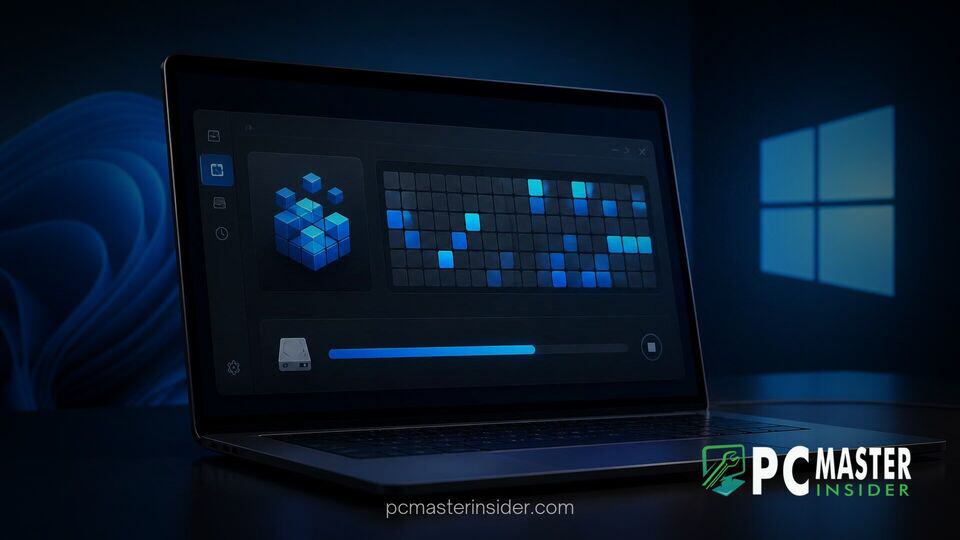
Microsoft has confirmed that the built-in Defragment and Optimize Drives tool in Windows 11 is on its backlog for a modern design update. The utility, which still retains visual elements dating back to earlier Windows releases, is slated to receive a WinUI-based interface overhaul to align with the operating system's overall design language.
While no specific release date or preview build commitment has been given yet, the decision reflects Microsoft's broader effort to modernize legacy desktop dialogs and system utilities that have remained largely untouched across multiple OS generations.
Microsoft Plans WinUI Redesign for Optimize Drives Tool
The upcoming windows 11 defrag tool winui update aims to refresh an administrative feature that millions of users rely on for storage maintenance. The current version of the tool still opens as a standalone desktop dialog with classic control buttons and boxy UI elements. By migrating the app to the native WinUI framework, Microsoft plans to introduce rounded corners, modern typography, updated icons, and seamless dark mode support.
Over the past few years, Windows 11 has gradually updated legacy tools such as Task Manager, Notepad, Paint, and the Volume Mixer. Despite these updates, several system dialogs—including the Disk Defragmenter, Control Panel applets, and device property sheets—have continued to display older interface styles. Microsoft engineering leads noted that updating these remaining components remains an active goal as part of ongoing UI consistency initiatives.
Legacy Utilities and Windows 11 Interface Modernization
Disk defragmentation has evolved significantly over the history of Windows. On traditional mechanical hard disk drives (HDDs), defragmentation reorganizes scattered file blocks into contiguous storage locations to reduce read-head travel time. On modern solid-state drives (SSDs), the tool performs a TRIM command instead, instructing the flash controller which blocks are no longer in use to preserve performance and longevity.
Despite its functionality remaining effective under the hood, the user interface of the Optimize Drives window has seen little visual refresh since the era of Windows 8. As Microsoft continues to streamline the operating system interface, developer teams are working to ensure native tools take full advantage of updated UI frameworks. Recent developments show Microsoft making native controls a priority, such as when Microsoft unveils native WinUI controls to reduce desktop app memory usage across system components.
Expected Features and Settings Integration
The planned WinUI migration is expected to bring direct integration with the modern Windows 11 Settings app. Rather than launching a separate Win32 window, drive optimization controls may eventually reside within the main System Storage settings menu.
Key user features anticipated in the redesigned interface include:
- Full support for dark mode theme matching.
- Improved visual status indicators for drive health, TRIM execution, and fragmentation levels.
- Simplified scheduling controls for weekly or monthly background maintenance.
- Enhanced high-DPI scaling for modern multi-monitor displays.
This initiative parallels other structural changes across the platform. While Microsoft has occasionally retired deprecated features, such as when Microsoft deprecates local PC migration tool in Windows 11, core maintenance utilities like drive optimization remain essential for storage management.
Rollout Timeline and Current Workarounds
Microsoft has not announced an official target release build for the redesigned Optimize Drives interface, indicating that the project remains under active internal planning. Windows Insiders in the Canary and Dev channels will likely see early iterations of the WinUI interface before it rolls out to general release builds.
In the meantime, the existing utility remains fully functional across all versions of Windows 11. Users can continue to access the tool by searching for "Defragment and Optimize Drives" in the Start menu or through the Storage section within System Settings. Background maintenance schedules continue to run automatically once a week by default, ensuring drive efficiency without requiring manual user intervention.
As Microsoft continues its platform-wide interface modernization, the upcoming WinUI redesign for the Optimize Drives utility brings the operating system one step closer to a unified visual experience. Users can expect further details once initial preview builds enter public testing.