Microsoft has officially rolled out a nostalgic update for Xbox Series X|S and Xbox One consoles, bringing back classic startup sequences to celebrate 25 years of the brand. The free system update lets players swap out standard startup screens for iconic animations from the original 2001 Xbox and two distinct eras of the Xbox 360.
By integrating these vintage audio-visual sequences directly into system software settings, Microsoft is allowing longtime fans to customize their daily boot process with a heavy dose of retro charm.
xbox 25th anniversary classic boot animations update: Nostalgic Startups Return to Modern Dashboards
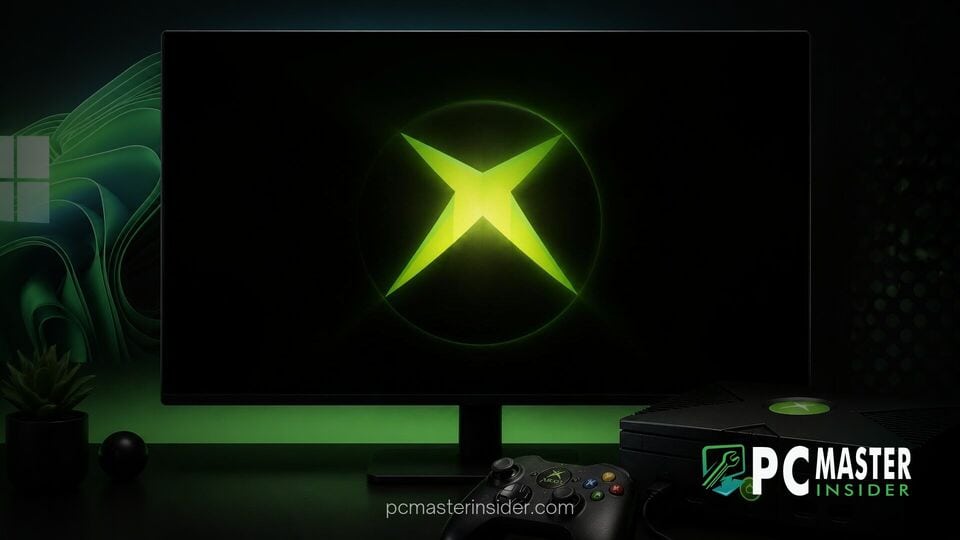
The anniversary release introduces three classic boot sequences to modern consoles: the glowing green industrial visual from the original 2001 Xbox, the original 2005 Xbox 360 startup, and the refreshed 2010 Xbox 360 dashboard intro. These additions expand existing options on modern hardware, joining standard startup animations from the Xbox One and Xbox Series X|S generations.
Microsoft confirmed the rollout across its social media channels, thanking community members for supporting the platform over the past quarter-century. The system software enhancement requires no separate digital store purchases or subscriptions, delivering retro presentation assets straight to supported hardware.
Microsoft Brings Original Xbox and 360 Boot Screens to Modern Consoles
The original 2001 Xbox startup sequence remains one of the most recognizable intros in interactive entertainment history. Featuring a mechanical green energy core paired with atmospheric synthesizer tones composed by audio architect Brian Schmidt, the sequence set a distinctive tone for Microsoft's debut into home gaming. Modern fast-storage architectures mean current consoles load quickly, but the restored sequence captures the essential sound design and visual flare of the original hardware.
Alongside the 2001 classic, Microsoft included two separate iterations from the Xbox 360 era. The 2005 version highlights the bright white swirl and chime that launched the high-definition generation alongside the original Blades dashboard. The 2010 variant reflects the refined aesthetic introduced during the Kinect era, presenting a sleeker animated sphere and updated branding tones.
How to Enable Classic Boot Animations on Xbox Consoles
Selecting a classic boot sequence is straightforward and managed through existing system preferences. To customize startup visuals, follow these quick steps on your console:
- Press the Xbox button on your controller to open the main guide.
- Navigate to Profile & system and select Settings.
- Select System from the side menu, then choose Startup.
- Under the startup animation options, pick your preferred animation from the listed generations.
Once selected, the chosen sequence will play whenever the console powers on from a cold boot state or full restart. Players looking for complete retro aesthetics can pair these startup screens with dynamic home backgrounds, such as retro-themed dashboard art that Microsoft previously introduced to celebrate platform milestones.
Xbox 25th Anniversary Celebrations Across the Ecosystem
The startup customization update forms part of a broader celebration across the brand's ecosystem. Alongside software updates, Microsoft published a commemorative digital retrospective magazine highlighting key developments across its console generations. This retrospective spans hardware milestones from the original console through to upcoming platform initiatives, including future hardware projects like Project Helix console design details.
Microsoft has consistently prioritized legacy preservation through software initiatives. Alongside boot screen updates, the platform continues to refine social features, account progression tracking, and system performance across its connected network. This software release follows recent system enhancements across Microsoft platforms, including ongoing user interface updates in Windows 11 where Microsoft added a modern WinUI 3 Run dialog and tested an overhauled search experience with inline actions.
Player response to the vintage startup options has been overwhelmingly positive across online gaming communities. Many fans praised the inclusion of authentic audio cues, noting that startup sounds trigger strong memories of early online multiplayer gaming on Xbox Live. Several community members have requested further system features, such as a randomizer setting that rotates boot sequences upon every startup.
The system update is currently live for all global Xbox Series X|S and Xbox One users. Players can download the update automatically by connecting their console to the network or checking for pending updates in system settings. By offering easy access to classic startup screens, Microsoft ensures that quarter-century gaming history remains an active, daily part of the modern player experience.