
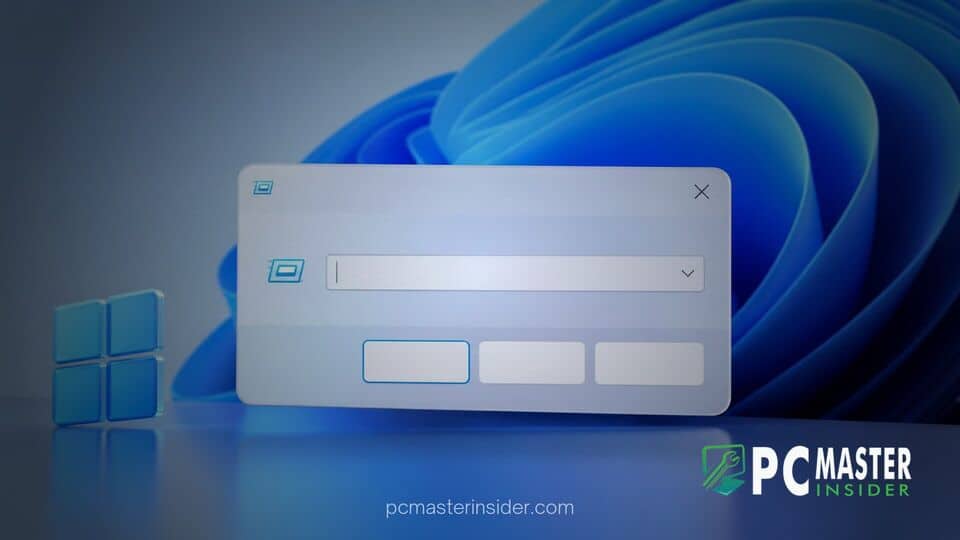
Microsoft has begun deploying its redesigned WinUI 3-based Run dialog to testers in the Windows 11 Release Preview channel across Insider preview releases. The update marks a major step forward in replacing decades-old legacy Win32 user interface elements with native Fluent Design controls.
The updated system tool introduces native dark mode compatibility, quick home directory navigation, and measurable execution speed improvements over the classic command launcher. Microsoft plans to distribute the updated interface to all eligible regular Windows 11 installations in upcoming cumulative security releases.
windows 11 modern run dialog release preview
The deployment of the windows 11 modern run dialog release preview update brings one of the operating system's most enduring system accessories into alignment with modern visual standards. Originally introduced in earlier iterations of Windows, the classic Win+R box has long relied on legacy Win32 rendering, rendering it out of place alongside modern Windows Shell components like the taskbar and Start menu. The updated dialog box replaces this legacy framework with a WinUI 3 layout compiled using .NET Ahead-of-Time (AOT) technology, ensuring full compliance with system-wide theme switching while reducing reliance on vintage subsystem components.
Modern WinUI 3 Run Box Reaches Release Preview Channel
The Release Preview channel release serves as the final testing tier before broad public distribution. Insiders running Windows 11 build builds 26200.10066 (25H2) and 26300.10066 (26H2) are receiving the modernized tool as part of Microsoft's progressive rollout strategy. Rather than forcing an immediate system-wide change, the update integrates with standard Windows updates, allowing enterprise administrators and power users to evaluate stability before it becomes standard operating system behavior.
The modernized box retains core functional requirements, including executing local binary paths, launching control applets, opening network shares, and preserving command history via arrow key navigation. Additionally, Microsoft has introduced command-line shortcuts such as typing standard home directory references (~\) to jump directly into user directories without entering fully qualified file paths.
Performance Gains and Interface Refinements
Beyond visual consistency, Microsoft focused heavily on execution latency during the rebuild. Benchmark telemetry published by the engineering team indicates that the WinUI 3 Run dialog achieves a median time-to-show of approximately 94 milliseconds, outperforming the classic 103-millisecond launch speed of the legacy executable. This reduction in startup delay ensures that heavy keyboard navigators experience zero degradation in responsiveness when invoking the dialog.
Visually, the tool adopts rounded corners, updated typography, subtle drop shadows, and automatic light or dark theme matching based on active personal customization settings. This continuous effort to modernize operating system components follows similar user experience adjustments in recent updates, such as customizable context menu controls and streamlined configuration windows.
Microsoft Telemetry Reveals Minimal Usage of Legacy Browse Button
One notable architectural modification in the WinUI 3 Run box is the complete omission of the traditional Browse button. For decades, the small button sat adjacent to the text entry field, allowing users to invoke a File Explorer window to navigate to executable files manually.
Internal telemetry gathered by Microsoft revealed that an overwhelming majority of users never interacted with the Browse option. Power users relying on the Win+R key combination almost exclusively type executable names, file paths, or system shortcuts directly into the prompt. By removing the secondary UI element, Microsoft created a cleaner, single-input interface that prioritizes fast keyboard input while streamlining layout code. Users who require file system navigation can still paste paths directly into the box or launch target directories via File Explorer.
Expected December Rollout Schedule for General Users
The progression of the modern Run box through the Release Preview channel indicates that full availability is near. Following standard release candidate validation workflows, Microsoft plans to distribute the modernized interface as an optional non-security update later this month. General deployment will follow in the mandatory December Patch Tuesday cumulative update for supported Windows 11 versions.
This UI modernization effort arrives alongside ongoing efforts to patch residual operating system vulnerabilities, such as addressing recent Windows activation failure issues and refining PowerShell script signing rules across enterprise environments. Microsoft leadership has previously hinted that additional legacy dialog boxes, including properties sheets and administrative management consoles, are slated for similar WinUI 3 overhauls in upcoming feature updates.
The arrival of the modernized Run box in the Release Preview channel signals that Microsoft is nearing completion on one of its most visible UI consistency initiatives. By combining faster execution times, dark mode support, and a cleaner input interface, the updated dialog bridges the gap between classic Windows productivity workflows and modern design standards.