
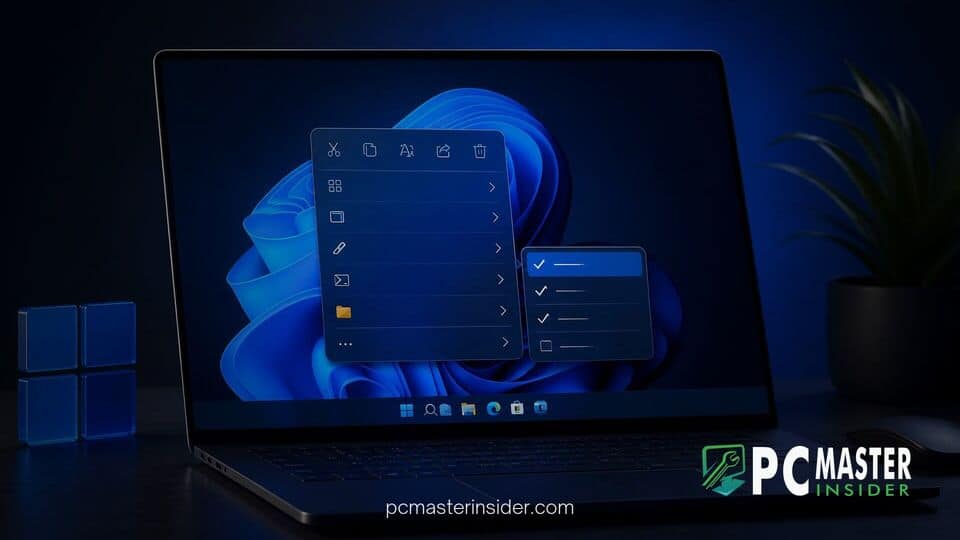
Microsoft has released cumulative update KB5132061 for Windows 11, introducing a long-awaited native customization feature for the File Explorer right-click context menu. The mandatory monthly security release also delivers over 1,000 security vulnerability fixes, performance improvements, and enhanced system recovery options for supported operating system versions.
The latest patch automatically applies to systems running Windows 11 versions 25H2 and 26H2, bumping OS builds to 26200.9974 and 26300.9974 respectively. Alongside major security hardening across system components, the update provides users with greater control over desktop workflow elements that have remained largely static since the platform's initial launch.
Windows 11 KB5132061 Cumulative Update Highlights
The windows 11 kb5132061 update context menu enhancement serves as the focal point of the November security release. Designed to simplify file management, the update brings essential flexibility to daily desktop navigation by allowing users to modify which shortcuts and applications appear inside File Explorer pop-up menus. Beyond interface modifications, KB5132061 includes critical updates for security vulnerabilities and system reliability.
Microsoft noted in its official release documentation that the update is mandatory for consumer devices connected to Windows Update. As part of ongoing service delivery improvements, the company continues to refine how core components operate. Users interested in optimization can explore ways to reduce high RAM usage from Windows 11 background AI services alongside applying monthly updates.
Customizable Right-Click Context Menu Options
The newly introduced context menu Settings page can be accessed by right-clicking inside File Explorer and selecting Customize menu at the bottom of the popup interface. This dedicated panel empowers users to toggle default commands such as Send to, Create shortcut, or Print directly on or off. It also provides controls to convert traditional icon-based commands, including Cut, Copy, Paste, Rename, Delete, and Share, back into standard text options.
Third-party application integration has also received a complete overhaul. Users can now organize app extensions into submenus, display specific app actions on the main right-click menu, or hide unused application shortcuts entirely. These adjustments allow individuals to eliminate unwanted clutter caused by software installations while keeping primary tools within immediate reach.
System Performance and Security Enhancements
In addition to interface customization, KB5132061 addresses 1,094 security vulnerabilities across the operating system architecture, including critical flaws in system networking and authentication protocols. Microsoft addressed an actively exploited spoofing flaw in Outlook as part of the release, emphasizing the necessity of applying the security patch promptly.
Performance gains are also present in the update. Application launching for Microsoft Edge is up to 33 percent faster under accelerated launch configurations, and taskbar app preview animations operate noticeably smoother. Accessibility updates include independent per-monitor zoom level adjustments in Magnifier, reflecting broader accessibility efforts like when Microsoft tests Windows 11 Magnifier update with per-monitor zoom controls across Insider channels. Furthermore, Narrator now supports reading complex mathematical equations, and Live Captions can exclude screen reader output.
Another key addition is Cloud Rebuild, a recovery mechanism that allows Windows 11 to reinstall operating system files directly through Windows Update without requiring external USB installation media, even if the primary operating system fails to boot properly. This addition joins previous enterprise and platform changes, similar to when Microsoft defaults to unified settings backup for Windows 11 26H2 Enterprise deployments.
Installation Details and Servicing Schedule
Because KB5132061 is designated as a cumulative security update, devices with automatic updates enabled will download and install the package automatically during scheduled maintenance windows. Users wishing to apply the patch immediately can navigate to Settings, select Windows Update, and click Check for updates. Standalone offline installers (.msu packages) are also available directly from the Microsoft Update Catalog for IT administrators managing enterprise deployments.
This release targets supported editions of Windows 11 25H2 and 26H2. Devices running older builds, such as version 24H2 Home and Pro, will no longer receive monthly feature updates, as those editions reached the end of their servicing lifecycle in October. Meanwhile, enterprise and education environments continuing on supported builds will receive security maintenance, following milestones similar to when Windows 11 version 23H2 Enterprise and Education reach end of support.
Microsoft noted that while security patches install instantly, certain interface features, such as the new context menu controls, are rolling out gradually to ensure system stability across diverse hardware configurations. Users who do not see the new customization options immediately after rebooting can expect them to activate automatically over the coming days.
The release of Windows 11 KB5132061 represents a practical update that addresses persistent user feedback regarding right-click menu management while maintaining standard security servicing across supported platforms.