
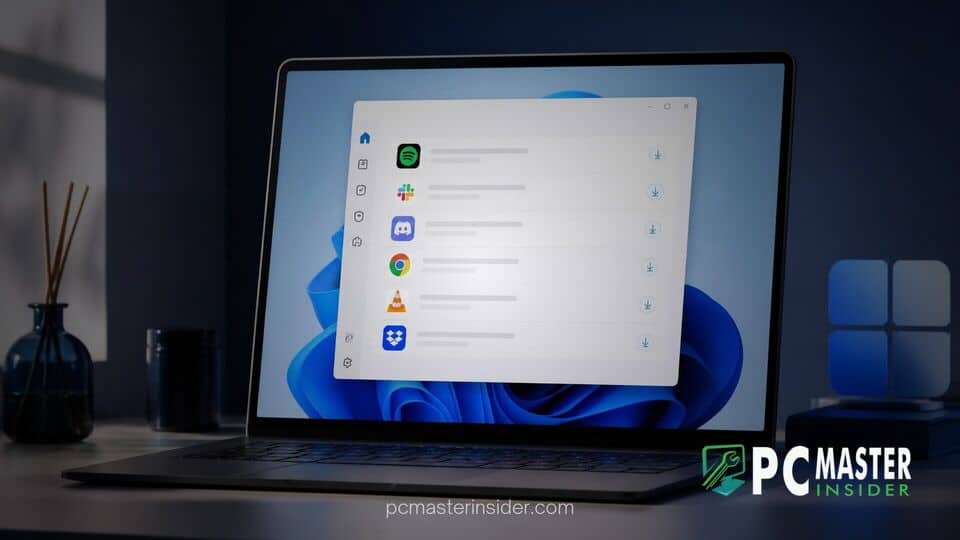
Microsoft is testing a dedicated App updates interface inside the Windows 11 Settings app to streamline how desktop software receives patches and feature upgrades. Powered by a background feature called the Update Orchestration Platform, this new dashboard aims to eliminate the scattered pop-up windows and custom updaters that third-party applications have relied on for decades.
Currently appearing in experimental preview builds for Windows Insiders, the feature places software maintenance controls alongside core system settings. By offering a central control panel for desktop programs, Microsoft hopes to deliver a cleaner and more predictable user experience across the operating system.
Windows 11 Prepares Centralized Settings Hub for App Updates
The new windows 11 settings app updates page is located under the Settings > Apps menu path. It displays a consolidated dashboard where users can review pending application updates, check history logs, and manually initiate software updates with a single click. Instead of requiring users to open individual program menus or respond to random system tray notifications, the system provides a unified overview of system maintenance.
This initiative builds upon recent operating system refinements, including per-app privacy controls for Windows 11 desktop apps, which give users greater control over installed applications. The unified page relies on Microsoft's Update Orchestration Platform to coordinate downloads and installations behind the scenes.
Reducing Fragmented Third-Party Update Pop-Ups
For decades, Windows users have dealt with intrusive update prompts from individual desktop applications. Popular utilities, runtimes like Java, and web browsers often launch independent background services to check for updates, triggering separate windows that interrupt work and consume system resources.
By shifting application maintenance into the primary Settings application, Microsoft intends to minimize CPU usage spikes and bandwidth congestion caused by multiple background updaters checking for patches simultaneously. A single native scheduler allows Windows to manage background updates more intelligently during idle system periods.
How the New Settings App Updates Page Functions
The updated layout features an intuitive user interface designed to simplify desktop management:
- Unified Status View: Displays all registered applications along with their current build numbers and available patch notes.
- Manual Check Trigger: Includes a prominent "Check for updates" button at the top of the page to scan for available application builds immediately.
- Smart Scheduling: Coordinates patch deployment using system telemetry, ensuring updates run when the device is plugged in and inactive.
- Consolidated Notifications: Replaces individual app dialog boxes with centralized action center alerts.
This streamlined approach aligns with broader platform improvements, such as how Microsoft releases Windows 11 builds to the Beta Channel to refine core system components before wide public availability.
Developer Adoption and Platform Integration Requirements
While the front-end interface is ready for preview testing, its success depends largely on third-party software developers adopting the underlying APIs. Applications must register with the Update Orchestration Platform to report their status to the centralized Settings page.
In early preview builds, the page often displays a notice reading "No app providers are currently registered" because external software developers are just beginning to integrate the necessary API hooks. Software makers can continue to host installer files on their own infrastructure, but scheduling, progress tracking, and user notifications will pass through the native Windows interface once integrated.
System administrators in enterprise environments will also gain enhanced policy controls. IT teams can set uniform maintenance windows across corporate fleets, preventing applications from updating during critical business hours.
Expected Release Timeline for Windows 11 Users
Microsoft is rolling out the feature gradually across the Windows Insider channels as developer documentation and API access expand. The feature is expected to reach broader consumer release in upcoming feature update cycles for Windows 11.
As Microsoft continues testing, users can expect further refinements to the user interface and deeper integration with package management utilities like WinGet. Centralizing third-party application maintenance within the Settings app represents a major shift toward a quieter, more unified Windows ecosystem.