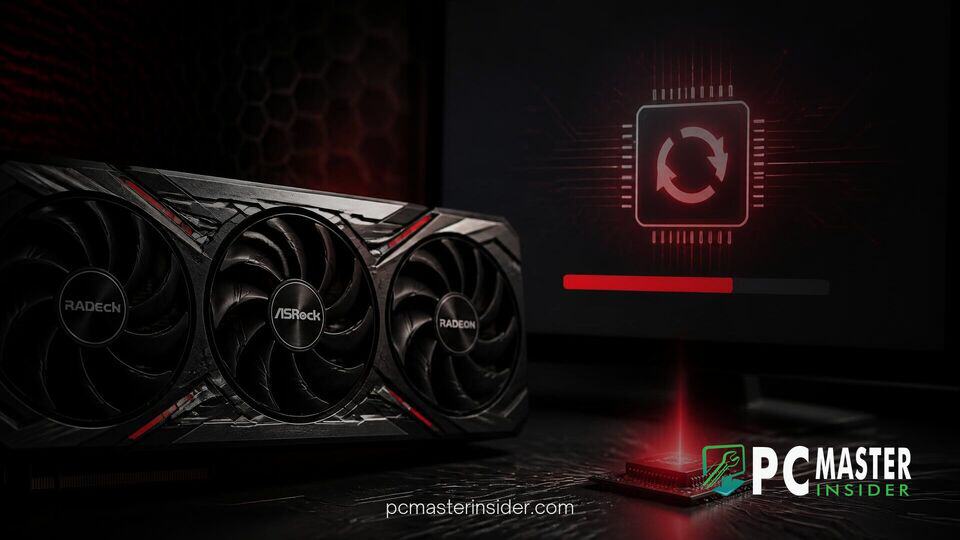
ASRock has released a revised firmware package for its custom AMD Radeon graphics cards following widespread user reports of system boot failures caused by an earlier release. The new release, designated as ASRVBFlash version 1.0.6, replaces the previous version that rendered several high-end GPUs unresponsive during the firmware installation process.
The issue stems from an initial rollout intended to patch security vulnerabilities across AMD's graphics card lineup. While intended to protect users, the preceding installer caused affected systems to hang permanently upon rebooting, leaving hardware enthusiasts hesitant to perform additional firmware updates.
ASRock Rolls Out VBIOS 1.0.6 for Radeon RX 7000 Series
The revised firmware package, version 1.0.6, has quietly landed on ASRock's official support pages. The updated utility is designed to address the underlying execution errors of version 1.0.5, allowing owners of custom Radeon cards to upgrade safely. The original update formed part of a broader security initiative spanning multiple add-in board manufacturers to patch undisclosed hardware security flaws.
Hardware maintenance releases are critical for long-term stability, much like how Microsoft fixes Windows 11 USB audio failure bugs in monthly system updates. However, firmware updates carry higher operational risks when unexpected installation halts occur, as seen in this recent VBIOS update cycle.
Reports of System Boot Failures with Previous Firmware
Trouble began shortly after ASRock deployed the initial 1.0.5 VBIOS update for its custom Radeon RX 7000 cards. Users running the ASRVBFlash 1.0.5 executable reported that their operating system initiated a standard reboot sequence, but the computer failed to complete POST (Power-On Self-Test) afterward. Affected hardware showed no display output, leaving PCs stuck in an unbootable state.
Community forums quickly accumulated complaints from users across Reddit and tech hardware hubs. While some tech-savvy owners managed to revive their cards using specialized hardware like external EEPROM programmers, others had to temporarily switch graphics devices to reflash legacy firmware packages. ASRock promptly pulled the problematic downloads from public view after the scale of the failure became evident.
Affected Graphics Cards and Recommended Actions
The original VBIOS update covered a wide array of ASRock's custom AMD inventory, including flagship models such as the Phantom Gaming and Taichi series, as well as mainstream models like the Steel Legend and Challenger lines. However, the most severe boot failure reports originated from owners of the Radeon RX 7900 XT and RX 7900 XTX graphics cards.
The issue mirrors hardware driver integration challenges across different system platforms, similar to how unexpected driver conflicts can impact portable setups like the ASUS XG Core portable eGPU. In both cases, clean software execution environment requirements are paramount for avoiding hardware locks.
Warranty and Support Clarity for Impacted Users
Uncertainty surrounding warranty coverage added to user frustration during the incident. Initial responses from regional support channels were inconsistent. Regional branches in Asia reportedly confirmed that cards damaged by an official manufacturer update would be handled under standard RMA procedures, whereas users in other regions faced conflicting advice regarding physical modifications or disassembly for hardware flashing.
ASRock has not issued an extensive public changelog alongside version 1.0.6, leaving some users cautious about applying the new patch immediately. Customers whose graphics cards remain completely unbootable are encouraged to avoid physical tampering and submit a formal RMA request through official vendor channels.
What Users Should Do Before Updating VBIOS
For PC builders intending to apply the new asrock radeon rx 7900 vbios update, taking proper precautions is essential:
- Ensure graphics drivers are fully updated or cleanly removed via display driver uninstaller tools before running flash scripts.
- Do not interrupt the flashing utility or force restart your computer during the VBIOS writing phase.
- Verify that your specific graphics card model matches the firmware file listed on the official support page.
- If your system is operating stably without issue, consider waiting for further community confirmation before applying non-critical firmware revisions.
System performance optimization relies heavily on software stability, whether updating essential drivers or checking if Microsoft overhauls the Xbox PC app for faster startup speeds. Maintaining backup options during critical system operations remains the safest approach for PC enthusiasts.
While the release of VBIOS 1.0.6 offers a path forward, users who experienced hardware failures with version 1.0.5 should seek official support assistance rather than attempting manual hardware fixes that could compromise warranty coverage.