
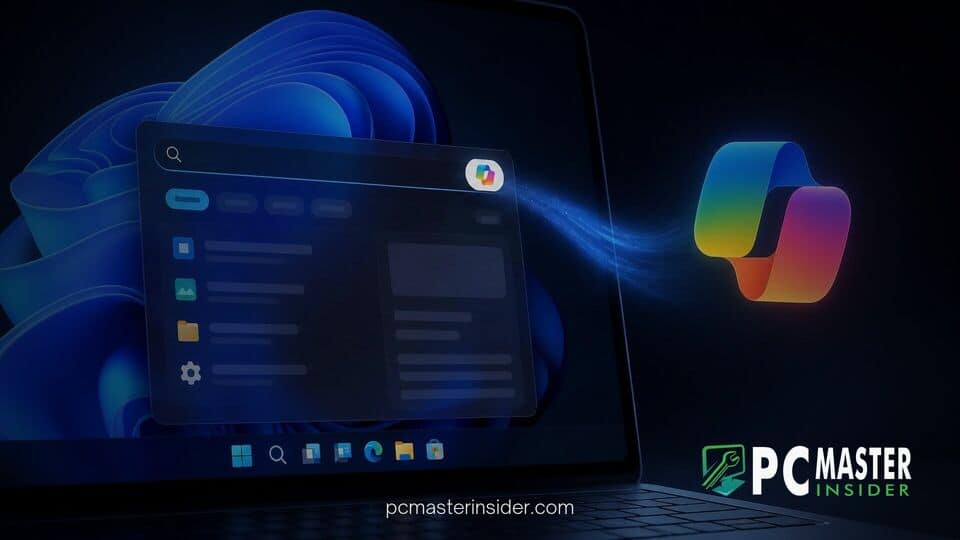
Microsoft has confirmed that upcoming artificial intelligence capabilities in its overhauled Windows 11 desktop search will be optional rather than enabled by default. The company revealed that users will have the explicit choice to opt into Copilot features inside the rebuilt search interface, allowing them to receive inline answers or launch extended conversations without forcing AI tools onto every desktop.
The announcement clarifies Microsoft's strategy following an initial preview of its redesigned search engine for Windows 11. By making cloud-assisted AI features strictly opt-in, Microsoft aims to balance modern conversational assistant options with user preference for minimal latency and local data control.
Copilot Answers Coming to Overhauled Windows 11 Taskbar Search
As part of its ongoing efforts to refine desktop interaction, Microsoft is integrating optional artificial intelligence features directly into the Windows 11 taskbar search experience. The company confirmed that this optional addition will begin rolling out to select markets later this year, giving users direct access to quick generative responses alongside conventional local file and application queries.
Rather than replacing standard desktop search with a mandatory assistant interface, Microsoft is positioning the AI features as a supplemental layer. The company outlined how the experience will function when turned on: "We will also begin adding the option to integrate the new Copilot with Search on the taskbar, so you can get quick answers inline from Search, and if you want to have a richer conversation, you can jump from Search directly to the full Copilot app. This experience will be opt in, and will first start rolling out to select markets later this year."
Opt-In Control for Inline Answers and App Handoffs
The opt-in structure provides clear boundaries between traditional system search queries and generative cloud requests. When enabled by the user, the revamped taskbar search bar displays quick Copilot summaries directly inside the search popup window, eliminating the need to launch a separate browser tab or standalone application for simple factual lookups.
For complex tasks requiring step-by-step reasoning or extended dialogue, the search box serves as a launchpad that hands the active prompt over to the dedicated Copilot app. For users who choose not to enable the integration, the taskbar search panel remains focused exclusively on local file indexing, installed apps, system settings, and basic web results without sending search telemetry to generative AI models.
Native UI Architecture and Performance Improvements in Windows Search
The decision to make Copilot optional builds on Microsoft's broader overhaul of the Windows search architecture. The company recently rebuilt the taskbar search experience using native WinUI 3 frameworks to address longstanding feedback regarding resource usage and interface sluggishness. Similar to how Microsoft updated utilities like PowerToys to native WinUI 3 code to strip out heavy legacy frameworks, the search panel reconstruction prioritizes rapid response times.
By paring back non-essential web widgets and moving to a streamlined layout, the rebuilt search window opens faster and consumes significantly less system memory. This architectural shift ensures that users running baseline hardware configurations retain a responsive desktop interface. System optimizations across the platform have focused heavily on responsiveness, mirroring recent engine updates that improved multitasking speed on 8GB RAM PCs by reducing background process overhead.
The updated search window also introduces direct system execution capabilities. Users can initiate routine configuration changes, toggle system modes, or trigger app commands directly from the search bar without relying on complex cloud-based language processing or specialized onboard Neural Processing Units (NPUs).
Rollout Timeline and Availability Across Markets
Microsoft plans to roll out the redesigned search panel to general availability first, with the optional Copilot integration arriving in phased regional deployments toward the end of the year. Initial testing has taken place within the Windows Insider Preview program, allowing developers to fine-tune index speeds and interface stability prior to broad consumer release.
The emphasis on user choice marks a notable shift in Microsoft's desktop artificial intelligence rollout. While earlier updates introduced dedicated taskbar icons and automatic sidebar prompts, the new search design gives enterprise administrators and individual users granular control over whether cloud AI services interact with their primary navigation tools. IT administrators are expected to receive group policies and management controls to configure default search behaviors across enterprise device fleets.
As Windows 11 continues to mature through regular update cycles, Microsoft's decision to decouple core system navigation from cloud AI requirements ensures that desktop search remains fast, predictable, and tailored to individual user preferences.