
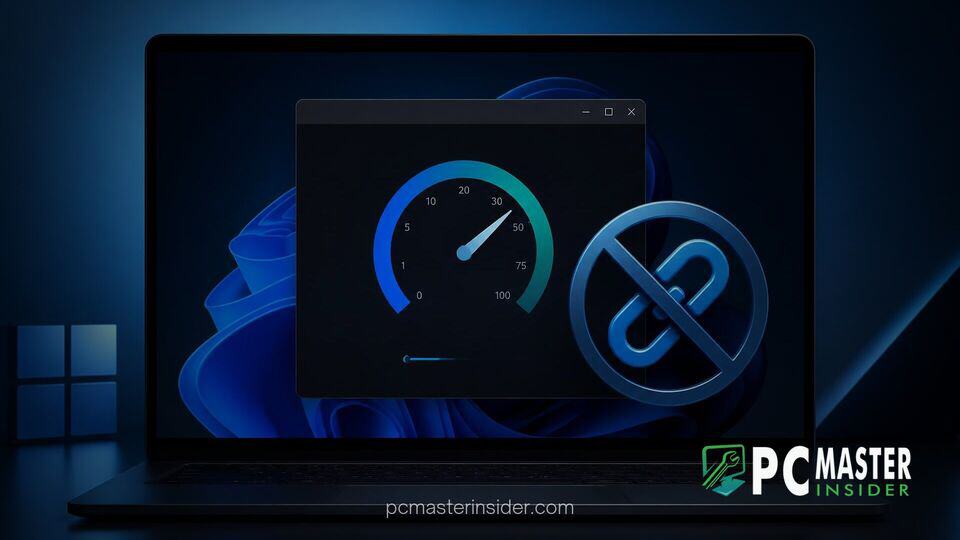
Microsoft has begun testing a major change to its desktop operating system by replacing the web shortcut inside the network diagnostic menu with a fully integrated utility. In recent preview builds, the company removed the redirection link that previously sent users to a Bing search results page when attempting to run a quick internet speed test.
The updated tool now executes diagnostic checks locally and displays real-time connection metrics directly within the system tray interface. This move addresses longstanding complaints from power users and IT professionals who criticized the previous implementation as an unnecessary promotional vehicle for Microsoft web services.
windows 11 speed test tool bing link
The controversy surrounding the windows 11 speed test tool bing link began when Microsoft introduced a convenient shortcut to the taskbar system tray. When users right-clicked their Wi-Fi or Ethernet icon and selected the network test option, the operating system did not execute a native system diagnostic. Instead, it launched the user's default browser and loaded a Bing search page pre-populated with an internet speed test query.
While functional, this approach drew criticism from the tech community. Many users felt that a core operating system feature should not rely on an internet browser redirect to perform basic network diagnostics. The implementation was frequently described as a web shortcut disguised as an OS feature, leading to demands for a self-contained solution.
Microsoft Decouples Bing from Windows 11 Speed Test
In response to feedback, Microsoft updated the experience in preview builds starting with Windows 11 Build 26340.9767 on the Insider Experimental channel. The updated framework removes the browser execution phase completely. When initiating a test, the operating system measures connection parameters directly within the Quick Settings panel.
This new native capability displays real-time readout metrics including download speed, upload speed, and ping latency. By eliminating the browser layer, network checks complete much faster while consuming significantly fewer system resources. Users can access the tool via the Wi-Fi flyout or by right-clicking the network status icon on the taskbar.
User Backlash Over Embedded Promotional Links
The decision to drop the Bing redirect follows months of persistent feedback from desktop users and enterprise administrators. Integrated operating system links that push users toward first-party search engines or web services have been a frequent source of friction in recent releases. Users argued that diagnostic utilities should focus entirely on system maintenance rather than web engagement.
Security analysts and network engineers also raised practical concerns regarding the web-based shortcut. Launching a full web browser to check connectivity often failed or produced unhelpful errors when a computer was experiencing active network disruptions. The native integration guarantees that basic connection parameters remain accessible even under unstable network conditions.
Impact on Built-In Windows 11 Diagnostic Tools
This update reflects a wider effort to modernize core system utilities throughout Windows 11. Rather than relying on legacy web wrappers or heavy external frameworks, Microsoft has increasingly favored lightweight, native interfaces built using modern WinUI components. Similar efforts have seen legacy applets updated to streamline system responsiveness.
For instance, developers recently managed to rewrite 17 PowerToys utilities in native WinUI 3 to strip out legacy code and improve overall system speed. By applying this same philosophy to system tray controls, Microsoft ensures that core diagnostic tasks remain responsive without causing performance dips.
System administrators who previously configured administrative policies to suppress internet-facing shortcuts will welcome the change. A self-contained diagnostic interface reduces compliance issues for managed enterprise environments where automatic web redirection is restricted by corporate policy.
What Lies Ahead for Integrated Utilities in Windows 11
The updated speed test utility is currently available to participants in the Windows Insider Program. While Microsoft has not provided an exact public release schedule for all users, native features tested in the Insider channels typically land in upcoming cumulative updates or feature rollouts once stability targets are met.
This transition away from web redirects suggests that future Windows 11 updates will continue to emphasize built-in capabilities. As operating systems become more complex, keeping essential utility tools lightweight, local, and decoupled from commercial web services remains a top request across the user base.
Ultimately, removing the Bing dependency turns a criticized web link into a genuine operating system feature. Users troubleshooting local connectivity issues can soon expect direct, reliable diagnostic measurements right from their taskbar without unneeded browser tabs.