
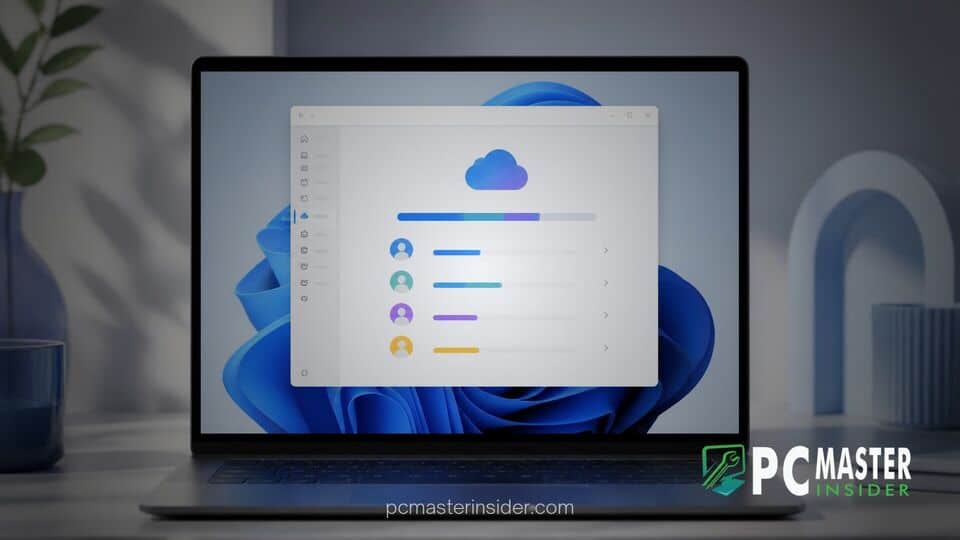
Microsoft has introduced a new feature in Windows 11 preview builds that allows household administrators to view pooled OneDrive storage directly within the native Settings application. The update streamlines subscription oversight by integrating cloud capacity metrics directly into the system's Accounts hub.
By bringing subscription tracking into the core operating system, users no longer need to navigate external web browsers or sign into account portals to check their family's remaining cloud capacity. This change continues Microsoft's ongoing push to unify account management, security controls, and cloud services within the desktop interface.
New Cloud Storage Dashboard in Windows 11 Settings
Under the new implementation, Windows 11 users enrolled in eligible preview channels can open the Settings app, select Accounts, and navigate to the Cloud storage section. The updated view displays a combined usage graphic showing how much space the entire household has consumed across connected OneDrive accounts.
This integration aims to simplify daily maintenance for non-technical household administrators. Rather than managing separate web logins, managers receive an immediate snapshot of available cloud capacity alongside their local storage drives and hardware configurations. Users interested in expanding or managing system access can also review per-app privacy controls for desktop applications to ensure linked services retain appropriate permissions.
Supported Subscription Tiers and Eligibility Requirements
The native dashboard is currently rolling out to testers on preview builds, such as Experimental Build 26340.9843. Access to the shared storage view is tied to specific account parameters. Users on active Microsoft 365 Family and Premium tiers will see the combined meter if their subscription was purchased after recent policy updates or has gone through its scheduled billing cycle.
The functionality aligns with recent structural adjustments to consumer tier allocations. Under Microsoft's revised model, Family subscriptions utilize a pooled cloud storage quota shared among up to six household members, replacing the legacy system of isolated individual quotas. Private file isolation remains completely intact; family members cannot browse each other's personal files, but the total storage consumed counts against a unified pool.
Managing Microsoft 365 Household Quotas Directly in Windows
The addition of native storage controls reflects broader engineering efforts to streamline system maintenance across Windows 11. Microsoft has steadily moved core control panel utilities into modern Settings pages, mirroring recent architectural improvements like customizable right-click context menus that keep common management tools within easy reach.
By centralizing subscription management, users can quickly diagnose why synchronization might be paused or why automated desktop backups fail. If a family group approaches its storage threshold, the Settings page alerts the primary account holder, offering immediate shortcuts to manage files or add additional storage allocations without interrupting ongoing desktop workflows.
Planned Future Enhancements for Individual User Breakdown
While the initial preview iteration provides a consolidated aggregate of total cloud storage, early tester feedback points toward the need for granular breakdowns. Currently, the aggregate meter displays combined gigabytes used across the entire family plan but does not list which specific account occupies the most space.
Microsoft has indicated plans to introduce per-user breakdowns in upcoming preview releases. Future updates are expected to detail individual consumption figures, allowing primary account owners to see exactly how much data each family member stores. Similar administrative oversight tools have been integrated into enterprise ecosystems, such as Intune policies for private feedback hubs, and consumer settings are gradually adopting comparable management clarity.
For users who encounter general operating system bottlenecks while running heavy cloud synchronization or background utilities, system utilities remain critical. Knowing how to troubleshoot performance spikes, such as learning how to fix high ntoskrnl system process memory usage, ensures local performance remains responsive while OneDrive processes cloud transfers.
As Microsoft continues testing build variants across the Windows Insider channels, the shared storage dashboard is expected to undergo minor design refinements before rolling out to general release versions of Windows 11. The feature represents a practical step toward building a cohesive ecosystem where local hardware and cloud services are managed seamlessly from a single desktop location.