
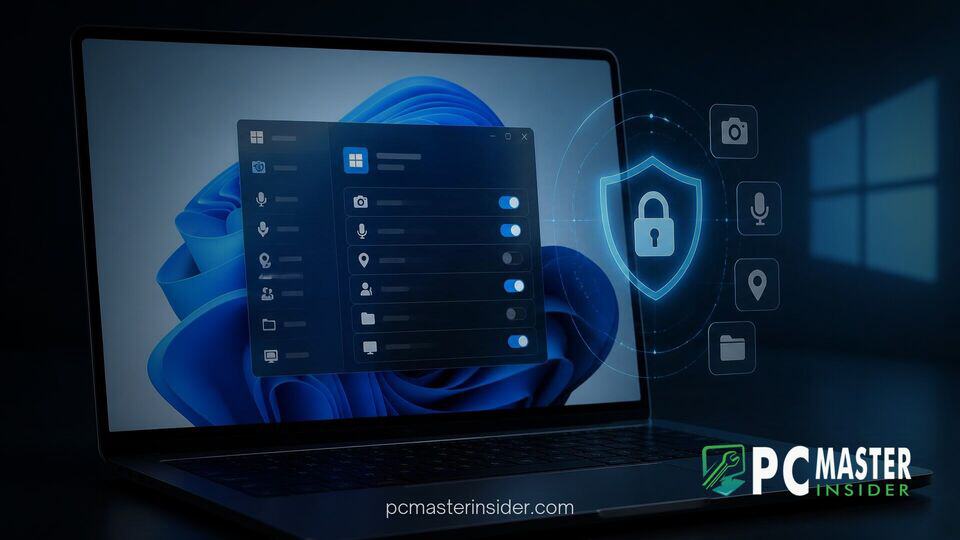
Microsoft has released Windows 11 Insider Preview Build 26220.9836 to the Beta Channel, introducing long-awaited granular privacy management for traditional desktop applications . The update allows users to independently manage camera, microphone, and location hardware access on an app-by-app basis for legacy Win32 software .
Previously, Win32 programs relied on a single global toggle per hardware feature, leaving users with an all-or-nothing privacy choice for non-Store applications . This update bridges the gap between Universal Windows Platform (UWP) apps and standard desktop programs, providing identical permission transparency across the entire operating system .
Granular Privacy Controls Roll Out to Desktop Apps
The core focus of Windows 11 Preview Build 26220.9836 is the expansion of windows 11 per app desktop privacy controls . For years, Windows users could manage granular permissions for applications downloaded from the Microsoft Store, but standard desktop programs operating outside the UWP framework shared a master toggle . Enabling microphone access for a web browser or gaming client meant every other non-Store program on the system also gained potential access .
With this latest build, Microsoft eliminates that security compromise by isolating hardware access toggles for each desktop executable file . Users can now explicitly grant camera privileges to a video conferencing app while restricting access for third-party media tools or background utilities . The update aligns traditional software management with modern mobile and enterprise security standards.
This initiative builds upon recent operating system enhancements aimed at user visibility and system security, such as the effort when Microsoft redesigned Windows Security app for Windows 11 to streamline modern administrative tasks.
How App-Level Permissions Work in Settings
Navigating the new privacy management architecture is straightforward within the native operating system menu . Insiders can access these options by heading to Settings > Privacy & security and opening the Camera, Microphone, or Location sub-menus . Each page displays a detailed list of recognized applications along with dedicated execution switches .
When a desktop application attempts to query a sensitive resource for the first time, Windows 11 automatically triggers a authorization prompt . The operating system preserves existing privacy choices, ensuring that previously authorized desktop software maintains access while blocked software remains restricted . No manual re-configuration or setting resets are required after installing the build update .
Enterprise environments remain unaffected by the shift, as group policies and centralized mobile device management rules continue to take precedence over user-facing UI configurations . This focus on enterprise flexibility mirrors recent updates such as when Microsoft adds Intune policy for private commercial feedback in Windows 11 systems.
Handling Unsigned and Shared System Applications
In documentation accompanying Beta Build 26220.9836, Microsoft outlines specific nuances regarding how certain desktop programs present themselves within the new privacy interface . While most legacy software displays appropriate branding, executable path tags, and publisher metadata, specific configurations require extra user awareness .
Applications relying on web wrappers, shared system host processes, or embedded browser frameworks like Electron might show up under generic background labels or unfamiliar component names . Software lacking valid cryptographic digital signatures appears with an Unsigned designation in the permission menu . Microsoft advises testers to exercise caution and grant hardware privileges only to verified, trusted programs .
Accessibility and System Improvements in Build 26220.9836
Beyond privacy controls, Build 26220.9836 introduces refined accessibility functions and interface corrections . Microsoft added a dedicated toggle for the Win + Plus (+) hotkey under Settings, enabling users to disable the shortcut if it accidentally launches the screen Magnifier or interferes with creative software . The Narrator tool also gains expanded mathematical content reading capabilities .
Additional visual and performance refinements include:
- Security Key Authentication: Simplified PIN authentication screens remove legacy user account icons for clearer identity confirmation .
- File Explorer Visuals: High-resolution asset scaling sharpens thumbnail previews within the Home tab's Recommended files list .
- Personalization Fixes: Resolved underlying memory state bugs that caused desktop background wallpapers and pointer speed settings to reset after system restarts .
These usability updates parallel broader interface improvements across Windows 11, such as recent testing where Microsoft expands Windows 11 Search with inline sliders and Phone Link actions directly inside system search results .
Rollout Details and Insider Testing Timeline
Windows 11 Beta Build 26220.9836 is currently available to registered Insider devices via an enablement package based on version 25H2 . The expansion of desktop privacy controls is being deployed as a server-side rollout , meaning some Insiders will see the features before others on identical builds.
As preview testing progresses in the Beta and Experimental branches, Microsoft will collect telemetry data and community feedback before authorizing a wider release for public production builds . Users interested in submitting feedback on app attribution or missing device permission toggles can utilize the Feedback Hub under Settings > Privacy Settings .
By bringing per-app permission toggles to legacy Win32 software, Microsoft closes a long-standing privacy gap in Windows , . The update equips everyday desktop PC users with much greater control over their hardware devices and personal data privacy .



