
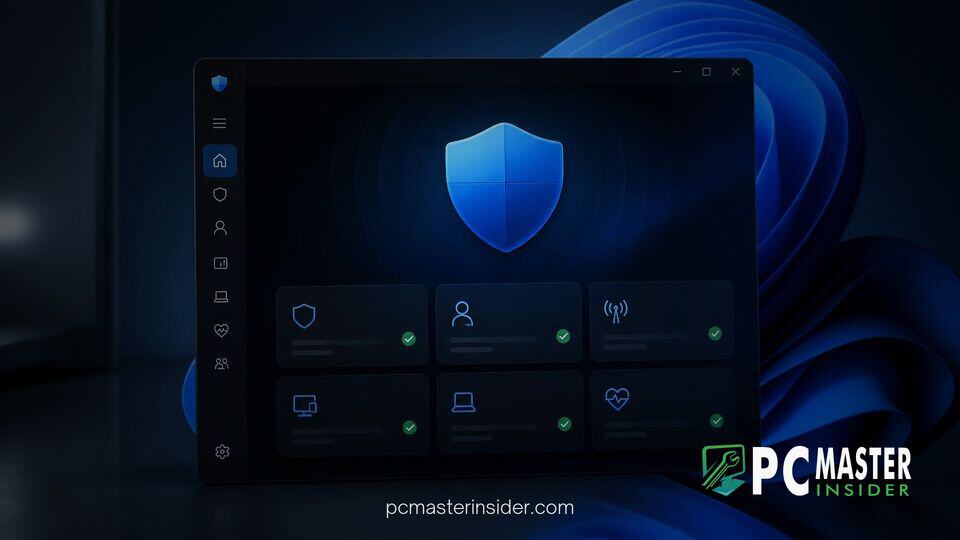
Microsoft has started rolling out an updated design for its native Windows Security app to align the protective hub with modern Windows 11 design standards. The overhaul replaces legacy interface components with updated layouts, refreshed typography, and native controls designed to deliver a cohesive experience across the operating system.
The redesign comes as part of a broader effort by Microsoft to overhaul aging system utilities, ensuring every core management tool feels native to the desktop environment. While the underlying security engines continue to provide robust real-time defense against malware, ransomware, and web threats, the user interface now reflects the aesthetic direction established in recent platform updates.
windows 11 security app redesign and modern UI overview
The primary focus of the windows 11 security app redesign is bridging the visual gap between older utility components and modern Fluent Design principles. Microsoft is updating the navigation structure and main dashboard views to give users faster access to threat protection, firewall configurations, and account security settings. The refreshed layout reduces visual clutter and integrates updated controls that adjust automatically across dark and light desktop themes.
By streamlining top-level menus and standardizing typography, the updated app ensures that essential security controls are intuitive to locate. System administrators and everyday users alike will encounter a cleaner interface when inspecting device health reports or checking the status of automated background scans.
Microsoft Begins Testing Modernized Windows Security UI
Microsoft detailed the interface changes through release documentation distributed to preview channels, marking a shift toward separate release notes for core inbox applications. Over the past year, the company has increasingly unbundled application updates from major operating system updates, allowing utilities such as Calculator, Camera, and Windows Security to receive iterative UI improvements on faster schedules.
The updated Windows Security app represents one of the final major system hubs to undergo visual modernization. While core protection modules like Microsoft Defender Antivirus and Smart App Control receive continuous backend definition updates, the client front-end had previously retained visual elements reminiscent of older Windows iterations. Testing through preview builds allows Microsoft to collect user feedback on navigation placement and control responsiveness before initiating a broad consumer release.
Updated Layouts, Navigation, and Typography Controls
Under the revised architecture, sidebar navigation and primary card containers use modernized container spacing and rounded corners consistent with Windows 11. Interactive elements like toggles, action buttons, and drop-down menus have been rebuilt using modern UI controls. These updates fix longstanding visual discrepancies where legacy pop-up dialogs contrasted sharply with dark mode preference settings.
Typography across the application has also been refreshed to enhance legibility on high-DPI displays. Important security alerts, scan progress indicators, and system recommendations now feature prominent hierarchy formatting, making critical notifications easier to scan quickly during security incidents.
Key Visual Changes and Parity with Windows 11 Design
This UI refresh arrives alongside several engineering efforts aimed at modernizing the operating system shell. Microsoft has recently been replacing legacy dialog boxes and administrative management utilities across Windows 11 with native framework elements. Moving older components to modern frameworks helps resolve rendering glitches, such as window border tearing during resizing, while improving overall interface responsiveness.
Similar visual updates have recently been applied across other parts of the platform, including native search experience options, system context menus, and administrative utilities like Print Management. Furthermore, efforts to streamline system resource consumption complement these design changes. Microsoft recently highlighted operating system optimizations that manage background memory efficiency to keep active applications running smoothly on consumer hardware.
The visual realignment also extends to enterprise administration. Enterprise administrators managing endpoints via cloud policies will benefit from a consistent user interface when end-users interact with security prompts, lowering friction and reducing user confusion during standard security checks.
Availability for Windows Insiders and Expected Rollout
The redesigned Windows Security app is currently available to participants in the Windows Insider Program testing preview builds. Microsoft is using these preview rings to gather telemetry data, verify accessibility compliance, and iron out subtle layout bugs across various screen resolutions and display scaling configurations.
If testing proceeds smoothly and feedback remains positive, the modernized security application is expected to roll out broadly to all Windows 11 users through standard app store updates and monthly cumulative servicing packages. Once fully deployed, the update will ensure that managing virus protections, firewall rules, and hardware-backed device security feels entirely native to the modern Windows 11 desktop experience.



