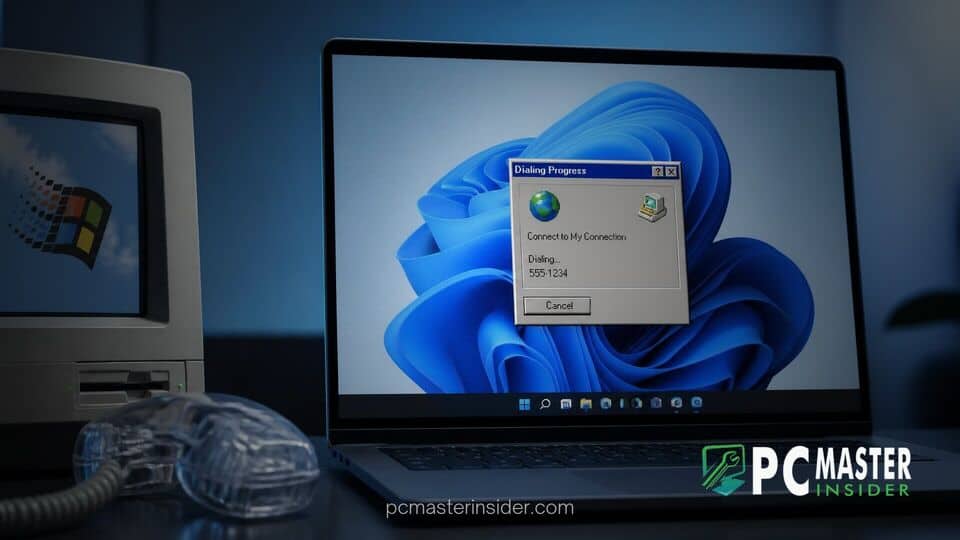
Tech enthusiasts and casual users recently discovered that Windows 11 still contains a fully functional Phone Dialer application originally introduced during the Windows 95 era. The discovery triggered widespread interest across social media platforms, leading Microsoft representatives to publicly address why the thirty-year-old tool continues to ship inside its modern operating system.
While most consumers today rely on smartphones or cloud-based communication tools, the legacy executable dialer.exe remains present in standard installation images. Launching the tool summons a retro dialog box designed for analog telephone modems and landline connections.
Legacy Phone Dialer App Found in Windows 11 26H2
Users running the latest Windows 11 updates can easily locate the windows 11 phone dialer legacy app by pressing the Windows Key + R shortcut, typing dialer into the Run dialog box, and hitting Enter. Doing so opens a compact interface featuring a digital keypad, speed dial slots, and menu options virtually identical to the version bundled with operating systems in the mid-1990s. When launched on modern hardware, the program typically displays a notification explaining that no telephone device or modem could be detected.
The discovery sparked amusement and nostalgia across tech communities. Many users expressed surprise that code dating back nearly three decades persists alongside modern features like WinUI 3 interface elements and cloud recovery options. Microsoft has recently modernized several classic components, such as pushing a redesigned WinUI 3 Run dialog to Windows 11 Release Preview, which makes the untouched appearance of the vintage Phone Dialer stand out even more.
Microsoft Response and User Feedback
Responding to community discussions on X, Microsoft Windows Communications Director Brandon LeBlanc offered a candid reaction regarding the utility's continued presence. LeBlanc admitted to being somewhat surprised himself, writing, "I don't even know why we still have Phone Dialer," while confirming he had passed along the feedback to internal engineering teams for further review.
Despite LeBlanc's informal remarks, Microsoft has not officially announced plans to deprecate or immediately strip dialer.exe from upcoming Windows 11 builds. The executive's query highlighted the delicate balance Microsoft maintains between cleaning up vestigial operating system components and preserving broad backward compatibility.
Why Legacy TAPI Tools Remain in Modern Windows
The persistence of the classic dialer illustrates Microsoft's legendary commitment to backward compatibility. At its core, Phone Dialer relies on the Telephony Application Programming Interface, known as TAPI. Introduced in the early 1990s, TAPI provides a standardized method for Windows to communicate with service providers, PBX systems, and hardware modems.
While everyday consumers have migrated away from dial-up modems and physical landlines, certain specialized industries and enterprise environments continue to depend on legacy infrastructure. Removing core TAPI components or utility shortcuts could break proprietary software pipelines that rely on standard Windows APIs.
Enterprise Telephony and Legacy Software Compatibility
In enterprise settings, legacy PBX phone systems, specialized call center software, automated fax lines, and industrial voice recording hardware still interface with Windows through TAPI drivers. Systems from vendors such as Avaya or Auerswald frequently use these low-level hooks to handle automated dialing or computer-telephony integration.
Enterprise support remains a primary focus for Microsoft, which routinely balances system security with business continuity. For instance, while Microsoft actively tests features like Intune Remote Lock in Windows 11 to safeguard corporate hardware and allows standard users to set BitLocker PINs in Windows 11 Preview builds, maintaining fundamental operating system compatibility ensures IT administrators do not face broken workflows when upgrading host machines.
Future Outlook for Legacy Windows Components
Phone Dialer is not the only historic app hidden inside modern Windows installations. Over the years, power users have uncovered remnants of classic Control Panel applets, older management consoles, and decades-old dialog boxes that remain accessible beneath the modern Fluent Design interface.
Microsoft has steadily worked to phase out outdated utilities when modern alternatives mature. Modern features like Phone Link handle mobile phone integration over Wi-Fi and Bluetooth, while Teams covers corporate voice and video communications. However, as long as enterprise environments require legacy TAPI support, small utilities like dialer.exe may continue to quietly reside within the Windows file directory.
For now, curious Windows 11 users can still execute the dialer command to catch a glimpse of 1990s computing history operating right alongside the modern desktop.