
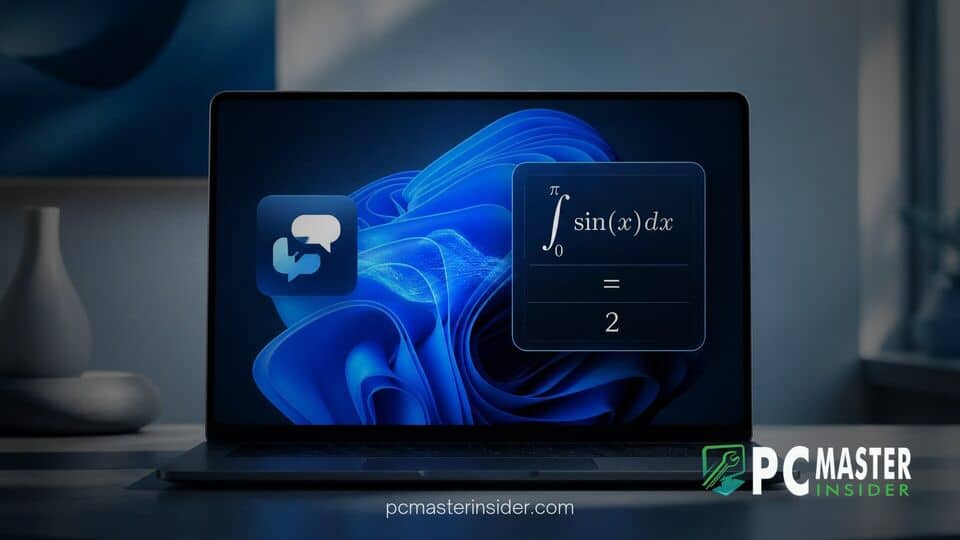
Microsoft has released Windows 11 Insider Preview Build 28120 to testers, bringing structured mathematical equation reading and dedicated navigation controls to its built-in screen reader, Narrator. The update aims to remove major accessibility hurdles for blind and low-vision users working in academic and professional STEM environments.
Instead of reading complex formulas symbol by symbol, the upgraded Narrator now interprets mathematical expressions as structured wholes. The feature functions across core office applications and popular web browsers, accompanied by adjustable verbosity levels and granular keyboard controls.
windows 11 narrator math reading insider build summary
In Windows 11 preview Build 28120, Microsoft significantly upgrades Narrator with structured math reading support designed to make complex formulas easier to follow. Rather than speaking isolated characters, Narrator speaks expressions naturally, recognizing elements like numerators and denominators as interconnected concepts. The update also adds a dedicated Math Navigation Mode, expanding multi-language support and browser integration across Microsoft Edge and Google Chrome.
Enhanced Math Accessibility in Build 28120
Screen readers historically struggle with advanced scientific notation, fractions, and algebraic formulas. Traditional text-to-speech tools often read complex layouts sequentially from left to right, stripping away structural context and confusing listeners. The latest changes in Windows 11 preview builds directly address this limitation by parsing the logical hierarchy of mathematical expressions.
Microsoft emphasized that mathematical literacy is vital for educational and technical fields. By embedding structured narration straight into the operating system, the company seeks to give visually impaired students and researchers equal access to scientific materials.
Natural Structured Reading for Complex Formulas
With the new system active, Narrator automatically formats mathematical expressions into intuitive spoken language. When encountering a fraction, for example, the tool speaks the numerator and denominator together in a single natural phrase rather than announcing every slash, parenthesis, or inline symbol individually.
Users can customize how much information Narrator speaks by choosing between three verbosity levels in Settings:
- Terse: Delivers concise descriptions using minimal spoken words for rapid reading.
- Medium: Serves as the balanced default option, balancing detail with brevity.
- Verbose: Provides extended contextual details and thorough verbal explanations for every formula component.
Step-by-Step Navigation Controls in Microsoft 365 Apps
Beyond passive listening, Build 28120 introduces an interactive inspection tool called Math Navigation Mode. Users can activate this mode inside supported Microsoft 365 applications like Word and PowerPoint, as well as modern browsers, by pressing Win + Alt + N.
Once activated, users can navigate granularly through expressions using standard arrow keys. Pressing the directional keys lets the reader move step by step between sub-expressions, nested fractions, exponents, and square roots. Pressing the Escape key immediately returns Narrator to standard continuous document reading.
Expanding STEM Tools for Blind and Low-Vision Users
The accessibility upgrade extends far beyond local desktop applications. Building on preliminary test flights, Microsoft expanded the math reading capabilities across multiple global languages, including English (US and UK), Traditional Chinese, Finnish, German, and Spanish.
Furthermore, web-based equation support is now integrated into Microsoft Edge and Google Chrome, allowing users to study online research papers and web journals directly. This broader rollout arrives alongside other modern platform updates, including ongoing work where Microsoft rebuilds Windows 11 Search with WinUI 3 to streamline daily workflows.
Microsoft continues to refine its accessibility stack as Windows 11 market share expands globally. While features in preview builds undergo further testing before reaching general availability, the enhanced math reading tool represents a meaningful milestone for digital inclusion in technical education and research.



