
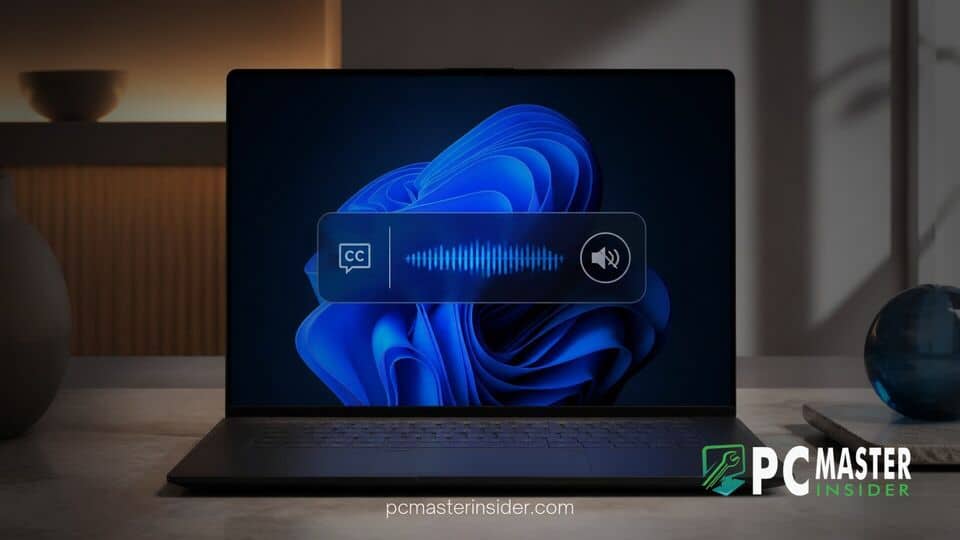
Microsoft has introduced a new accessibility enhancement in recent Windows 11 preview builds designed to refine real-time transcription. The update allows users to filter out spoken output generated by screen readers, preventing unnecessary text feedback loops.
By separating assistive speech output from primary media and speech sources, the operating system offers a cleaner captioning experience. The option is available to participants testing preview builds across the Beta and Experimental Insider channels.
Microsoft Adds Screen Reader Exclusion Toggle to Windows 11 Live Captions
The new feature, officially named "Include Screen Reader audio," appears within the Live Captions settings menu. Microsoft has configured this setting to be disabled by default. When turned off, the real-time transcription service ignores audio output generated by popular screen readers, including Microsoft Narrator, Freedom Scientific's JAWS, and NV Access's NVDA.
Prior to this update, Windows 11 Live Captions captured any audio processed by the system output device. When users with visual impairments or dual sensory needs ran a screen reader alongside Live Captions, the system would attempt to transcribe the synthetic text-to-speech voice. This behavior caused repetitive transcripts, cluttering the caption bar with text that matched what the screen reader was actively speaking aloud.
How the New Setting Prevents Audio Loops for Accessibility Tools
The addition of the windows 11 live captions screen reader audio toggle isolates the underlying sound streams. By distinguishing synthesized speech synthesized by recognized assistive technologies from general application sound, the OS ensures that captions only capture dialogue from media playback, video conferencing calls, web audio, or connected microphones.
For individuals who rely on both auditory and visual cues, such as individuals with low vision who are also hard of hearing, this separation resolves a significant usability bottleneck. Users who still wish to capture text-to-speech output in their captions retain the choice to turn the setting back on manually through the Live Captions settings flyout or the main Settings app.
Build Availability Across Windows Insider Beta and Experimental Channels
Microsoft rolled out the update in Windows 11 Insider Beta Preview Build 26220.9492 and Experimental Preview Build 26340.9502. The change forms part of Microsoft's broader effort to refine system-wide captioning and reduce unwanted background noise in transcriptions.
The deployment aligns with recent engineering updates to other core recovery and accessibility components. For instance, Microsoft recently introduced drive sanitization options in Windows 11 Cloud Rebuild alongside minor UI improvements to mouse pointers and Magnifier contrast themes. As with most controlled feature rollouts, Microsoft is distributing the setting gradually to monitor feedback before initiating a wider release.
Broader Accessibility Enhancements in Recent Windows 11 Flights
Windows 11 has consistently added system-level accessibility features over recent feature updates. Live Captions, first introduced in early 2022, processes audio entirely on-device to protect user privacy without relying on cloud servers. On Copilot+ PCs, the platform expanded to support real-time audio translation across dozens of languages.
However, power users had noted that integrating multiple accessibility utilities simultaneously sometimes led to conflicting interactions. The screen reader exclusion toggle addresses a specific bug-like interaction where two accessibility utilities interfered with each other's primary output goals.
Expected Timeline for Windows 11 General Availability
While Microsoft has not publicly confirmed the exact general availability update that will contain the new toggle, features tested in the Beta Channel typically arrive in cumulative updates within a few months. Users running stable versions of Windows 11 can expect the setting to land in a future monthly preview or feature update.
This update demonstrates Microsoft's ongoing attention to nuance in accessibility design. By refining how Live Captions interacts with tools like Narrator and NVDA, Windows 11 continues to improve operating efficiency for users who rely on multi-modal assistive tools.



