
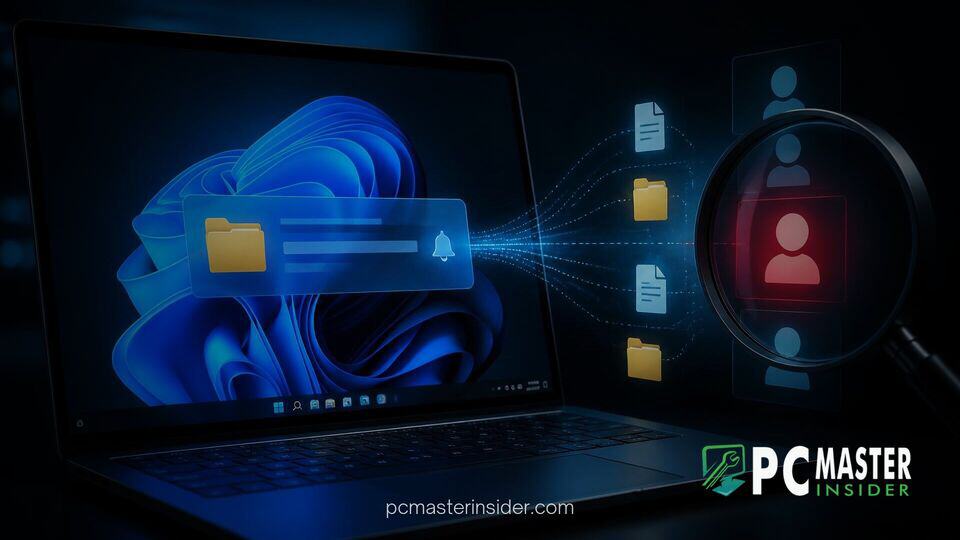
A fundamental design oversight in Windows 11 directory monitoring routines allows low-privilege local accounts to covertly track user actions across separate user profiles on the same computer. The vulnerability exploits built-in system file notification APIs to reveal sensitive behavioral metadata, including website visits, messaging patterns, and input timing, without requiring administrative privileges or direct access to protected file contents.
windows 11 file notification tracking vulnerability
Security researchers from Austria's Graz University of Technology recently revealed that native directory change routines across multiple desktop operating systems, including Windows 11, broadcast file creation, modification, and deletion events too broadly. On Windows 11, an unprivileged user process can place a system watcher on parent directories like the root C:\ drive. Because directory event notifications pass down complete file paths, an attacker logged into a secondary local account can monitor real-time file updates occurring within other users' private home directories, effectively bypassing file permission boundaries.
Research Reveals Windows 11 File Notification Privacy Flaw
The academic study highlights a structural privacy loophole within modern operating system architectures. Security models strictly limit users from opening or reading files stored in another account's personal folder tree. However, file system event interfaces fail to apply the same restrictive access checks to directory modification alerts.
As a result, a rogue background process executing under an unprivileged user profile can log system-wide metadata. By collecting file path strings and precise timestamps, malicious code can reconstruct what other users are doing on a shared workstation. While Microsoft regularly refines platform security, such as updating Smart App Control functionality in Windows 11, core file notification mechanisms remain surprisingly permissive across multi-user environments.
How OS Directory Notification Hooks Function
Windows 11 relies on the Win32 API call ReadDirectoryChangesW to inform applications when changes occur within a specified folder hierarchy. Developers use this API to refresh software user interfaces, index documents, or trigger automated back-ups.
When an application registers a notification handle on a high-level folder, the operating system sends notifications down the entire directory tree if requested. The notification payload contains event action codes along with the relative path of the touched file. Even if an account lacks permission to open the underlying file, the notification subsystem still delivers the path string to any listening process that has access to the parent directory.
Tracking Web Browsing and Keystrokes Across Local Accounts
To demonstrate the real-world impact, researchers set up a low-privilege listener process on a shared PC. By watching file system updates, they fingerprinted user actions with surprising accuracy:
- Web Browsing Fingerprinting: Applications such as Mozilla Firefox continually write temporary cache files, SQLite database updates, and profile assets using domain-specific directory structures. By observing these file notifications on the
C:\drive, the researchers identified visited websites among the top 1,000 domains with a 97.8 percent success rate. - Activity and Message Timing: Application logging routines leave timestamped trails whenever messages arrive or user interface settings change, enabling attackers to deduce when a secondary user is actively typing or communicating.
- Keystroke Inference: Temporary swap files and internal application state dumps occur at intervals tied directly to active typing, allowing monitoring tools to measure activity bursts and idle periods.
Impact and Limitations of the Directory Notification Exploit
The primary concern surrounding this flaw is that it bypasses classic permission controls without triggering standard antivirus heuristics or requiring administrator rights. Standard endpoint protection platforms focus on unauthorized file access attempts or code injection rather than passive API listening.
However, the technique has clear operational boundaries. The attack cannot reveal the actual text inside a file or extract stored passwords; it exposes metadata, activity cadence, and file path naming conventions rather than raw file contents.
Browser Differences Between Firefox and Microsoft Edge
The severity of cross-account tracking varies significantly depending on the software applications running on the target system. For instance, Mozilla Firefox creates localized user profile directories that directly mirror site names and cached media assets, making browsing sessions easy to reconstruct through path analysis.
In contrast, browsers built on Chromium, such as Microsoft Edge, write temporary cache entries using randomized alphanumeric identifiers and centralized blob files. Microsoft frequently refines its browser architecture, as seen in recent updates aimed at speeding up Microsoft Edge process execution. These localized storage patterns offer better indirect resistance against path-fingerprinting attacks.
Security Recommendations for Multi-User PC Environments
Organizations and household members sharing single desktop computers can implement several operational safeguards to reduce exposure:
- Isolate High-Risk Workstations: Sensitive tasks, such as corporate administration or financial management, should be moved to dedicated physical or virtual machines rather than shared PCs.
- Restrict Directory Permissions: System administrators can adjust root-level access control lists to prevent basic users from enumerating or watching key system folders.
- Review Account Architecture: Ensure secondary users operate under strictly limited local account profiles rather than administrative credentials. Similar privilege separation guidelines apply when configuring passwordless logins on Entra hybrid PCs.
Microsoft Guidance and Potential OS Patches
In response to the research findings, Microsoft stated that the behavior does not meet its threshold for a traditional security vulnerability, as the technique requires an attacker to already possess local code execution privileges on the target machine. The company pointed out that file contents remain fully protected by NTFS access control lists.
Microsoft noted that administrators can leverage path-disclosure mitigations and strict local account management practices to safeguard sensitive operations. Nevertheless, security researchers advocate for underlying operating system adjustments, such as enforcing access checks on directory notifications so that processes only receive event notifications for file paths they have explicit permission to inspect.
Until fundamental architectural revisions arrive in future Windows updates, administrators relying on shared desktop deployments should carefully evaluate local privilege levels and monitor user activity auditing controls.



