
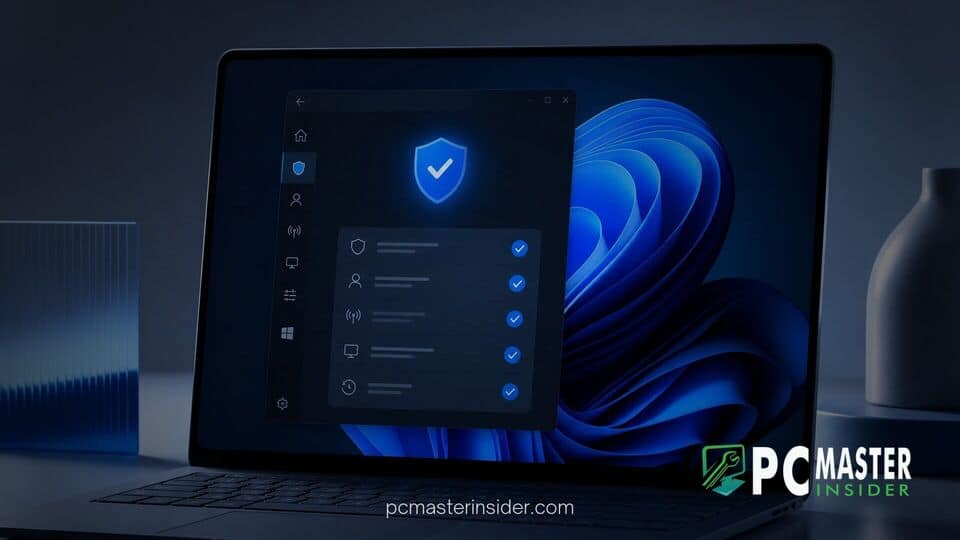
Microsoft has begun testing a centralized security experience in preview builds of Windows 11, unifying basic device health and hardware configurations into a streamlined assessment. Accessible through the Windows 11 Settings app under a newly separated Security section, the checkup evaluates whether a computer satisfies core hardware and system integrity requirements.
The feature provides home users and enterprise administrators with a single, clear evaluation of a PC's security posture. Rather than requiring users to manually check multiple configuration panels and security tools, the operating system evaluates essential defenses in one place and provides simple steps to resolve missing configurations.
New Baseline Protection Dashboard Arrives in Windows 11 Settings
The new feature, known as Windows baseline protection, introduces a dedicated dashboard designed to take the guesswork out of system hygiene. Located under Settings > Security > Baseline protection, the page acts as an authoritative status center. It consolidates various underlying defensive mechanisms that have historically been dispersed across Windows Security, Device Security, and third-party administration tools.
To support this change, Microsoft is updating the structure of the Settings app. The traditional "Privacy & security" category is being divided into distinct "Privacy" and "Security" sections. The updated layout aligns with broader ecosystem efforts to make security controls more visible, complementing existing enhancements such as Microsoft's Emerging Risks section in Windows 11 Security.
Instead of presenting users with a complex matrix of isolated toggles, the baseline protection interface reduces the system's defensive status to a straightforward pass or fail condition. When a PC meets all necessary criteria, the dashboard confirms full compliance. If one or more safeguards are inactive or misconfigured, the page highlights the exact deficiencies and offers automated remediation options for unmanaged consumer devices.
Key Security Requirements Monitored by the Checkup
The windows 11 baseline protection security checkup monitors eight core hardware and operating system integrity mechanisms. These components form the foundation of modern endpoint defense in Windows 11:
- Security Processor (TPM 2.0): Verifies that a Trusted Platform Module is active and operational for hardware-rooted cryptographic tasks.
- Secure Boot: Ensures the device boots using only trusted software signed by authorized vendors.
- Virtualization-Based Security (VBS): Confirms that hardware virtualization is active to isolate critical memory regions from the primary operating system.
- Memory Integrity (HVCI): Uses VBS to prevent malicious code from executing inside high-privilege kernel space.
- Signed Drivers Only: Checks that all loaded kernel-mode drivers contain valid digital signatures.
- Windows-Certified Drivers: Ensures drivers satisfy official quality and security standards.
- Kernel Debugger Protection: Verifies that kernel debugging capabilities are disabled during regular operation to prevent unauthorized system inspection.
- Vulnerable Driver Protection: Blocks known vulnerable drivers using the Windows blocklist to prevent privilege escalation attacks.
How Baseline Protection Simplifies System Security Audits
Historically, auditing these fundamental protections required navigating deep system menus, executing command-line utilities like msinfo32, or inspecting individual policies. For instance, power users who disabled Memory Integrity to squeeze extra frames out of demanding games or users dual-booting alternative operating systems had no unified way to track which protective layers had been compromised.
With the new checkup, enabling missing protections on personal PCs often requires just a single click. The operating system automatically adjusts software settings, enables features like HVCI, and prompts for a reboot. In situations where hardware-level adjustments are necessary, such as configuring TPM 2.0 or Secure Boot in UEFI, Windows provides step-by-step guidance to help users navigate their motherboard settings.
This streamlined approach complements recent infrastructure updates across the ecosystem, including Microsoft's KB5135609 setup security update and hardware-level authentication features like Bitwarden's native Windows Hello passkey integration. It also helps mitigate threats related to TPM lockout bypass vulnerabilities by ensuring baseline hardware security stays active.
Broader Impact on PC Security and Future Rollout Timeline
Beyond providing consumer clarity, baseline protection introduces a standardized Application Programming Interface (API). This allows third-party applications, remote management platforms, and enterprise software to programmatically query a PC's security baseline. The underlying attestation mechanism produces an authenticated true or false status rooted in hardware.
Software developers can leverage this signal to verify system integrity before executing sensitive tasks. Early industry partners testing integration include Adobe, 1Password, Blizzard's Battle.net launcher, and academic testing software providers like Schoolyear. Secure execution environments are increasingly necessary as enterprise platforms roll out advanced capabilities, such as Microsoft Process Containers for protecting AI agents.
The feature is currently available to select testing devices in the Windows Insider Experimental channel (build 26340.10013 for Windows 11 version 26H2). Microsoft plans to refine the user interface and platform APIs based on community feedback before initiating a general public deployment, which is slated for 2027.
By transforming isolated configuration settings into a clear trust signal, Microsoft aims to reduce system vulnerability across millions of consumer and commercial endpoints. As preview testing continues, Windows baseline protection stands to simplify how users monitor and maintain their system health.