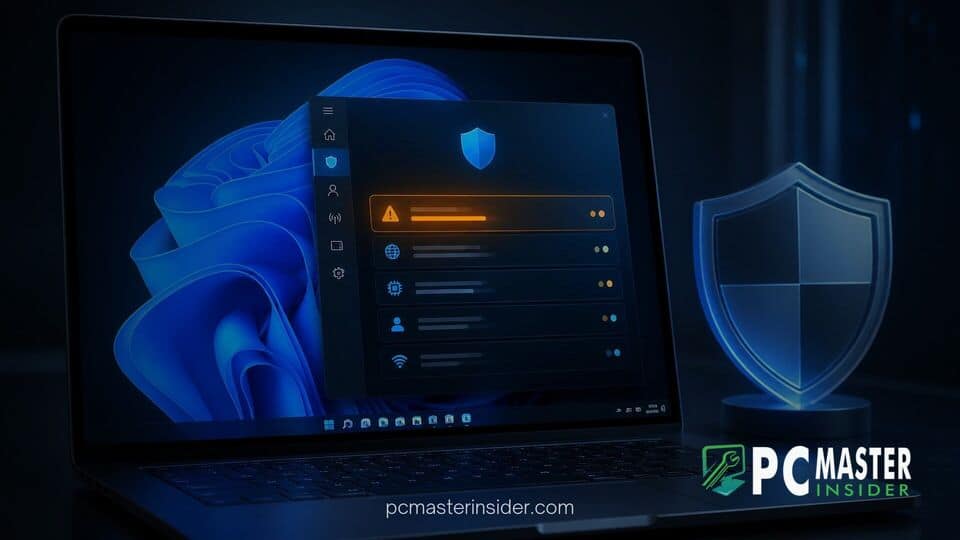
Microsoft has begun testing a dedicated Emerging Risks section inside the Windows Security application for Windows 11. The new feature aims to highlight system-wide security weaknesses by tracking vulnerable third-party applications, outdated device drivers, and system firmware.
Currently rolling out to Windows Insiders running Windows Security app version 1000.29700.0.1003 and select preview builds, the feature consolidates software vulnerability tracking into a single user-facing interface. Rather than relying solely on background endpoint detection, Windows Security will offer direct visibility into installed software components that present heightened security exposure.
New Emerging Risks Dashboard Discovered in Windows Security
The addition of the windows 11 emerging risks security page represents a major push by Microsoft to expand local threat monitoring beyond traditional antivirus scans. Discovered in recent Insider builds and detailed in Microsoft documentation, the new dashboard acts as an inventory scanner designed to cross-reference installed system components against known vulnerability intelligence.
According to Microsoft's official release notes for the Windows Security app, the experience is designed to help users understand whether software operating on their device contains known security weaknesses. When fully operational, the dashboard will list the specific application, driver, or firmware component tied to a confirmed vulnerability, along with recommended remediation steps such as installing available software updates or removing unpatched programs.
Tracking Vulnerable App Versions, Drivers, and System Firmware
Modern endpoint attacks frequently bypass operating system defenses by targeting unpatched third-party utilities or vulnerable kernel drivers. Recent security incidents, such as an unpatched SignDrop zero-day vulnerability affecting Windows 11 PCs or physical access exploits where a firmware vulnerability bypasses TPM lockout for Windows Hello, underscore how critical hardware and driver hygiene has become.
The Emerging Risks dashboard focuses specifically on three core software layers on host systems:
- Third-Party Applications: Desktop software and utilities that maintain unpatched Common Vulnerabilities and Exposures (CVEs).
- Device Drivers: Outdated or vulnerable kernel-level components that could be exploited for privilege escalation attacks.
- System Firmware: Low-level UEFI and BIOS hardware code containing unpatched flaws that threaten hardware security roots.
In initial preview builds, early testers noted that the dashboard frequently displays a status message stating that Windows Security cannot currently determine risk information because required information is incomplete or cannot be trusted. Microsoft is actively refining the underlying data pipelines that cross-check local software inventories against cloud threat telemetry before enabling live risk scoring for all users.
How Emerging Risks Differs from Baseline Protection Controls
The introduction of the Emerging Risks section complements Microsoft's broader enterprise and consumer security roadmap. While recent announcements like Windows Baseline Protection in preview at Ignite 2026 focus on enforcing static security configuration states such as BitLocker and Secure Boot, the Emerging Risks page serves a dynamic, operational monitoring function.
Traditional Windows Defender tools monitor system processes for active malware behavior or malicious file signatures. By contrast, Emerging Risks operates as a vulnerability management layer. It identifies latent risks that have not yet been exploited on the system, giving users actionable warnings before an attacker can utilize a known software flaw.
This initiative aligns with recent architecture changes across the operating system, including efforts like the Windows Endpoint Security Platform GA to replace kernel drivers, which aims to isolate third-party security engines into user mode to enhance system resilience.
Availability and Expected Rollout for Windows 11 Users
The updated Windows Security app interface also incorporates design refinements, such as the Mica background transparency material, bringing visual consistency with the main Windows 11 Settings application. Microsoft has also modernized navigation controls, status indicators, and typography across security subpages.
While preview references to the feature have appeared in early build branches, including test builds associated with future platform updates, Microsoft has not announced a formal public release date for general availability. The feature will undergo iterative testing across Canary, Dev, and Beta Insider channels to ensure accurate risk classification and minimize false positives.
As cyber threats increasingly target supply chain vulnerabilities and legacy software components, integrating automated vulnerability scanning into the default Windows Security suite provides everyday users with enterprise-grade threat awareness directly out of the box.