
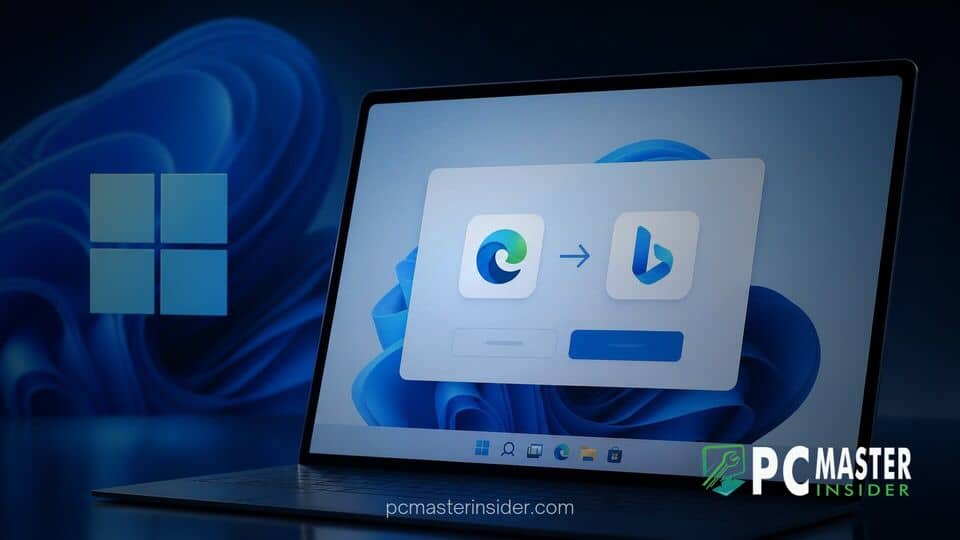
Microsoft has begun rolling out a new Windows 11 background utility designed to prompt alternative web browser users to adopt Bing as their primary search engine. The tool actively detects active sessions in third-party software and serves interactive notifications encouraging immediate settings changes.
The system component targets users of rival web applications, offering single-click options to change engine preferences while preserving existing browser history and settings. This aggressive push highlights Microsoft's ongoing effort to capture search market share across desktop environments.
Microsoft App Prompts Chrome and Firefox Users to Install Bing Extension
Reports from system administrators and end users confirm that a newly distributed Microsoft background app specifically monitors non-Edge browser activity. When users open competing browsers like Google Chrome or Mozilla Firefox, a system-level popup appears over the interface. The tool suggests installing a first-party search extension or modifying system association defaults so that web queries automatically route through Bing rather than competing alternatives like Google Search or DuckDuckGo.
Unlike standard desktop notifications generated by the Action Center, these notifications trigger as independent floating overlays. They often highlight features such as AI-powered generative search, rewards points integration, and enhanced account synchronization. The primary goal remains clear: reducing reliance on rival search ecosystems while keeping users within the broader Microsoft umbrella. The initiative arrives alongside wider operating system shifts, including ongoing updates to the Windows 11 26H2 servicing model which continue to refine system background processes.
Installer Behavior and Security Warnings in Third-Party Browsers
The technical deployment of this prompt relies on a background executable signed by Microsoft, delivered via cumulative system updates and server-side toggles. When executed, the app directly interfaces with desktop notification routines to display full-color promotional cards. However, the aggressive interaction model has raised eyebrows among security researchers and system administrators alike.
When users click the interactive prompt to accept the switch, the tool attempts to install the Bing Search extension directly or modify registry key defaults related to default web protocols. In several browser configurations, this automatic intervention triggers standard security protections built into third-party software. Both Chrome and Firefox render explicit warnings informing users that an external application is attempting to modify their search engine preferences. Users must manually confirm the secondary browser prompt before any actual changes take effect on their local profile.
Microsoft's Push for Search Engine Market Share Across Windows 11
This latest strategy is part of a multi-year effort by Microsoft to convert Windows 11's vast install base into active Bing consumers. Despite maintaining dominance in PC operating systems, Microsoft Edge and Bing continue to face stiff competition from rival browsers and search engines across global markets. By embedding promotional delivery mechanisms into core OS components, Microsoft aims to intercept users at the desktop level before they establish secondary browsing habits.
Industry analysts point out that desktop integration offers Microsoft a distinct home-field advantage over pure web services. However, consumer advocacy groups regularly critique the line between helpful system suggestions and disruptive software behavior. Similar controversies previously surfaced regarding default application selection screens and native search bar behavior inside the Start Menu. In a landscape where tech platforms face increased scrutiny over interoperability, tactics that disrupt user workflows risk drawing regulator attention alongside consumer backlash.
User Privacy Concerns and Browser Control Controversies
The automated detection of third-party software has reignited discussions surrounding operating system telemetry and software boundary limits. Privacy advocates note that for the background app to trigger accurately, Windows 11 must continuously monitor active process lists to identify when Chrome or Firefox is running in the foreground. While telemetry collection is standard practice for performance optimization, using active application tracking to serve targeted commercial prompts feels invasive to many users.
These practices contrast with other operating system security features, such as Microsoft's testing of granular desktop app privacy controls designed to limit background surveillance by third-party Win32 programs. Critics argue that while Microsoft tightens controls on outside software developers, internal utility packages retain privileged access to monitor desktop activity for self-promotional purposes. This perceived asymmetry has led to frustrating user experiences, particularly for power users who prefer tailored, minimal desktop configurations free of promotional overlays.
How Windows 11 Users Can Remove or Decline the Search Tool
For users who prefer to maintain their default settings in third-party browsers without persistent reminders, several options exist to dismiss or permanently disable the background prompt tool. The most immediate response when encountering the banner is to select the explicit decline option, which suppresses identical alerts for a limited trial period. However, complete removal requires adjusting specific background settings or registry keys.
Users can disable promotional notifications across Windows 11 by navigating to system notification settings and toggling off options related to welcome experiences, tips, and suggestions. Power users and IT administrators managing enterprise fleets can deploy Group Policy objects or registry tweaks to block the specific background executable responsible for triggering browser prompts. Similar management techniques are frequently used by administrators seeking to disable recommended items in the Start Menu to ensure a clean, distraction-free environment for workstation endpoints.
Microsoft has not signaled plans to retract the promotion entirely, though the company routinely adjusts notification frequency based on user telemetry and feedback. As Windows 11 continues to evolve through continuous cloud-driven updates, the balance between platform monetization and native user experience remains a key focal point for desktop computing.



