
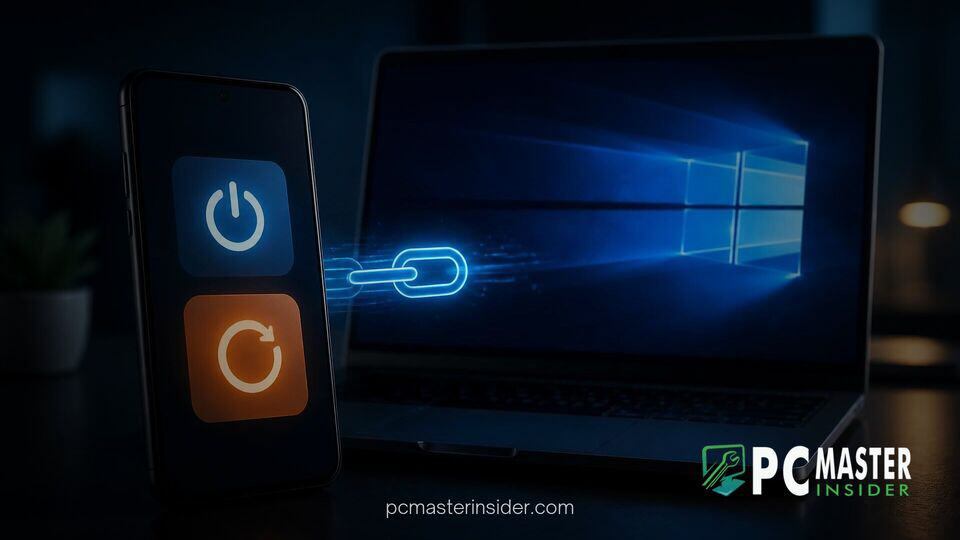
Code discovered within the Android version of the Link to Windows application reveals that Microsoft is actively developing remote power management controls for paired Windows 11 computers. The hidden commands indicate that mobile users will soon be able to shut down, restart, or put their desktop PCs to sleep directly from their phone screens.
Currently, the Link to Windows companion app only permits users to remotely lock a connected PC. The upcoming functionality expands on this basic ecosystem tethering, addressing scenarios where users leave their workstations running unintentionally or wish to initiate updates after stepping away from their desk.
Link to Windows Remote Shutdown Android Code Uncovered in App Analysis
An APK analysis of recent builds of the Link to Windows Android companion app uncovered unused text strings and feature flags tied to a component designated as RemoteControlManager. These code assets outline a full array of remote power instructions, including standard restart, shut down, and sleep triggers, as well as specialized action paths designed to work alongside pending system software updates.
According to internal build flags, including isRemotePcControlsV2Enabled, Microsoft has laid the foundation for the feature in code while keeping it disabled for end users and public preview testers. Once active, the mobile application will present dedicated quick control tiles, allowing users to issue power states without needing third-party remote desktop utilities or localized command scripts.
Remote Power Management, Restart, and Sleep Capabilities Discovered
The code strings reveal that Microsoft is building explicit safety prompts into the mobile interface to prevent accidental data loss. Triggering a remote shutdown or restart from an Android device will prompt a confirmation alert warning users that unsaved progress in open desktop applications could be lost.
The sleep command carries specific connectivity caveats detailed in the application string resources. When a user sends a sleep command, the application warns that the computer will immediately sever its active network link upon entering low-power mode. Because standard network connections drop during system sleep, users will not be able to send a wake command via the app to reverse the state; waking the machine will require physical interaction at the desktop console.
These capabilities build on Microsoft's broader effort to bridge mobile and desktop environments seamlessly. For instance, while managing desktop states remotely provides obvious operational convenience, users also rely on native OS tools like granular app-by-app camera and mic privacy controls to maintain strict security oversight across connected devices.
Integration with Windows Update Power Commands
Among the most notable additions inside the code strings are dedicated commands for system maintenance: Update and restart and Update and shut down. These options suggest that Link to Windows will actively monitor the operating system state to detect when Windows Update requires a system reboot.
By integrating maintenance awareness into the mobile client, users can finish pending patch installations late at night or while away from their desks without interrupting their active workflows during working hours. This feature complements existing platform changes, such as how modern servicing models streamline upgrade sizes during routine OS updates.
This initiative continues Microsoft's ongoing push to turn Android smartphones into functional control centers for Windows 11. Recent platform updates have already brought expanded notification cards, Start menu integration panels, and cross-device clipboard sync features. Eliminating basic operational barriers mirrors broader UI refinements across the operating system, similar to how Microsoft recently redesigned legacy AutoPlay dialogs with modern WinUI styling to bring older functions into line with modern design standards.
Current Insider Testing Status and Future Availability
As of now, Microsoft has not officially announced or enabled these remote power controls within public Windows Insider channels or standard Android app updates. The features remain dormant inside the application codebase, indicating that developer testing and backend infrastructure work are still underway.
Because the feature flags are present in public application packages, public testing through the Windows Insider Program and Phone Link preview channels is expected to begin in an upcoming release cycle. Once fully deployed, the feature will offer millions of cross-platform users an official, secure method to manage their PC power status remotely without relying on third-party software.
As cross-device integration continues to mature, adding remote power management to Link to Windows represents a practical quality-of-life update for users seeking greater control over their desktop systems from anywhere.



