
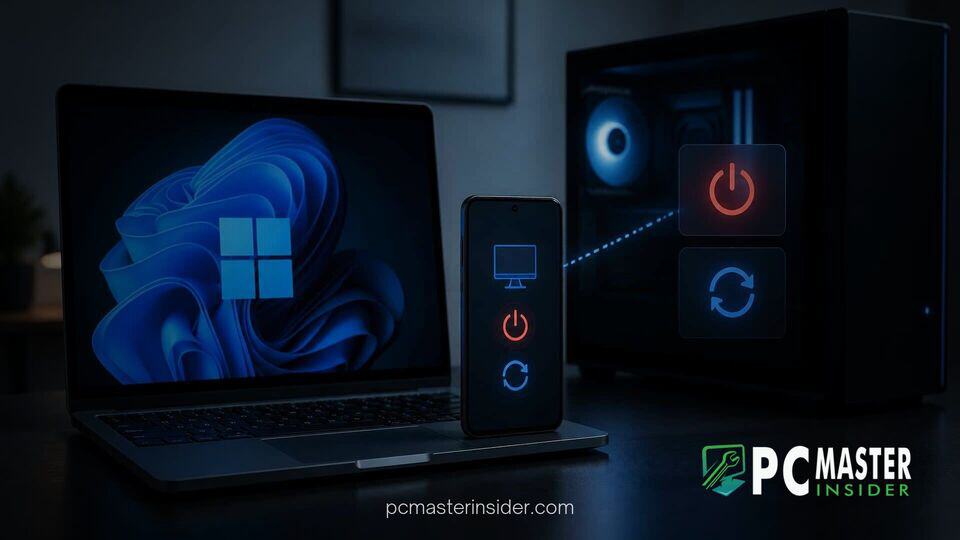
Microsoft has begun testing expanded system management capabilities within its cross-device integration platform, allowing smartphone owners to manage desktop power states without being physically present at their workstations. The feature is currently rolling out to early testers through the companion mobile client.
By expanding the existing ecosystem connectivity between mobile hardware and desktop operating systems, Microsoft aims to streamline routine administrative actions. The update builds upon previous cross-device tools, transforming the phone companion app into a light remote management utility for personal computers.
link to windows android remote pc shutdown restart
The latest beta release of the Link to Windows Android application introduces dedicated power management actions, enabling users to perform remote system power operations directly from their smartphone screen. Released in beta version 1.26101.103.0, the update replaces the existing standalone Lock PC control with a comprehensive Power menu interface.
Through this new menu, users can execute four distinct actions: locking the system, placing the computer into sleep mode, initiating a full system shutdown, or triggering a system restart. In addition to basic power toggles, the companion client incorporates intelligent triggers designed to work alongside active OS task pipelines.
New Remote Power Management Actions Explained
Beyond standard power commands, the updated mobile companion integrates directly with system maintenance processes. When pending system patches are staged on the desktop machine, the smartphone menu presents additional contextual choices: Update and shut down or Update and restart.
Selecting an update-focused action prompts the desktop operating system to gracefully close active applications, install waiting updates, and proceed with the designated power action automatically. This eliminates the need for users to return to their desks solely to finalize pending system updates. To maintain system consistency, these features utilize the core infrastructure that powers Windows 11 quick taskbar settings actions and modern system notifications.
Preventing Data Loss During Remote PC Shutdowns
To reduce the risk of accidental disruption or corrupted work files, Microsoft has built active confirmation safeguards into the smartphone interface. Attempting to issue a shutdown or restart command triggers an explicit warning dialog on the Android display.
The prompt explicitly cautions users that executing a remote power off command will close running software on the host PC, which could result in the loss of unsaved documents or active project files. This safety measure addresses a fundamental operational risk when executing system commands on a headless or unmonitored machine.
A distinct confirmation prompt appears when selecting the option to put the computer to sleep. The app explicitly notes that putting the host desktop to sleep terminates active wireless network links, meaning users must be physically present at the computer to wake it back up unless custom Wake-on-LAN routing is pre-configured on their local network.
Setup Requirements and Android Compatibility
Accessing the new remote power features currently requires enrolment in the beta testing program for the Link to Windows application on Android. The companion phone app must be paired with a target PC running Microsoft's Phone Link application. Both host and client devices must share active authenticated connections tied to the same primary account profile.
While Microsoft continues optimizing resource overhead across connected systems like the performance gains documented in the Windows 11 version 26H2 update desktop RAM reduction, these mobile background tasks remain lightweight. Early feedback indicates the feature functions across various modern Android OS builds, provided both devices maintain stable internet connections.
Users frequently rely on cumulative OS maintainers to clear background glitches before rolling out new cross-device functionality; for instance, performance fixes such as those delivered when KB5127648 fixes mouse stuttering in PC games help ensure host machines handle background state changes smoothly without local software hangs.
Future Expansion Prospects for iOS Users
While Android device owners in the preview channel can begin testing power controls today, Microsoft has not formally confirmed rollout schedules for the iOS version of the companion application. Apple platform limitations around background process persistence and peripheral system controls typically require specialized implementation cycles.
The underlying architectural updates coincide with broader platform maintenance across Microsoft software components, similar to recent updates seen in WinUI Gallery 3.0 experimental Windows App SDK controls. Microsoft continues refining cross-device compatibility across various hardware tiers.
For IT administrators managing remote fleets or home users managing multi-device setups, incorporating basic remote power features into standard mobile apps reduces reliance on third-party remote desktop software. System stability during remote commands remains a key focus area, especially for systems running specialized configurations like Hyper-V Manager environments in Windows 11.
As preview testing progresses through subsequent build iterations, Microsoft is expected to collect feedback regarding menu layout, task execution speed, and warning clarity. A wider general release for all stable Link to Windows users is anticipated following the conclusion of the preview testing phase.



