
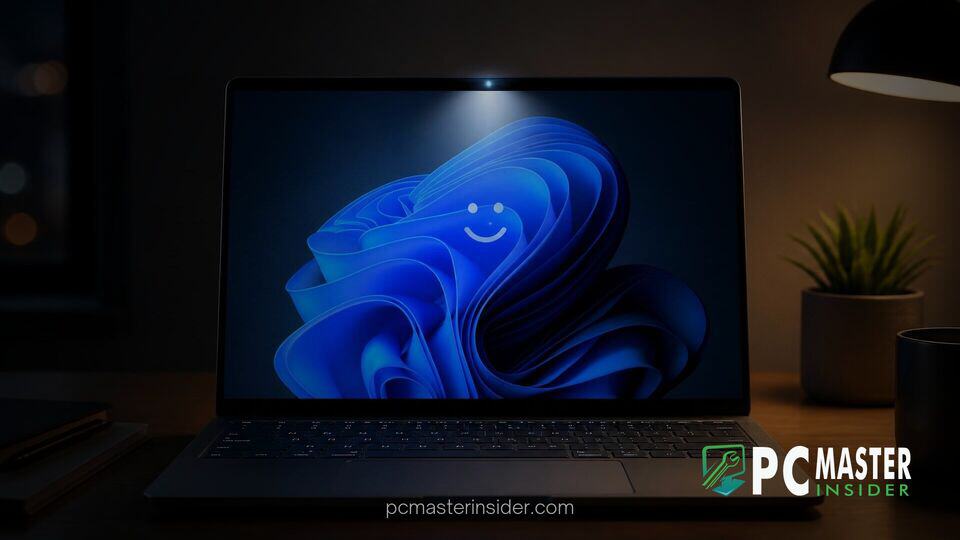
Microsoft has released Windows 11 Insider Preview Build 26340.9750 to testers in the Experimental channel, bringing a practical usability enhancement to biometrics. The update introduces a display illumination boost designed to help facial recognition succeed in dimly lit rooms.
Alongside the biometric enhancement, this flight expands passwordless web sign-in options for enterprise environments and includes important stability fixes for core user interface components.
Automatic Screen Brightness Boost for Windows Hello Sign-In
The primary headline of this flight centers on the windows 11 windows hello auto brightness preview feature. Microsoft is officially addressing a long-standing friction point for users who rely on facial recognition in dark environments, such as late night work sessions or poorly lit rooms.
When operating in low light, standard infrared (IR) sensors and standard webcams often struggle to capture sufficient facial details for instant biometric verification. With this preview update enabled, Windows 11 automatically detects low ambient light during a login attempt and temporarily raises the display brightness to illuminate the user's face. Once authentication finishes and the desktop loads, the display immediately reverts to its original brightness level.
How the Low-Light Facial Recognition Enhancement Works
The system leverages ambient light sensors built into modern laptops and external monitors alongside camera frame analysis to judge lighting conditions during sign-in. By turning the display into a temporary ring light, Windows Hello ensures higher contrast and clearer feature detection without forcing hardware manufacturers to add physical floodlights.
According to release documentation from the Windows Insider team, the feature is designed to be unobtrusive while dramatically reducing sign-in failures that force users to fall back to a PIN or password.
Enabling the Feature in Windows 11 Settings
Insiders testing Build 26340.9750 can configure the new behavior directly through the native operating system controls. To turn the setting on or off, users can follow this navigation path:
- Open Settings (Win + I).
- Navigate to Accounts and select Sign-in options.
- Expand the Facial recognition (Windows Hello) section.
- Toggle the switch for Automatically adjust screen brightness during face recognition.
For enterprise IT administrators managing security policies, this feature remains optional and can be toggled based on personal preference or workplace lighting conditions.
Additional Fixes and Improvements in Insider Preview Build 26340.9750
Beyond biometric updates, Build 26340.9750 delivers substantial refinements across multiple system subsystems. Enterprise organizations benefit from an expansion of passwordless authentication, as Windows 11 Preview Expands Passwordless Web Sign-In to Entra Hybrid PCs to support FIDO2 keys, passkeys, and Temporary Access Passes at the lock screen while maintaining Kerberos ticket generation for local network resources.
Gamers testing the build also receive a refreshed Xbox mode overlay. Similar to recent developments where Microsoft Adds Refreshed Gaming Task View in Windows 11 Preview, the latest flight streamlines navigation by placing rapid power controls and exit shortcuts directly on the primary bar.
File Explorer and Windows Search Stability Updates
Microsoft has targeted several shell bugs that previously affected daily workflows:
- File Explorer: Resolved an issue where folder views failed to update or resort correctly after adding or renaming items.
- Windows Search: Addressed underlying system hangs where the search panel disappeared or froze after rapid clicking, building upon recent architectural work where Windows 11 Redesigned Search Adds Quick Taskbar Settings Actions.
- Run Dialog: Improved performance when opening huge directory paths and fixed text input loss when typing immediately upon launch.
- System Stability: Fixed specific shutdown hangs and restored modern WinUI styling to low-battery warning dialogs.
Availability and Insider Rollout Timeline
The low-light auto-brightness boost and accompanying shell fixes are currently rolling out via Controlled Feature Rollout (CFR) to Insiders in the Experimental channel. As with most preview features, Microsoft plans to monitor feedback and telemetry before expanding rollout across Beta and Release Preview channels.
If testing remains positive, general availability for all Windows 11 users is anticipated in upcoming feature update rollouts later this year. Consumers can provide direct feedback on screen brightness behavior through the Windows Feedback Hub under the Security and Privacy category.



