
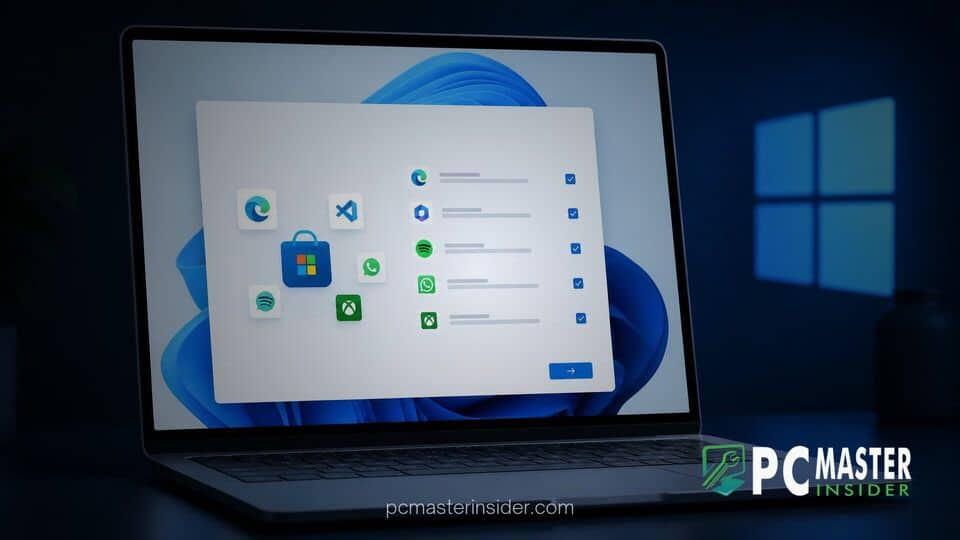
Microsoft is testing a new onboarding feature in Windows 11 designed to streamline the device setup process by recommending third-party applications and web shortcuts. The feature, currently rolling out as part of an experimental setup update, offers users optional curated suggestions right as they complete the initial system configuration.
By integrating popular media platforms and productivity shortcuts directly into the post-setup environment, Microsoft aims to reduce the effort required to customize a fresh operating system installation. However, the change also reopens discussions around promotional software and pre-installed recommendations during first-time PC setup.
Windows 11 Setup App Suggestions and Onboarding Details
The new onboarding experience, dubbed Assisted Setup, alters how the final phase of the Out-of-Box Experience (OOBE) presents options to users. Rather than immediately dropping users onto a blank desktop, the final setup screen, labeled "Your PC is ready," presents two distinct paths: "Show optional setup" and "Go to desktop."
If users choose the optional setup path, Windows 11 opens the native Get Started application upon reaching the desktop. This guided interface introduces curated software picks and provides automated prompts to install third-party applications alongside native tools, attempting to make new device preparation more user-friendly for non-technical users.
Promoted Applications and Web Shortcuts
Within the Get Started app flow, Microsoft presents curated cards highlighting popular applications such as TikTok, Netflix, and various streaming or entertainment services. In addition to software downloads, the workflow offers direct prompts to create web application shortcuts that can be pinned directly to the taskbar or Start menu.
This expands on existing setup promotions where Microsoft routinely highlights first-party services like Xbox Game Pass, OneDrive, Phone Link, and Microsoft 365. Rather than restricting suggestions to internal ecosystem products, the new flow incorporates prominent third-party platforms directly into the post-installation guide.
Regional Customization and Taskbar Pinning
The suggested applications and web links shown during the guided onboarding flow are customized based on regional settings selected during the initial language and location screens. Users in different geographic regions may see locally relevant news outlets, streaming platforms, or regional services recommended during the process.
Taskbar pinning features within the Get Started app also allow users to add browser-based shortcuts with a single click. This streamlines web application setup without requiring users to manually navigate to individual websites inside Microsoft Edge to create desktop or taskbar pins.
Impact on New PC Setup Experience
Microsoft's effort to consolidate app recommendations into a post-OOBE desktop app reflects feedback regarding setup fatigue. Previous updates to the Windows setup workflow aimed to shorten the initial setup phase by reducing mandatory configuration screens and reboot cycles. Moving app discovery to an optional desktop guide helps keep the core installation phase lightweight while keeping software recommendations accessible.
However, the inclusion of promoted third-party apps has drawn comparisons to earlier Windows 11 feature additions that introduced promotional content across the operating system interface. While some users appreciate quick access to essential apps, others prefer a minimal operating system footprint free of sponsored software recommendations.
User Privacy and Opt-Out Options
To balance convenience with user choice, Microsoft has made the Assisted Setup flow entirely optional. Selecting the "Go to desktop" option on the final OOBE screen completely bypasses the recommended app installation guide, bringing users straight to a clean desktop without launching the Get Started app automatically.
For users who skip the prompt initially but want to explore recommendations later, the onboarding pages remain available within the Get Started application. Furthermore, system managers can adjust system recommendations at any time by modifying settings under the Privacy and Security section in the main Settings menu.
Rollout Schedule Across Windows 11 Builds
The Assisted Setup feature is currently rolling out gradually through server-side updates to Windows Insiders testing preview builds. Microsoft continues to evaluate user feedback and telemetry from test channels before deciding whether to deploy the updated setup flow to all general availability versions of Windows 11.
As Microsoft continues refining the initial user setup, the company remains focused on balancing ecosystem promotional strategies with streamlined user control across both consumer and commercial installations.



