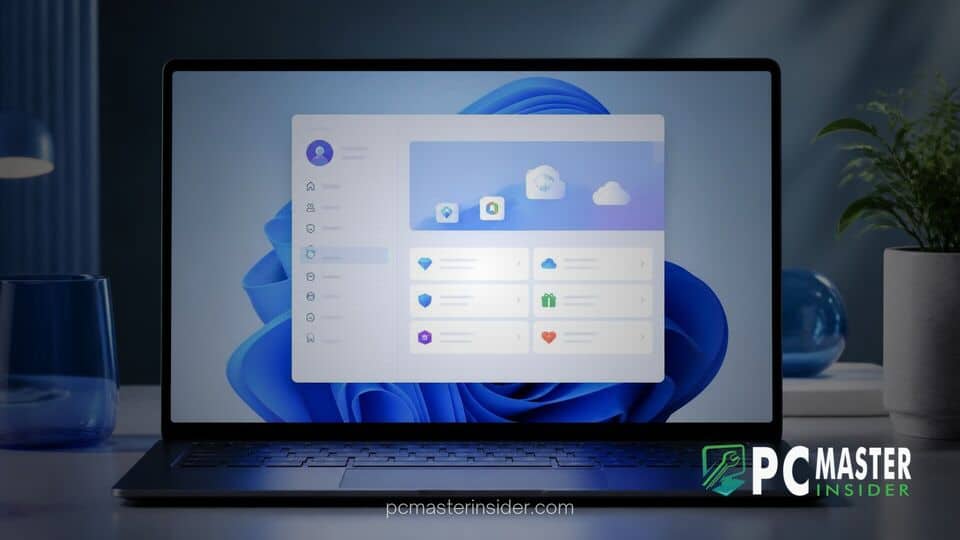
Microsoft has released a new preview update for Windows 11 that introduces a dedicated interface for viewing Microsoft account perks directly inside the native Settings application. Available to testers in the Windows Insider Beta Channel via Build 26320.10022, the change consolidates account-tied entitlements into an easily accessible hub.
The update aims to give users immediate visibility into their active subscriptions, cloud storage quotas, and bundled digital services without requiring them to sign into web portals or navigate separate account management menus.
Microsoft Integrates Account Benefits Directly Into Windows 11 Settings
The integration of the windows 11 settings microsoft account benefits page marks a further evolution of the operating system's redesigned Settings Home hub. Rather than hiding subscription status deep within account submenus, the new interface highlights linked perks right on the front dashboard.
Users who log in with a MSA (Microsoft Account) can now view an overview of their account status upon opening the Settings app. The interface surfaces available entitlements, connected services, and onboarding information designed to help users take advantage of features included with their account tier.
Centralized Overview of Subscriptions and Included Services
The updated layout aggregates information for both free and paid tier account holders. Key features surfaced in the updated benefits dashboard include:
- Cloud Storage: Real-time status of OneDrive capacity and current cloud storage usage.
- Microsoft 365 Subscriptions: Quick access to subscription status, renewal dates, and associated web applications like Word, Excel, and PowerPoint.
- Rewards and Perks: Integrated trackers for Microsoft Rewards balances and redeemable offers.
- Security and Authentication: Status indicators for passkey management and biometric authentication options.
By bringing these tools directly to the desktop environment, Microsoft continues its efforts to streamline user authentication and system configuration. This shift mirrors previous platform enhancements, such as when Bitwarden added native Windows Hello passkey support for Windows 11 to simplify local security workflows.
Key Changes in Windows 11 Preview Build 26320.10022
The addition of the dedicated benefits view arrives as part of Windows 11 Insider Preview Build 26320.10022. Distributed to the Beta Channel via an enablement package, this release serves as a testbed for future feature deployments.
Along with the updated benefits overview on the Settings Home page, Microsoft has introduced a dedicated welcome experience. This onboarding screen provides new or updating users with a summary of available features tied to their account, helping non-technical users discover built-in utilities they might otherwise overlook.
User Interface Enhancements and Account Navigation
The modified interface aligns with Microsoft's broader visual language update across system settings. Recent preview builds have systematically overhauled classic management panels into modern WinUI 3 controls. Recent updates have brought similar treatments to core operating system components, such as when Microsoft released Windows 11 KB5132057 with an overhauled Search UI.
In addition to account management refinements, preview updates across the testing channels have introduced various system-level stability updates. While some builds focus on core feature additions, others address underlying system issues, similar to how Microsoft addressed a Windows 11 hotpatch bug causing app launch failures in previous updates.
Impact on Windows 11 Users and Subscription Management
For end users, the centralized benefits hub reduces friction when checking storage caps or verifying active software licenses. Instead of opening a web browser and navigating through external billing portals, users can check their account entitlements directly from the OS.
However, early community feedback in testing forums indicates mixed reactions. While many appreciate the consolidated view for tracking storage and active services, some users have requested options to customize or hide account cards on the Settings home page if they prefer a minimalist interface.
The push to surface cloud-connected services within the OS interface comes alongside other platform developments aimed at integrating web and local features. For instance, recent preview builds have explored deeper ecosystem links, such as when Microsoft tested the People Widget with WhatsApp integration in Windows 11.
Rollout Timeline and Availability in Future Updates
As with all features in the Windows Insider Beta Channel, the new account benefits hub is currently undergoing testing to gather performance metrics and user feedback. Microsoft has not announced an exact release date for the general public, as preview features may undergo further UI adjustments or delayed deployment schedules based on tester responses.
If testing proceeds smoothly in the Beta Channel, the account benefits integration is expected to roll out to stable versions of Windows 11 in an upcoming cumulative update or feature release. Windows 11 users can monitor upcoming update releases through the standard Windows Update menu in Settings.