
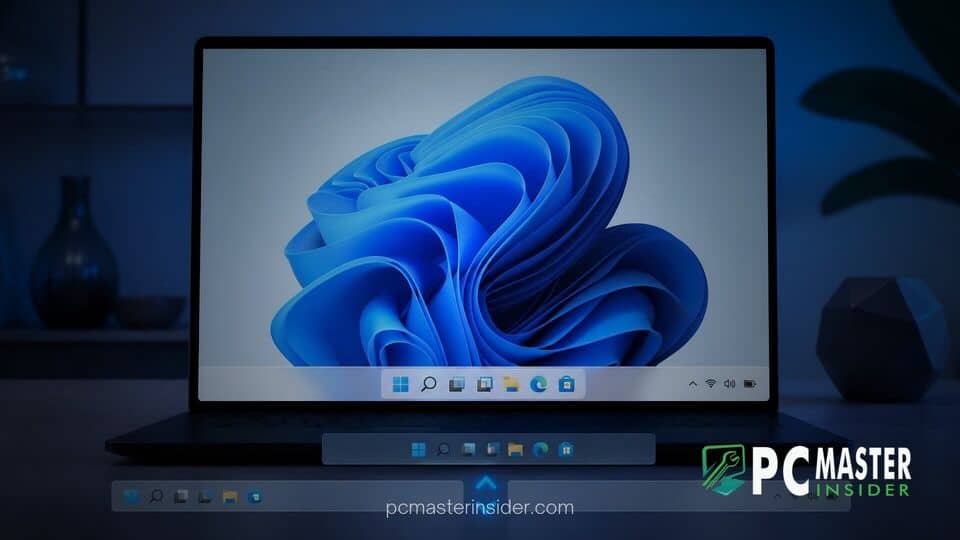
Microsoft has officially released Windows 11 Preview Build 28000.3079 (KB5124006) to testers in the Release Preview Channel. The update for Windows 11 version 26H1 introduces native taskbar alignment controls and compact layout modes, restoring desktop flexibility features long requested by desktop users.
New Taskbar Customization Options in Build 28000.3079
With the release of preview build 28000.3079, Microsoft is providing expanded options for configuring the windows 11 preview build 28000 3079 taskbar position. Insiders can now choose whether the taskbar docks at the bottom, top, left, or right side of their displays.
To access the new options, users can navigate to Settings > Personalization > Taskbar > Taskbar behaviors. A dedicated dropdown menu labeled Taskbar position allows instant repositioning across connected monitors. When relocated to the top or side edges, contextual elements such as tooltips, system flyouts, and launch animations adapt dynamically to emerge from the selected border.
Microsoft noted that most core customization preferences remain fully functional regardless of placement. Options such as icon combining settings, taskbar alignment, and badge notifications function across all four screen edges. However, certain visual components remain constrained. The dedicated search box and the compact taskbar view are currently restricted to top and bottom orientations. When positioned vertically on the left or right sides, search defaults to a streamlined icon mode.
Movable Taskbar and Small Taskbar Modes
Alongside flexible screen edge positioning, Build 28000.3079 introduces a native small taskbar mode aimed at preserving display real estate on portable devices and smaller displays. Available under the expanded Taskbar behaviors pane, enabling the small taskbar toggle reduces icon scale and shrinks the overall taskbar height. Core navigation tools, including the Start menu button, Search icon, and system tray, scale down proportionally to ensure visual consistency.
The addition addresses long-standing user feedback regarding taskbar customization. When Windows 11 launched, Microsoft redesigned the shell architecture on a modernized XAML framework, which initially removed the ability to move the taskbar or adjust its height without registry modifications. The inclusion of native placement settings in testing channels marks a permanent shift back toward user-configurable desktop layouts.
This update follows broader platform changes tested across earlier development flights. For example, Windows 11 KB5120998 update rolled out movable taskbar features to preview channels earlier in the development cycle, laying the groundwork for broader integration in version 26H1. Additionally, Microsoft has continued updating peripheral UI elements, similar to how Microsoft quietly revealed a redesigned mouse pointer in Windows 11 preview flights.
System Tray and Interface Quality Enhancements
Beyond taskbar repositioning, Build 28000.3079 incorporates under-the-hood stability improvements for primary desktop shell components. Microsoft expanded the Taskbar behaviors section within Settings by default, making layout adjustments easier to discover for everyday users. The build also addresses rendering bugs and performance stalls previously affecting system tray icon loading upon system boot.
The update complements recent quality updates across the operating system. Recent updates have focused heavily on core hardware interactions, such as when Microsoft fixed a Windows 11 mouse settings reset bug that disrupted custom cursor schemes. Similarly, the engineering team has worked on peripheral connectivity, evidenced by how Microsoft tested nine major Bluetooth bug fixes in Windows 11 preview builds.
Availability and Rollout Phases for Release Preview Testers
Build 28000.3079 is rolling out to Windows Insiders enrolled in the Release Preview Channel running version 26H1. Microsoft is delivering the update through a phased deployment strategy, utilizing both gradual and normal rollout channels. Under the gradual phase, features are toggled remotely via Controlled Feature Rollouts (CFR) to monitor stability telemetry before broader distribution.
Users interested in trying the updated taskbar controls can check for updates via Settings > Windows Update. Standard public availability for these taskbar features is expected to align with upcoming monthly quality updates and general availability updates for Windows 11 version 26H1.
With Build 28000.3079, Microsoft resolves one of the most persistent interface complaints since the operating system launched. By restoring multi-edge taskbar positioning alongside compact scaling modes, the company provides essential layout control for modern multi-monitor setups and compact displays alike.



