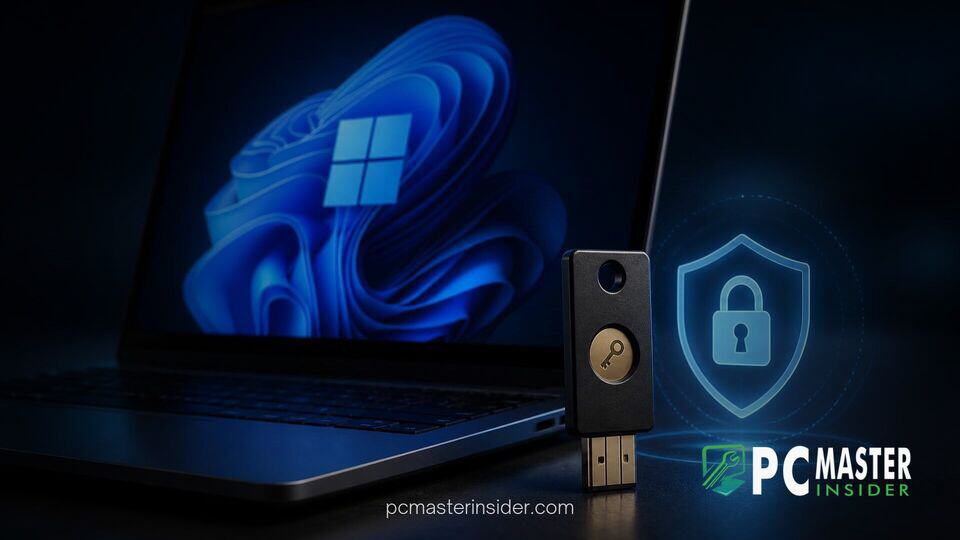
Microsoft is introducing enhanced authentication controls to Windows 11, giving users greater control over hardware backed credentials. The operating system now offers native options to view and delete individual passkeys stored on physical FIDO2 security keys directly through system settings.
This update addresses a long-standing limitation for security-conscious users and enterprise IT administrators. Previously, removing a single credential from a USB security key often required clearing or resetting the entire physical authenticator.
FIDO2 Passkey Management Arrives in Windows 11
Microsoft has consistently expanded its passwordless roadmap, positioning Windows Hello authentication tools as a primary foundation for modern identity protection. The integration of detailed controls for external FIDO2 keys brings desktop security settings into closer parity with standalone enterprise tools.
Passkeys rely on cryptographic standards established by the FIDO Alliance and the World Wide Web Consortium (W3C). By storing a private key locally on a secure device, passkeys eliminate the threat of credential harvesting, phishing attacks, and server-side data leaks. While Windows 11 already allowed users to log into websites and services using hardware keys, managing the contents of those keys inside the operating system remained minimal.
With this feature rollout, Windows 11 provides a dedicated dashboard within the Settings app where users can inspect stored credentials on connected hardware keys. This means individuals using external USB or NFC authenticators from vendors like Yubico or Token2 can inspect specific domain credentials without resorting to external software tools.
Individual Passkey Deletion and Security Controls
The core enhancement centers on credential control. Users can now inspect the passkeys saved to a connected hardware token and choose to remove specific credentials one by one. In previous Windows releases, removing a passkey from a hardware key meant using command-line parameters, browser extension workarounds, or performing a full factory reset that erased all stored credentials on the token.
In addition to individual credential deletion, the updated interface exposes administrative policies for corporate environments. Enterprise IT managers can enforce minimum PIN length requirements, mandate always-required user verification prompts, and configure enterprise attestation parameters directly. These settings ensure that security keys deployed across an organization strictly align with corporate compliance standards.
This update complements broader system protection features, such as tests involving Intune Remote Lock controls for Windows 11, which help prevent unauthorized access to missing or stolen enterprise hardware.
How to Manage Passkeys in Windows 11 Settings
Accessing the new security features requires inserting a compatible FIDO2 key into a USB port or holding an NFC key near a supported reader. Users can then navigate through standard system menus to manage their credentials.
To inspect or modify hardware credentials:
- Open the Settings app in Windows 11.
- Select Accounts from the left sidebar and choose Passkeys.
- Select the external security key option under connected authenticators.
- Enter the hardware PIN when prompted to unlock the security key contents.
- Review the list of stored website credentials and select individual entries to delete or update them.
This unified view brings passkey oversight alongside other authentication settings, simplifying account management across personal and enterprise devices. Microsoft has also continued refining user onboarding across its ecosystem, parallel to updates like modernized WinUI dialog interfaces across preview builds.
Availability across Windows Insider Preview Channels
The expanded hardware key controls are currently rolling out to users enrolled in the Windows Insider Program across preview channels. Microsoft typically validates security improvements through Insider builds before issuing them to general consumers and commercial clients through monthly cumulative updates.
Industry experts view this addition as a crucial step toward accelerating universal passwordless adoption. While consumer cloud services like Google and Apple rely heavily on synced cloud passkeys, high-security sectors and enterprise organizations frequently enforce hardware-bound FIDO2 keys. Giving administrators and end users granular visibility over hardware key contents lowers friction and encourages wider deployment of hardware security keys.
Microsoft's ongoing push to eliminate passwords extends beyond authentication tools. The company has also addressed local security architecture across preview builds, ranging from software identity upgrades to underlying platform defenses designed to protect against threats such as the SignDrop privilege escalation flaw.
As digital identity theft and remote phishing tactics grow more sophisticated, native security key management provides users with a clearer, more practical way to defend their accounts. General availability for all Windows 11 users is expected in upcoming feature updates.