
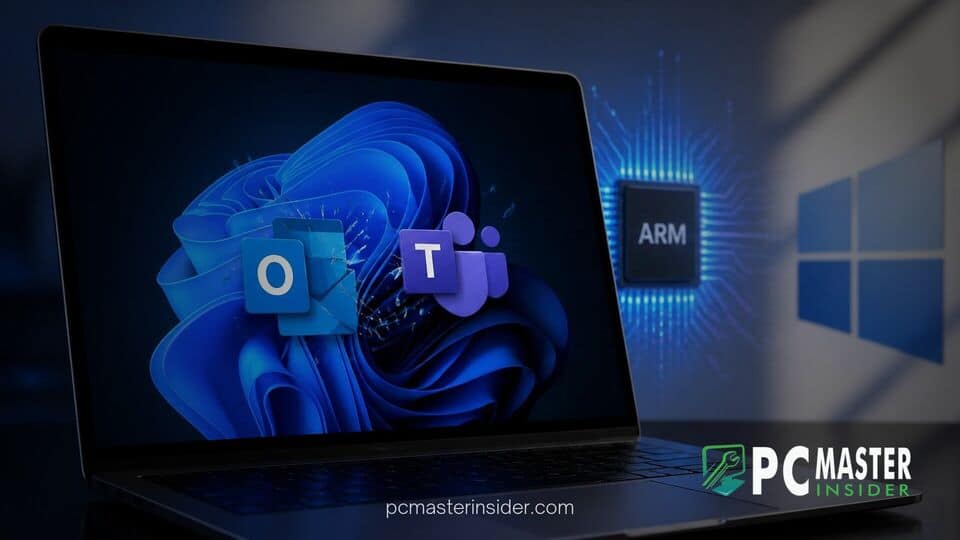
Microsoft has acknowledged a issue causing Microsoft Teams and the new Outlook for Windows to fail at launch or close unexpectedly on ARM-based Windows 11 devices. The bug specifically impacts hardware running Qualcomm Snapdragon processors, including recently released Copilot+ PCs such as the Surface Laptop 7 and Surface Pro 11.
According to official documentation on the Windows Release Health dashboard, the instability follows the deployment of security updates released in mid-August. Microsoft has identified temporary workarounds via the Microsoft Store while engineers prepare a permanent system update.
App Launch Issues Discovered on ARM-Based Windows 11 PCs: windows 11 arm teams outlook launch crash
The problem stems from cumulative security updates, particularly KB5121003, which began rolling out to supported platforms. Shortly after installation, users operating Snapdragon-powered devices running Windows 11 version 24H2 or 25H2 reported that essential productivity apps stopped functioning. When users attempt to open Microsoft Teams or the new Outlook for Windows, the applications either fail to display a graphical interface entirely or briefly crash right after launch.
This ongoing situation highlights broader challenges in operating system software maintenance. Enterprise administrators and personal users frequently face unexpected side effects from routine updates, such as when Microsoft confirms Windows 11 KB5120998 update resets custom mouse settings or when how to fix game crashes caused by incompatible RGB drivers in Windows 11 becomes necessary after driver conflicts emerge.
Affected Systems and Software Applications
Microsoft confirmed that the issue predominantly affects new or recently imaged ARM64 devices that have not yet downloaded all pending application dependencies through the Microsoft Store. Flagship Copilot+ PCs, including the Surface Pro 11, Surface Laptop 7, and third-party Snapdragon X Elite laptops, represent the majority of hardware instances logged in feedback channels.
Importantly, the crash loop is limited to specific client software:
- Impacted Applications: The web-backed new Outlook for Windows client and the modern unified Microsoft Teams desktop application.
- Unaffected Applications: Classic Outlook (Win32), Microsoft Word, Excel, PowerPoint, and web browser versions of Microsoft 365 services continue to operate normally without crash events.
Root Causes and Initial Findings
While Microsoft has not published a complete technical post-mortem, preliminary diagnostic details point toward a dependency mismatch involving system-level graphics acceleration packages and background runtime components. The security patch alters how certain system libraries handle memory routines on ARM64 architectures.
When combined with outdated system packages or un-updated app dependencies, progressive execution calls in web-view containers trigger instantaneous thread exceptions. Similar platform updates can occasionally cause uncoordinated behavior across system features, much like when Microsoft confirms false virus protection off alerts in Windows 11 Defender occur despite underlying security remaining entirely functional.
Recommended Workarounds for Impacted Users
For users experiencing persistent launch failures on ARM hardware, Microsoft has published an official mitigation strategy through the Microsoft Store. Updating platform-specific enhancement components restores startup stability for both affected applications.
Impacted users should follow these steps to apply the recommended workaround:
- Open the Microsoft Store app on the affected Windows 11 ARM device.
- Navigate to the Library section located in the bottom left corner.
- Click Get updates or Check for updates.
- Ensure that the Auto Super Resolution Package is updated to version 1.0.19.0 or a later build.
- Restart the computer to finalize background package registration.
If updating store components does not immediately resolve the crash, users can access their workflows via Outlook on the Web (outlook.office.com) or Teams for Web inside Microsoft Edge. Administrators managing large corporate fleets can also enforce Microsoft Store background updates through Intune policies to prevent unpatched devices from encountering startup failures.
Microsoft Patch Timeline and Resolution Status
Microsoft has officially marked the issue as mitigated for systems that pull down current Microsoft Store component updates. However, an operating system update containing an integrated code revision is currently in development to permanently resolve the issue without requiring manual intervention.
Software reliability remains a top focus as Microsoft continues to optimize Windows on ARM for mainstream enterprise adoption. Broader management tools are evolving alongside hardware architecture shifts, such as when Microsoft expands Windows Autopatch to support quality and recovery updates across enterprise environments.
Users operating ARM-based Windows 11 PCs are advised to maintain automatic updates for both Windows Update and the Microsoft Store. Further details and standalone patch availability will be communicated through the Windows Release Health dashboard in upcoming servicing releases.



