
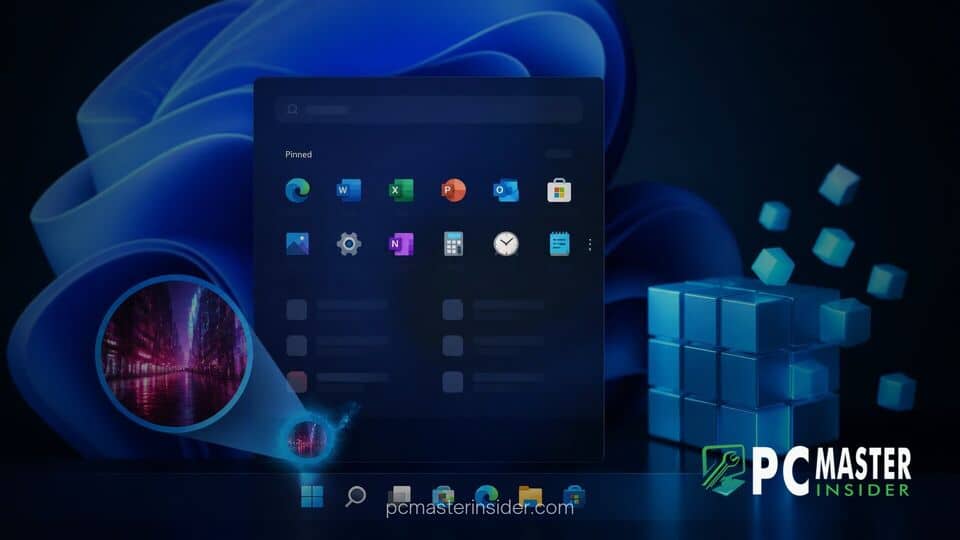
Tech enthusiasts have uncovered a hidden trick inside the Windows Registry that allows users to replace their static avatar with a motion picture. By modifying specific system keys, Windows 11 can be forced to render looping animations directly on the user profile interface.
While Microsoft officially restricts account pictures to static image formats like JPEG and PNG, the underlying operating system still retains legacy rendering components. This newly highlighted configuration redirects account image paths to animate seamless loops across core desktop interfaces.
Discovered Registry Tweak Restores Animated Profile Pictures
The discovery revolves around modifying system parameters within the Registry Editor to bypass the default account image restrictions. Normally, when you upload a GIF or video file through the standard Settings app, Windows automatically flattens the file into a static frame. However, tweaking internal system keys allows the operating system to process animated assets natively without converting them into still photos.
This trick appeals heavily to desktop customization enthusiasts who have long missed personalizing their system user accounts. Over the years, Windows power users have explored various tweaks, ranging from modifying context menu registry shortcuts to streamlining taskbar behaviors. Unlocking moving profile avatars fills another long-standing visual customization request that Microsoft has left unaddressed in recent OS builds.
How AccountPicture Key Redirection Works
The underlying mechanism relies on pointing the system's internal user account image repository to an animated asset. Within the Registry Editor, users navigate to the AccountPicture registry keys under the local machine software settings. By creating specific string values or redirecting image directory paths directly to a supported animation, the OS is tricked into reading the full image sequence instead of grabbing a single thumbnail.
In addition to standard GIF files, some users have reported success by using lightweight MP4 video clips renamed or mapped appropriately within system directories. When Windows initializes the user session, the system's shell components load the target file directly into memory, enabling fluid playback whenever the user avatar is rendered.
Where Animated GIFs Display Across Windows 11
Once the modification is applied, the animated profile picture becomes visible across several key areas of the Windows 11 interface. The most noticeable location is the bottom corner of the Start menu, where the account profile icon constantly plays the chosen loop while the menu remains open.
Furthermore, the animation persists on the Windows lock screen and login panel. As users wake their system or switch accounts, the high-resolution avatar plays seamlessly above the password input prompt, offering a personalized touch right from the moment the computer turns on.
Start Menu and Lock Screen Compatibility
While the visual effect is striking, performance varies depending on file sizes and system resources. Smaller, highly optimized animation loops perform best, transitioning smoothly without introducing delay when opening system menus. Microsoft has recently focused heavily on system performance, working on updates designed for faster boot times and 8GB RAM optimizations, making lightweight tweaks preferable to avoid unnecessary background resource consumption.
Users testing the feature report that the animation scales automatically within the circular avatar crop used by Windows 11. However, because the feature is not exposed in the standard GUI, framing the animation properly requires selecting an asset with central framing to avoid awkward cropping around the edges.
Potential Risks and Limitations of the Registry Fix
As with any unofficial system modification, altering the Windows Registry carries inherent risks. Manually editing system keys without a proper backup can lead to unexpected account sync issues or corrupted profile icons. If Microsoft issues a cumulative update that resets user account policies or refreshes system keys, the animated avatar may revert back to a standard static image without warning.
Additionally, users who sync their Windows account across multiple devices might notice that the animated effect does not carry over automatically. Cloud profile syncing generally enforces standard image compression rules, meaning the animation will only render locally on the specific machine where the registry tweak was implemented.
Community feedback across tech forums remains largely positive, with customization fans praising the hidden capability while acknowledging its limitations. For now, the tweak offers an entertaining look at the latent personalization features hidden beneath the surface of Windows 11, giving enthusiasts a simple way to make their desktop setup feel unique.



