
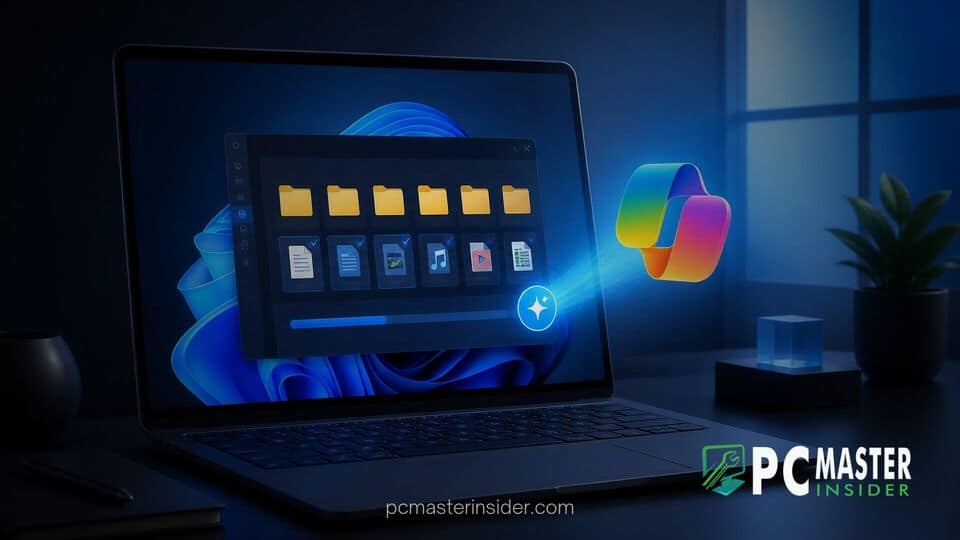
Microsoft is introducing local file capabilities to its Copilot assistant on Windows 11, enabling the AI to interact directly with files stored on local PC drives. The new feature set allows users to ask Copilot in natural language to search, organize, rename, and clean up cluttered locations like the Downloads and Desktop folders.
By shifting file management tasks to a hybrid intelligence framework, Microsoft aims to automate routine desktop housekeeping without forcing users to sort through nested directories manually. The initiative marks a significant expansion of Copilot's system capabilities across eligible Windows 11 systems.
Copilot Introduces Local File Actions in Windows 11
Under the new feature set, known as local file actions, Microsoft Copilot gains permission-based access to interact with the local Windows File Explorer environment . Rather than acting strictly as a cloud-hosted chatbot or web search tool, Copilot can execute file operations directly on the device's storage drives upon explicit user requests .
Users can submit natural language prompts such as requesting the assistant to group scattered installer files, separate documents by project name, or locate duplicate archives buried in deep directory trees . The AI evaluates file names, metadata, and document contents to determine appropriate structure, creating target subfolders and relocating files accordingly .
This automated approach builds upon recent shell adjustments in Windows 11. While Microsoft previously refined context menus, such as seen when Windows 11 KB5132265 brought context menu updates to Arm64 hardware, local file actions take a step further by removing manual drag-and-drop operations entirely in favor of programmatic automation .
Automated Downloads and Desktop Folder Cleanup
The primary use case showcased for local file actions centers on managing high-volume directories like the Downloads and Desktop folders . These folders frequently accumulate mismatched PDFs, temporary disk images, setup executables, and unorganized screenshots over time.
With local file actions active, Copilot can scan the contents of a target directory and execute multi-step operations . For example, the assistant can identify financial statements, create a dedicated Invoices folder, bulk-rename generic file titles based on embedded text context, and transfer older setup files to secondary storage drives or the Recycle Bin .
This automated organization is designed to reduce storage bloat while helping users maintain structured file systems. Rather than relying on rigid rules or manual sorting scripts, Copilot adapts its file routing decisions dynamically depending on the user's instructions and file types present .
Permission Controls and Local Privacy Safeguards
Because allowing an AI assistant to modify or index local storage introduces security considerations, Microsoft has integrated explicit consent controls into the system. Local file actions require user opt-in before Copilot can scan disk contents or perform modifications across system drives .
To process local files efficiently while keeping data secure, Microsoft utilizes on-device Neural Processing Units (NPUs) found in modern hardware to run lightweight, local AI models . Under this hybrid model, tasks such as local file indexing, metadata extraction, and basic file movements take place entirely on the client device . Cloud connectivity is reserved for tasks requiring advanced processing power or web contextualization .
This structure aligns with broader platform updates, such as when Microsoft updated Windows 11 with an overhauled search UI to streamline local indexed queries without sacrificing performance. Furthermore, enterprise management features provide system administrators with administrative controls to block AI access to confidential directory paths entirely .
Supported Systems and Expected Rollout Timeline
Microsoft plans to roll out local file actions in upcoming preview updates for Windows 11 . While core features will be accessible across general Windows 11 configurations via the Copilot application, advanced local execution features leveraging on-device processing models will prioritize Copilot+ PCs equipped with qualified hardware silicon .
The feature deployment comes as Microsoft scales broader OS updates, including phased feature delivery like the automatic Windows 11 26H2 update deployment. Early testing for local file management actions will occur within the Windows Insider Program before public availability expand globally.
By bringing plain-language file operations to local storage, Microsoft aims to streamline routine PC maintenance, helping users maintain organized workspaces while retaining direct control over system access and data permissions .