
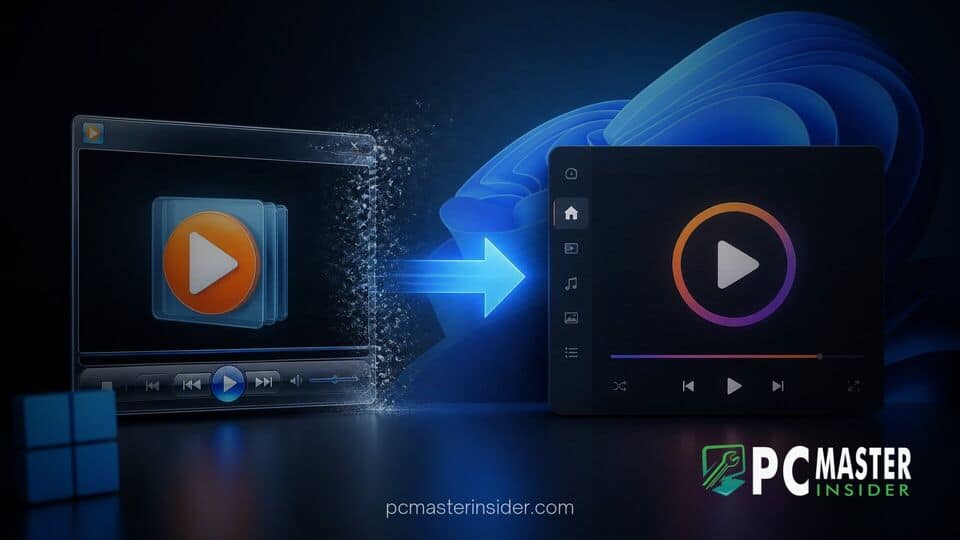
Microsoft has introduced changes in recent experimental preview builds for Windows 11 that limit functionality within the classic Windows Media Player Legacy app. Users attempting to adjust subtitle settings are now greeted with messages directing them to migrate to the modernized Media Player application built specifically for Windows 11.
The updated behavior disables core caption controls in the legacy desktop client. While the classic software continues to play local audio and video streams, essential accessibility options like closed captions are no longer fully functional inside the older interface.
Caption Controls Disabled in Windows Media Player Legacy
In recent Insider preview builds, Microsoft altered the context menu options for subtitle management within the classic media app. Previously, users could right-click playing media and access settings under Lyrics, Captions, and Subtitles to toggle options like Off, On if Available, and Defaults. In current testing builds, these menu options have been trimmed down. Attempting to activate captions generates a direct prompt informing users that captions cannot be enabled in the legacy program and instructs them to transition to the modern Windows Media Player.
While the legacy program remains accessible on Windows 11 for users who prefer its classic control layout, this deliberate limitation signals a stronger push by Microsoft to phase out unmaintained components. By disabling specific accessibility tools, the operating system effectively steers individuals needing closed captions toward modern Store-based applications.
Differences Between Classic and Modern Media Player Apps
The move highlights ongoing architectural differences between legacy Win32 software and modern Windows 11 applications. The original Windows Media Player client has remained virtually unchanged for years, relying on lightweight system resources and classic user interface elements. Desktop enthusiasts often favor it due to its low memory footprint and immediate launch times.
In contrast, the modern Windows Media Player features a refreshed design language, smooth dark mode support, and comprehensive caption customization controls. However, tests reveal that the modern application demands significantly higher hardware memory while active compared to its classic predecessor. Additionally, codec support differs between the tools; the legacy application handles certain video formats out of the box that may require separate extension downloads in the newer app.
Impact on Longtime Windows Desktop Users
For many Windows users, legacy utilities provide stability, speed, and familiarity without extra background overhead. Disabling functional features like closed captioning creates operational friction for individuals relying on accessible viewing options.
Software observers note that while Microsoft frequently deprecates older components, restricting specific functional menus within surviving tools is an aggressive approach to modernizing the user base. Users who rely heavily on lightweight video playback with full subtitle management may need to evaluate third-party alternatives if these changes roll out to general production channels.
What Lies Ahead for Legacy App Support in Windows 11
As Microsoft continues refining Windows 11, older Win32 utilities are gradually being streamlined, hidden, or replaced. While Windows Media Player Legacy has outlived several operating system iterations, its feature set is shrinking as developer resources focus exclusively on modern UWP and WinUI frameworks.
The restriction on caption controls remains in preview channels for now, but it strongly suggests that Microsoft intends to retire full feature parity for legacy utilities entirely. Users seeking reliable subtitle support will likely have to embrace the modern app or adopt open-source desktop alternatives.



