
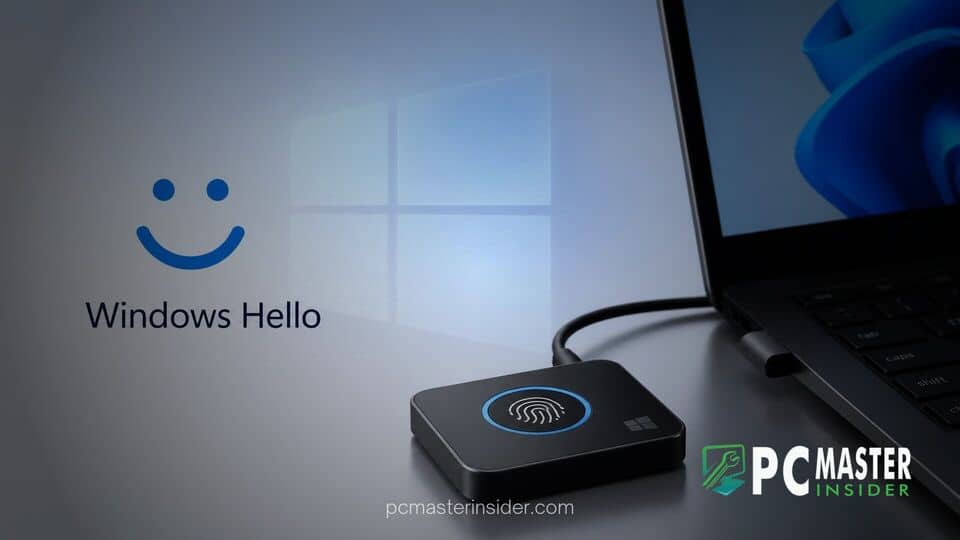
Microsoft has officially expanded its Windows Hello Enhanced Sign-in Security (ESS) capabilities to support compatible external fingerprint readers across Windows 11. The feature rollout allows desktop computer users and docked laptop owners to utilize peripheral biometric hardware without forfeiting enterprise-grade isolation protections.
Previously restricted primarily to integrated biometric sensors, the expansion addresses long-standing limitations for desktop setups that lack built-in hardware. Users can now establish a hardware-backed secure path for authentication using certified USB fingerprint peripherals.
Expansion of Enhanced Sign-in Security for External Hardware
Under the updated framework, Windows 11 users running supported system builds can pair certified third-party fingerprint scanners directly with Windows Hello while maintaining ESS protections. Microsoft confirmed that the update extends hardware-isolated authentication to desktop PCs, workstation setups, and Copilot+ PCs that rely on peripheral devices for daily operation.
Before this rollout, enabling Enhanced Sign-in Security required an integrated sensor directly wired to the motherboard. Organizations and security-conscious individuals using external desktop accessories were often forced to disable ESS entirely if they wanted to sign in using biometric peripherals. Disabling the feature exposed the system to less protected authentication pipelines, forcing administrators to choose between peripheral usability and maximum system defense. The latest update resolves this trade-off by bringing external fingerprint hardware into the secured ecosystem.
How ESS Isolates Biometric Data on Peripheral Readers
Enhanced Sign-in Security strengthens Windows Hello by protecting biometric templates and matching operations inside an isolated security boundary. ESS leverages Virtualization-Based Security (VBS) and the Trusted Platform Module (TPM 2.0) to create a protected memory region separate from the rest of the Windows 11 operating system.
When a supported external fingerprint reader is attached to an ESS-enabled PC, the communication channel between the physical sensor and the matching algorithm is fully encrypted and authenticated. This encrypted pathway prevents privileged malware, compromised device drivers, and unauthorized third-party applications from intercepting, injecting, or replay-attacking biometric sample data. By extending this pipeline to USB peripheral sensors, the cryptographic keys used for passkeys and system sign-in remain isolated inside protected hardware enclaves even when processed over external buses.
Installation and Setup Requirements for Desktop Users
To take advantage of the updated biometric protections, users must fulfill specific software and hardware prerequisites. The PC must run Windows 11 version 24H2 or newer with Virtualization-Based Security and TPM 2.0 active at the system level. Additionally, the external fingerprint scanner itself must be explicitly manufactured and certified to support Enhanced Sign-in Security protocols. Legacy USB readers that lack ESS certification will not function while the secure setting is strictly enforced.
Setting up a peripheral scanner involves connecting the device, navigating to Settings, selecting Accounts, and opening Sign-in options. Under the Additional settings section, users will find the Enhanced Sign-in Security toggle. If a compatible device is attached, the status will display as ready for enrollment. For non-ESS external readers, Windows 11 provides an optional toggle to allow standard peripheral authentication, though turning off ESS removes the dedicated hardware isolation layer.
Security Benefits and Rollout Timeline Across Windows 11
The introduction of peripheral ESS support offers noticeable advantages for enterprise IT deployments and hybrid workplace environments. System administrators can now enforce strict ESS policies across an entire fleet of corporate computers without locking out desktop users who depend on external hardware peripherals. Furthermore, the compatibility expansion aligns with Microsoft's broader effort to replace traditional alphanumeric passwords with passkeys, which rely heavily on fast and secure Windows Hello verification.
Microsoft is rolling out the feature in phased cumulative update packages for Windows 11 systems. While rollout availability depends on specific system builds and organizational update policies, broader availability across managed corporate devices and personal workstations is expected over the coming weeks.
This hardware expansion represents a practical step forward for Windows 11 security, bringing modern biometric protections to traditional desktop environments without compromising system isolation standards.



