
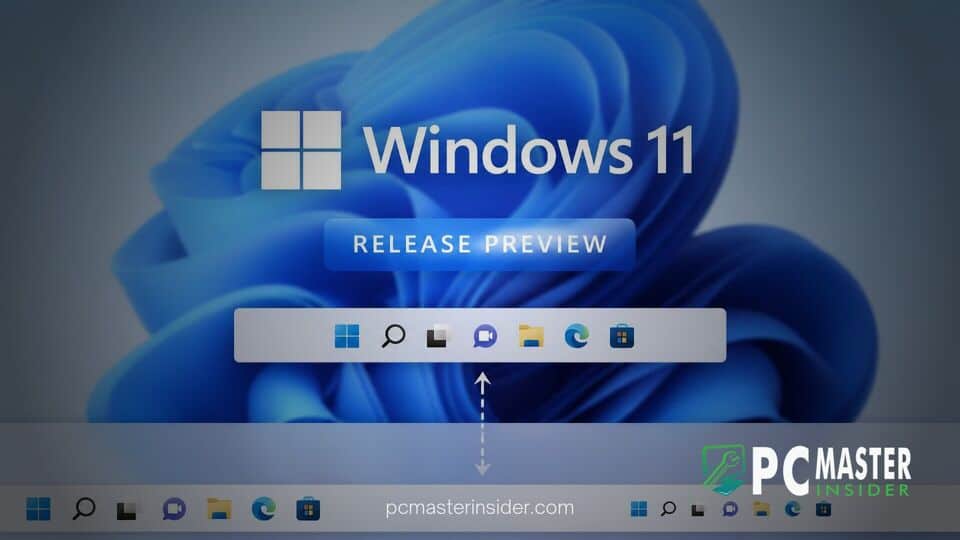
Microsoft has released Windows 11 Builds 26100.9267 and 26200.9267 to the Release Preview Channel, introducing long-awaited customization controls for system navigation. The update allows testers to change the default placement of the taskbar and select a smaller display profile for app icons.
These features address two of the most persistent user requests since the initial launch of Windows 11. By bringing back flexible taskbar positioning and compact sizing options natively, Microsoft aims to deliver greater versatility for both desktop and small-screen device configurations.
Windows 11 Taskbar Position Release Preview Brings Key Customization Features
The latest update in the Release Preview Channel introduces options to place the taskbar at the top, bottom, left, or right side of the screen. In addition to taskbar repositioning, Microsoft has added a dedicated setting for a smaller taskbar height, designed to conserve display space on compact devices and lower-resolution monitors.
New Customization Options in Build 26100.9267 and 26200.9267
Builds 26100.9267 and 26200.9267 serve as testing grounds for Windows 11 versions 24H2 and 25H2 respectively. The addition of taskbar relocation and size controls marks a major step forward in restoring legacy desktop flexibility.
Under the updated interface, the Taskbar behaviors section in the Windows Settings app has been reconfigured for better discoverability. The section is now expanded by default when navigating to Personalization settings, giving users direct access to alignment, positioning, and sizing preferences.
How Taskbar Positioning and Size Settings Work
To change the location of the taskbar, users can open the Settings app, select Personalization, click Taskbar, and open Taskbar behaviors. From the Taskbar position dropdown, users can choose whether the bar resides at the top, bottom, left, or right edge of the screen.
When moved to vertical or top placements, tooltips, flyouts, and system animations adapt dynamically to originate from the new taskbar edge. Essential features such as never combining taskbar icons continue to work across all taskbar locations. However, Microsoft notes that the native search box and smaller taskbar profiles are currently supported only when the taskbar is positioned at the top or bottom.
The small taskbar option reduces both icon dimensions and overall bar height. Users can activate this mode via Settings by navigating to Personalization, selecting Taskbar, opening Taskbar behaviors, and setting Taskbar size to Small. Key interface elements, including the Start menu button, Search icon, and system tray indicators, automatically scale down to preserve screen real estate.
Gradual Rollout Details and System Requirements
Microsoft is distributing these enhancements via a two-phase update mechanism in the Release Preview Channel. The gradual rollout model means that features are turned on progressively across eligible Insider devices rather than arriving simultaneously for all users.
Devices enrolled in the Release Preview Channel under version 24H2 or version 25H2 will receive the update automatically via KB5120998. Users who have enabled the toggle to get the latest updates as soon as they are available may see the new taskbar options earlier in the rollout cycle.
System requirements remain unchanged from existing Windows 11 hardware guidelines. However, the smaller taskbar layout is expected to provide particular value to users operating 1080p displays, handheld gaming handhelds, and small-format tablets where vertical screen space is limited.
Expected Timeline for General Availability
When Windows 11 debuted, Microsoft replaced the legacy codebase of the Windows taskbar with a modern architecture built from scratch. That initial release removed several customization options that power users had relied on for years in Windows 10, including moving the taskbar to alternate screen edges and opting for smaller taskbar buttons.
While third-party modifications offered temporary workarounds, Microsoft began testing native restoration of taskbar controls earlier this year in preview builds. Moving these capabilities into the Release Preview Channel indicates that internal validation is nearing completion.
If feedback in the Release Preview Channel remains positive, the taskbar position and small taskbar settings are expected to reach the general public in an upcoming monthly update or feature update pack. That general release will allow millions of standard Windows 11 users to relocate and resize their taskbar natively without installing third-party tweaks.



