
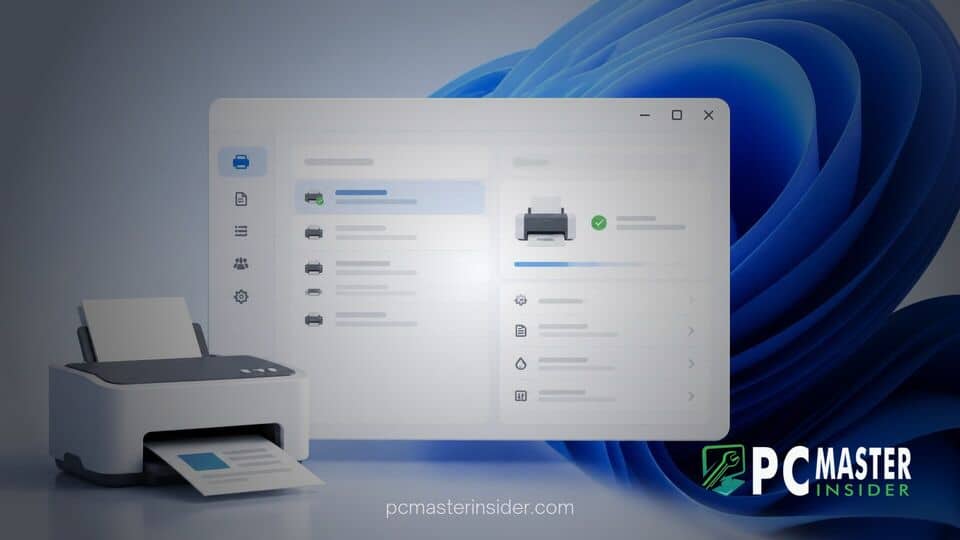
Microsoft has begun rolling out a redesigned version of its long-standing Print Management app to Windows Insiders in the Release Preview channel. The update transitions the enterprise printer administration tool away from the traditional Microsoft Management Console interface and rebuilds it using the modern WinUI 3 framework.
Windows 11 Print Management Tool Modern UI
The updated utility introduces a clean, contemporary design aligned with the visual language of Windows 11 while retaining core management functionality for printers, drivers, and ports. Built as a standalone application under modern system packages, the tool provides system administrators with a unified workspace that bridges legacy system capabilities with current interface standards.
Print Management Tool Redesigned
For decades, administrative features such as Print Management relied heavily on the classic Microsoft Management Console framework introduced in earlier Windows releases. While functional, these legacy snap-ins created a noticeable visual disconnect when operated alongside modern Windows 11 applications.
The redesigned interface replaces aging dialog boxes and rigid tree-view menus with rounded corners, updated typography, responsive controls, and fluid layout elements powered by WinUI 3. Administrators can review print servers, track active queues, configure server properties, and manage installed driver packages within a streamlined interface that feels native to the operating system.
Modern UI Integration
The modern UI initiative is part of Microsoft's broader endeavor to refine underlying system infrastructure, frequently referred to internally as part of ongoing OS quality and consistency updates. Rather than stripping away deep diagnostic features, the design team focused on maintaining complete parity with existing administrative functions.
Addressing the company's approach to updating legacy utilities, Marcus Ash, Vice President of Design and Research for Windows, noted during a recent industry podcast that Microsoft is actively evaluating ways to modernize classic administrative surfaces. He emphasized that the goal is to address top customer requests for visual consistency while preserving crucial back-end compatibility that IT professionals and power users rely on every day.
Release Preview Rollout Details
The updated Print Management app is currently available to participants in the Windows Insider Release Preview channel. It is deployed alongside the existing legacy MMC tool rather than immediately replacing it, allowing system administrators to test workflows and verify printer compatibility without losing access to traditional management tools.
Because the app is currently distributed as an elevated standalone client package, users need to right-click the application icon and select administrative privilege options when executing high-level system adjustments. Microsoft continues to iterate on elevation behaviors and secondary configuration dialogs as testing progresses through the preview channels.
What Users Can Expect Next
The modernization of the Print Management utility signals a broader effort to refresh remaining legacy layers across Windows 11. Beyond print services, Microsoft has also been exploring visual updates for other classic system components, including the File Explorer Properties dialog and additional system utilities.
Assuming feedback from the Release Preview channel remains positive, the new WinUI 3 Print Management interface is expected to reach general availability for all Windows 11 users in an upcoming cumulative feature update. Enterprise environments and IT departments are encouraged to test their printing infrastructure against the preview build to ensure seamless driver management during the broader rollout.



