
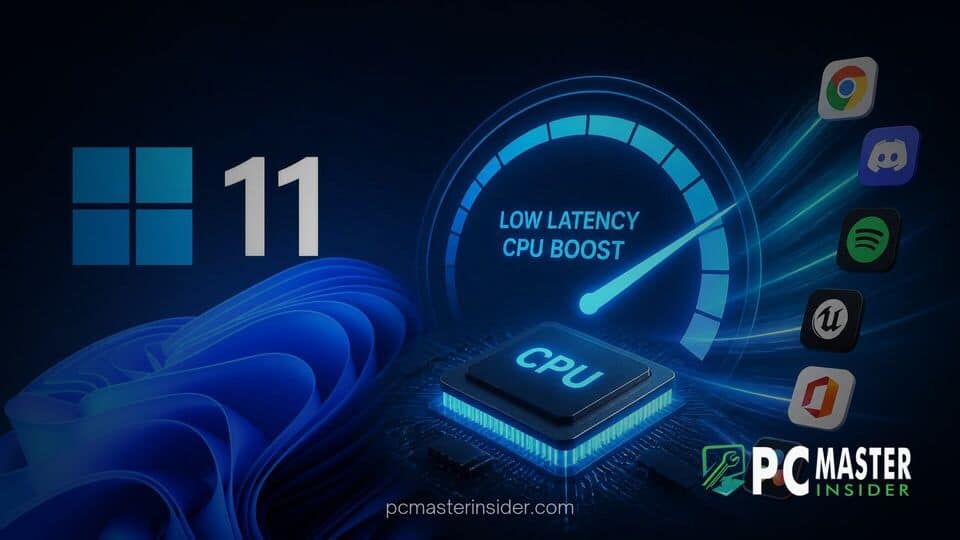
Microsoft has officially released its August Patch Tuesday update for Windows 11, introducing a major performance enhancement that accelerates software startup times across the operating system. The update expands the Windows 11 Low Latency Profile CPU boost, an underlying scheduling feature previously restricted to built-in system tools, making it available to third-party applications and Win32 desktop programs.
By broadening the scope of this CPU optimization, Microsoft aims to deliver a snappier user experience, particularly on entry-level hardware and older devices where startup delays are most noticeable.
Windows 11 August Update Broadens Low Latency Profile CPU Boost
The August cumulative update, released as KB5121003, marks a significant milestone in Microsoft's ongoing efforts to streamline Windows 11 responsiveness. While earlier cumulative updates introduced the Low Latency Profile (LLP) exclusively for system components like the Start Menu, Windows Search, Taskbar, and Notification Center, the August update extends this behavior to standard desktop programs. Users opening web browsers, productivity suites, media players, or gaming launchers will now benefit from the same immediate hardware response previously reserved for native user interface elements.
How the Race-to-Sleep CPU Frequency Burst Works
At its core, the Low Latency Profile operates on a performance management principle known as race-to-sleep. Rather than ramping up processor speeds slowly through traditional power-state scaling, the feature instructs the central processing unit to instantly spike to its maximum allowed clock frequency the moment an app launch command is triggered. This burst of maximum power lasts for roughly one to three seconds, allowing the computer to process executable files, load dependencies, and render graphics interfaces almost instantaneously.
Once the application has finished opening, the processor immediately drops back to its standard operational frequency or low-power idle state. Because the high-frequency burst is extremely brief, system power consumption and thermal output remain manageable while delivering an immediate reduction in microsecond delays.
Extending Performance Optimization Beyond Core Shell Features
When Microsoft initially tested and deployed the Low Latency Profile earlier in the year, tech enthusiasts quickly identified it as part of internal performance initiatives aimed at eliminating interface sluggishness. Early implementations successfully reduced opening lag for the Start menu and context menus by up to 70 percent, while built-in apps like Microsoft Edge saw startup improvements around 40 percent. However, users noted that launching heavy third-party software still relied on default Windows power schemes.
By extending the profile system-wide, the operating system's thread scheduler now treats user-initiated application launches with high priority, applying the aggressive frequency boost regardless of whether the program was created by Microsoft or a third-party developer.
Performance Impact on Third-Party Applications
Initial testing following the release of KB5121003 indicates measurable improvements in startup latency across a wide range of popular software. Desktop applications built on traditional Win32 frameworks, as well as web-centric frameworks, exhibit visibly faster window rendering times. Everyday applications such as Google Chrome, Mozilla Firefox, Notepad, and digital distribution platforms like the Epic Games Store display content noticeably faster upon execution.
Industry experts note that while high-end desktop processors with high baseline clock speeds may only show subtle differences, mid-range laptops, ultraportables, and older multi-core processors experience a substantial boost in perceived speed. By forcing underpowered CPU cores to burst immediately rather than idling briefly during execution, overall system fluidness receives a welcome upgrade.
The race-to-sleep strategy has drawn comparisons to similar frequency management techniques used in mobile platforms like Android and iOS, as well as desktop alternatives such as macOS and Linux distributions. In response to early feedback questioning the aggressive boosting mechanism, Microsoft representatives clarified that the feature relies on standard hardware architecture capabilities designed to maximize efficiency without compromising component longevity or overall battery health.
How to Receive the Low Latency Profile Update
The Windows 11 Low Latency Profile CPU boost for applications is currently rolling out to all supported editions of Windows 11 as part of the August Patch Tuesday security release. System administrators and individual users can obtain the update through standard system settings.
- Open the Settings app from the Start menu or by pressing Windows key + I.
- Navigate to the Windows Update section in the sidebar.
- Select Check for updates to download and install KB5121003.
- Restart the system when prompted to complete the installation.
Because Microsoft utilizes a Controlled Feature Rollout system to monitor stability across different hardware configurations, some systems may receive the expanded profile enablement gradually over the days following update installation. Power users wishing to verify or force feature availability can monitor CPU frequency spikes using hardware monitoring software during application launches.
With the expansion of the Low Latency Profile to all third-party software, Microsoft takes a direct step toward eliminating long-standing user complaints regarding Windows 11 application launch delays. By combining intelligent CPU frequency bursts with modern thread scheduling, the operating system delivers a noticeably faster experience across both lightweight utilities and demanding everyday programs.



