
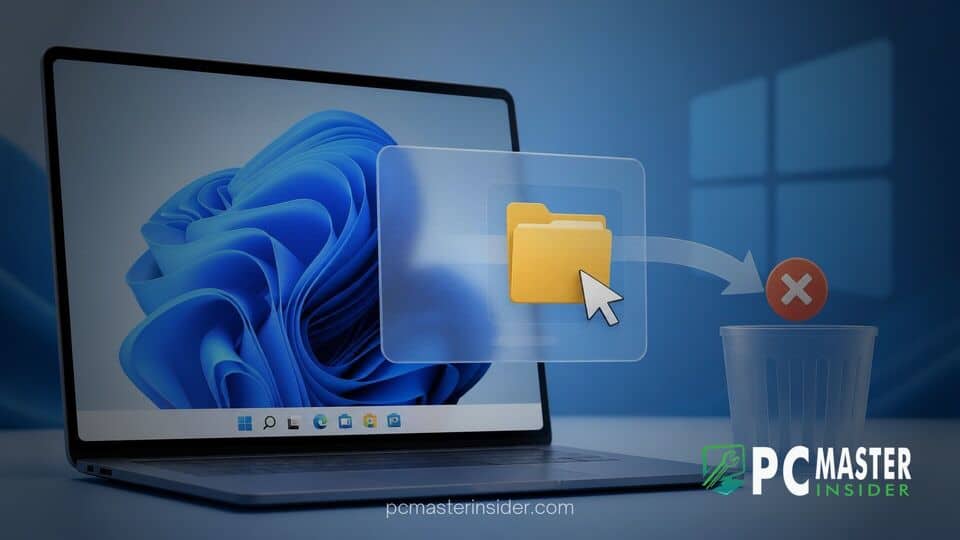
Microsoft has officially removed the Drag Tray file sharing feature from recent Windows 11 preview builds following widespread feedback from preview testers. The decision comes as the tech giant re-evaluates desktop drag and drop interactions within its operating system.
Windows 11 Drag Tray File Sharing Removed After Negative Feedback
Microsoft confirmed in its release notes for recent Insider preview builds that the experimental Drag Tray interface has been pulled from testing environments. Designed as a quick interface for sharing documents and media, the feature triggered automatically whenever users dragged files toward the top of their screens. The company noted that user feedback directly influenced the choice to strip the overlay out of current preview builds while engineering teams work on alternative approaches.
Drag Tray Feature Removed From Previews
The Drag Tray was initially introduced to give Windows 11 users a quick way to transfer files into various applications without opening secondary menus or separate windows. When active, grabbing a file in File Explorer or on the desktop and dragging it toward the upper edge of the display revealed an overlay panel. Dropping the file onto specific icons within this panel allowed users to quickly attach items to emails, send them to communication apps like Microsoft Teams, or open them in programs such as Paint or Copilot.
Despite the intended productivity benefits, the mechanism caused significant issues during everyday desktop tasks. Users reported that the overlay frequently popped up when they were simply attempting to move windows across monitors or manage tabbed layouts in File Explorer. This accidental activation frustrated testers who found the unexpected bar intruded upon their normal operating system workflows.
User Feedback and Interface Reception
Early reactions from the Windows Insider community turned overwhelmingly critical, with many testers searching for ways to disable the interface entirely. Beyond accidental triggers during standard window management, users highlighted that the panel occasionally obscured tab headers in File Explorer, making multi-tab file management cumbersome.
Responding directly to the influx of reports in the Feedback Hub, Microsoft stated in its official documentation that it appreciated the detailed responses provided by Windows Insiders. Based on that input, the company decided to strip the feature out of active preview flights rather than attempting a minor visual patch. Microsoft explained that it is continuing to explore improvements in file sharing efficiency and plans to introduce a revised concept in a future update.
Alternative File Sharing Options in Windows 11
With the removal of the Drag Tray overlay, Windows 11 users retain several established ways to share files across their applications and network devices. The default Windows Share sheet remains accessible through context menus, allowing users to send files via Nearby Sharing, Bluetooth, or installed third-party applications. Standard drag and drop functionality directly into app windows, web browsers, and the taskbar also continues to function as expected.
Microsoft frequently tests experimental user interface elements across Insider channels before deciding whether to deploy them to public releases. Features that do not meet user expectations regarding reliability or convenience are routinely refined or shelved altogether. The removal of the Drag Tray highlights Microsoft's willingness to roll back interface experiments when real-world testing proves unsatisfactory.
The decision to pull the feature demonstrates how feedback from pre-release testing shapes the development of Windows 11. While the current version of the overlay has been retired, users can expect revised file management tools to appear in upcoming Insider preview builds.



