
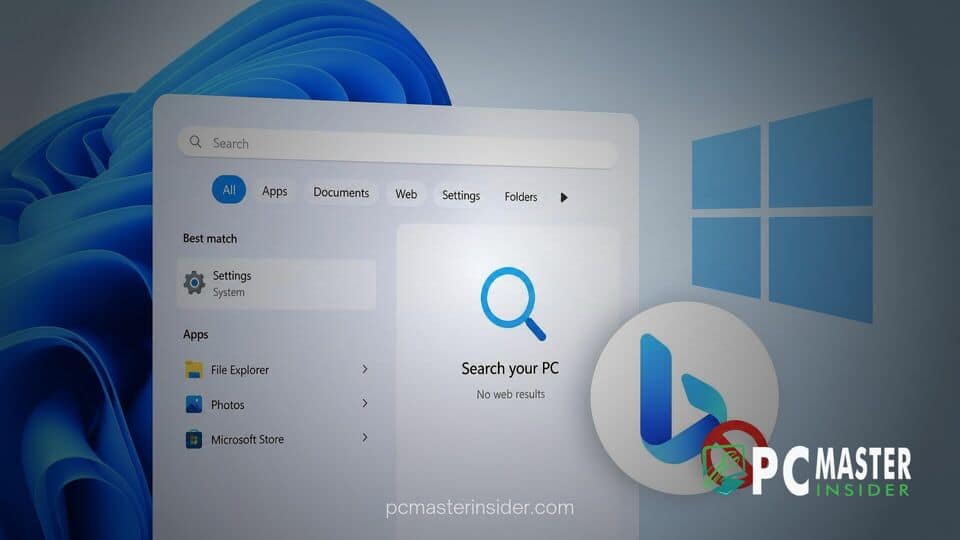
Microsoft has begun testing a built-in option that allows PC users to disable web search results inside the system search interface. The feature, spotted in recent preview builds for Windows 11, gives users direct control over whether web suggestions powered by Bing appear alongside local files and applications.
For years, Windows users have requested a simple setting to turn off online results in the Start menu search bar. The new testing phase indicates that Microsoft is preparing to offer a clean, native option without requiring complex registry edits or policy modifications.
Microsoft Tests Option to Turn Off Web Results in Windows Search
The introduction of a native switch addresses long-standing complaints regarding the clutter created by web integration in the operating system. Users searching for locally stored files, installed software, or specific system settings often find their results mixed with web links, online images, and promotional app recommendations. This behavior can cause minor delays and occasionally lead users to open browser windows unintentionally when trying to access local utilities.
With the new option, Microsoft aims to streamline local file navigation. By isolating search queries to internal storage and system settings, desktop performance remains focused on local hardware resources. The decision to test a simple toggle reflects user feedback collected across official Windows Insider feedback channels over several release cycles.
How the New Search Toggle Works in Release Preview
In current test builds, the control is located directly within the system settings menu. Users can open the Settings app, navigate to the Privacy & security section, and select Search permissions. Under the search settings area, a dedicated toggle option allows users to turn off suggested online search results.
Disabling this switch prevents the Start menu search bar from sending query data to Bing servers. Once turned off, searching for a phrase only checks locally installed applications, system controls, connected storage drives, and indexed user documents. Furthermore, additional options in the preview settings layout indicate that users can separately disable Microsoft Store app recommendations, ensuring that search results remain strictly focused on local software.
Decluttering Local File Search for PC Users
Historically, disabling Bing integration in Windows required manual modifications to the Windows Registry or administrative tweaks through the Local Group Policy Editor. While tech-savvy users frequently utilized these methods to maintain a local-only search bar, manual editing carried risks for inexperienced users and could be reset by major operating system updates.
The shift toward a user-configurable toggle simplifies system customization. It allows everyday PC users to tailor their search environment based on personal productivity needs. Early reports from preview testers indicate that removing web queries speeds up the delivery of local search results, creating a more responsive interface when launching applications or searching for documents.
Broader Changes Coming in Upcoming Windows 11 Updates
The new search options form part of a broader set of interface refinements planned for future updates to Windows 11. Microsoft has been testing several usability improvements focused on customization, file management efficiency, and reduced taskbar clutter.
While the search toggle is currently available to participants in the Windows Insider preview channels, Microsoft has not announced an exact public release date for the general population. If testing in the preview builds proceeds smoothly, the setting is expected to roll out to all standard Windows 11 users in an upcoming feature update.
The addition of a native off switch for web search marks a notable shift in Microsoft's approach to default system features. By offering users the ability to opt out of Bing integration within the Start menu, the company is delivering a cleaner, more tailored desktop experience for those who prefer local-only system navigation.



