
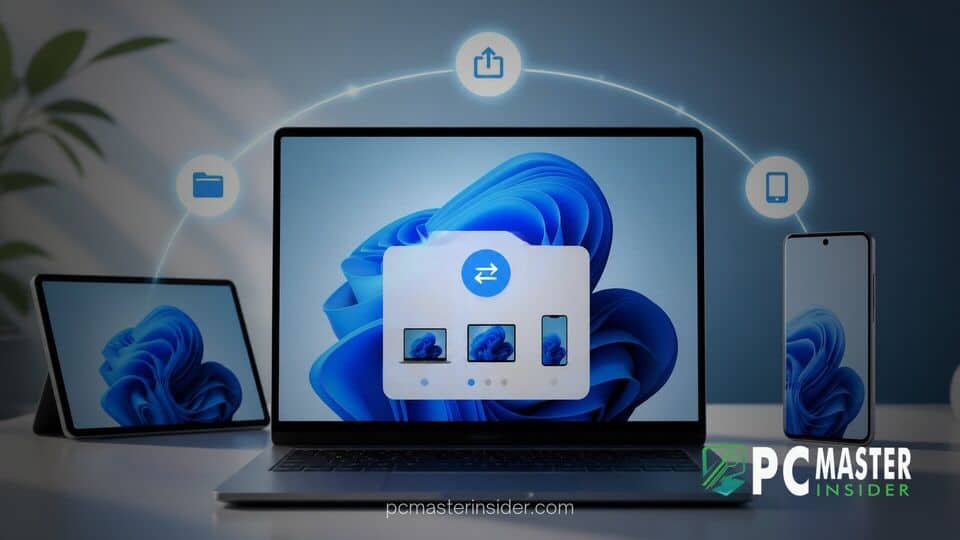
Microsoft has released a fresh preview build to members of the Windows Insider Program, bringing a suite of functionality updates designed to improve how desktop computers interact with connected mobile hardware. The update introduces refined settings that grant users greater oversight when sending files, text, and media across paired devices.
By expanding native cross-device management options directly within the system operating shell, Microsoft aims to make workflow transitions between personal computers and smartphones smoother and more secure. Tester feedback gathered from this preview build will help refine the experience before a wider general rollout.
New Cross-Device Share Controls in Preview
The core highlighting update in the preview build focuses on expanded cross-device share controls, giving users clearer permissions and streamlined pathways for transferring data. Instead of relying solely on external companion tools or rigid default settings, Windows 11 testers can now customize how files and copied content move between their PC and linked Android devices.
Managing File Sharing Across Devices
Under the revised system preferences, users can toggle specific sharing permissions for individual linked endpoints. The settings menu includes dedicated controls to enable or suspend automatic clipboard synchronization, manage remote storage access, and govern target directories for incoming file transfers. These options aim to eliminate accidental file transfers while providing granular authority over connected background services.
How the Updated Feature Works
When sending a document, picture, or link through the native Windows Share window, the system now displays enhanced target options for paired mobile devices. Users can initiate direct transfers to connected smartphones with fewer clicks. Additionally, status prompts in the taskbar provide real-time notification of ongoing transfers, confirming when data successfully reaches the receiving hardware.
Integration with existing tools like Link to Windows has also been updated to ensure that incoming notifications, remote file access, and clipboard mirroring abide strictly by the user's customized sharing limits. The system prevents unverified background transfers, ensuring that data is only transmitted when explicit permission is granted through system toggles or active share prompts.
Rollout Details for Insiders
The updated cross-device controls are currently rolling out to participants enrolled in the Windows Insider channels. Because Microsoft utilizes controlled feature rollouts, not every tester will see the new toggle controls immediately upon installing the latest update build. The company plans to evaluate system telemetry, stability reports, and direct user feedback from the Feedback Hub before expanding availability to broader preview groups and eventually releasing the functionality to the stable public version of Windows 11.
This incremental update reflects Microsoft's broader strategy to bridge the gap between desktop and mobile platforms, offering a more cohesive, manageable ecosystem for everyday multi-device computing.



