
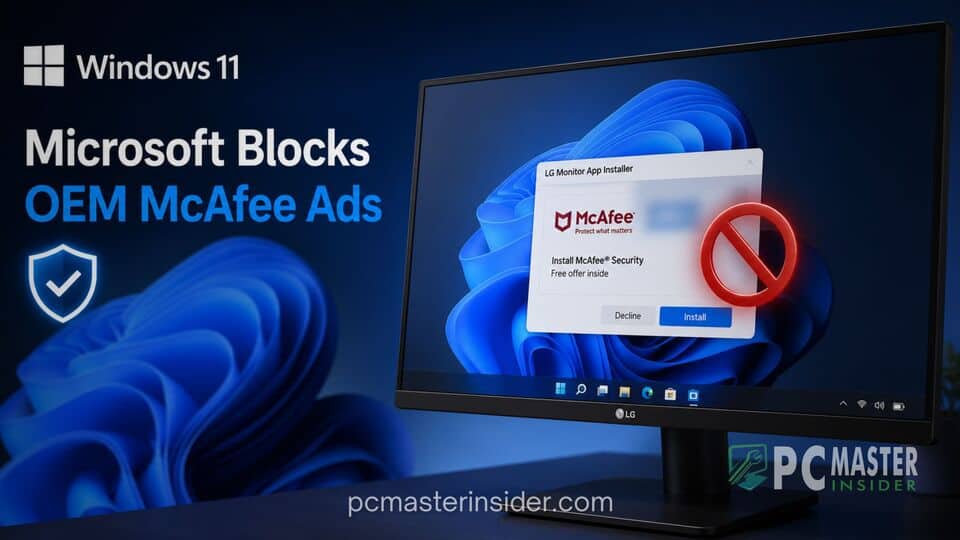
Microsoft has taken direct action to curb unwanted promotional pop-ups delivered to Windows 11 users through third-party hardware software pipelines. Following widespread user complaints and media highlights regarding unsolicited advertisements, display manufacturer LG has agreed to disable McAfee pop-up promotions bundled within its official monitor utility software.
The intervention comes after reports revealed that connecting certain LG monitors to a Windows 11 PC triggered the automatic installation of background utility tools. Once present, these utilities began serving promotional alerts for third-party security software, raising significant concerns about bloatware, consumer transparency, and OS-level distribution channels.
Windows 11 blocks LG monitor McAfee ads
Microsoft intervened directly with LG to address a growing controversy surrounding unwanted promotional notifications. Under pressure from Redmond and vocal feedback from the PC building community, LG agreed to remove McAfee advertising pop-ups from its monitor companion software installer.
Microsoft Suppresses Unsolicited McAfee Ads Pushed Through LG Monitor Apps
The issue gained widespread attention when users noticed that connecting an LG display to a Windows 11 system triggered an automated software download. Rather than limiting its scope to necessary display drivers or screen control options, the background installer began displaying intrusive pop-up windows promoting McAfee security products.
Pavan Davuluri, Microsoft's Executive Vice President of Windows and Devices, publicly confirmed the resolution. In a statement shared online, Davuluri noted that Microsoft connected with the team at LG, and as an immediate next step, LG agreed to disable the McAfee pop-up from their application installer. He added that Microsoft appreciates LG working toward a shared goal of delivering a cleaner experience for mutual customers.
How OEM Software Pipelines Bypass Standard Windows Ad Controls
The core mechanism enabling this behavior relies on Windows Device Metadata and automated driver delivery systems. When a user plugs in a new hardware peripheral, Windows Update automatically fetches approved drivers and companion apps from original equipment manufacturers to ensure plug and play functionality. This process is designed to eliminate manual driver downloads and simplify hardware setup.
However, OEMs can leverage these official update channels to introduce utility software, such as the LG Monitor App Installer. Because these companion tools arrive through trusted system mechanisms, they effectively bypass standard browser ad blockers and Windows notification filters. Once installed on the host operating system, the utility can trigger desktop pop-ups, creating a direct vector for third-party software promotions.
System-Level Intervention vs. Broad Hardware Partner Consent Policies
While Microsoft's intervention resolved the immediate issue with LG, the incident highlights an ongoing tension within the Windows ecosystem. LG maintained that its software did not automatically install McAfee without user consent, explaining that the utility merely presented the antivirus program as an optional offer during setup. Nevertheless, users expressed frustration that an unrequested background application was installed simply by connecting a display cable.
This situation underscores the delicate balance Microsoft must maintain with its extensive network of hardware partners. Original equipment manufacturers often rely on software partnerships and pre-installed promotions to subsidize hardware margins. When these promotional tactics cross into intrusive desktop messaging, Microsoft faces pressure from end users to enforce stricter compliance rules on its update channels.
Impact on Windows 11 User Experience and Platform Ecosystem Security
Intrusive notifications and unexpected background software can erode user trust in system-level updates. When users discover that standard peripheral connections result in promotional pop-ups, it creates confusion regarding system security and legitimate software practices. Security experts note that blurring the lines between system utilities and ad-supported software makes it harder for average users to distinguish between legitimate software notices and malicious adware.
By forcing the removal of the McAfee prompt, Microsoft signals that it intends to maintain stricter oversight of peripheral software packages distributed via Windows channels. Restricting OEM utilities from acting as advertising vehicles helps protect the desktop environment from unnecessary background bloat and unwanted notification clutter.
What Windows 11 Users Should Expect Moving Forward
For current owners of LG displays, the updated companion installer will no longer push the McAfee promotional pop-up windows. Users who previously received the installer can manage or remove unwanted companion applications through the Windows 11 Settings menu under the Installed Apps section.
As hardware ecosystems become increasingly interconnected through automated software delivery, Microsoft is expected to refine its guidelines for ecosystem partners. Moving forward, tech analysts anticipate clearer boundaries surrounding automated peripheral software installation, ensuring that basic hardware connection does not expose users to unwanted third-party advertising.



