
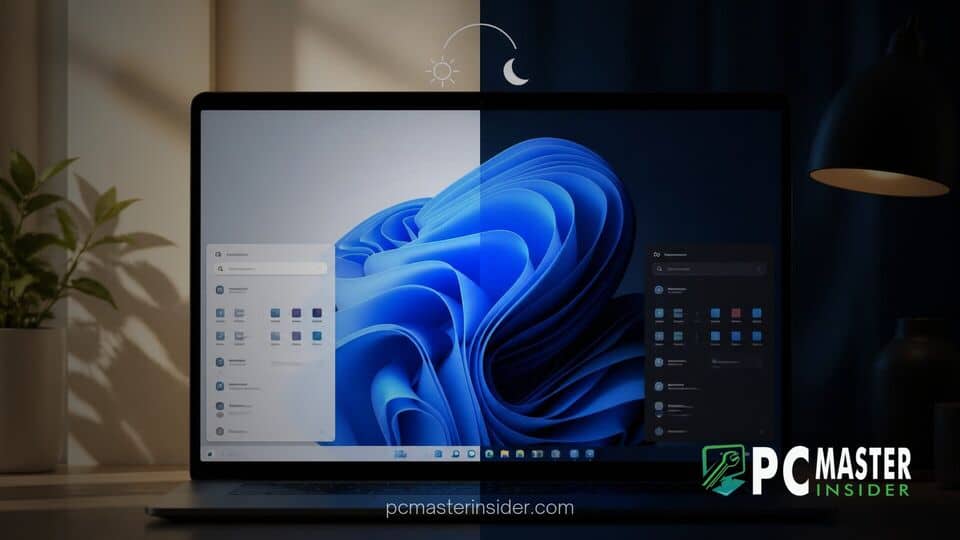
Microsoft is finally testing native support for automatic light and dark theme switching directly within Windows 11. Early code references discovered in preview builds reveal that users may soon schedule theme shifts without relying on third-party utilities or background add-ons.
The feature will allow the operating system to automatically transition between light and dark visual styles based on local time, sunset schedules, or system idle states. This long-requested addition promises to bring modern, hands-free personalization to the core Windows experience.
windows 11 automatic theme switching and Native Options
Code strings uncovered in experimental builds indicate that Microsoft is building a native system for windows 11 automatic theme switching directly into the Settings app. For years, operating systems such as macOS, iOS, and Android have included built-in options to toggle between light and dark interface themes based on the time of day. Windows users, by contrast, have been forced to toggle themes manually through Personalization settings or rely on external utilities.
According to early details spotted by software sleuths in test builds, the upcoming implementation offers flexible controls. Users will be able to set custom time windows or allow the operating system to leverage location services to sync theme transitions with local sunrise and sunset times. This built-in functionality eliminates the setup friction that previously hampered desktop customization.
Microsoft Previews Native Theme Automation in Windows 11
Scheduled Light and Dark Mode Options
Under the proposed Settings layout, users can establish a strict daily schedule. For example, a user can configure Windows 11 to activate light mode at 7:00 AM and switch to dark mode at 7:00 PM. If location permissions are enabled, the operating system dynamically calculates twilight hours to shift interface palettes automatically as ambient room lighting changes.
This automated change applies across system components, including the taskbar, Start menu, File Explorer windows, and compatible third-party applications that adhere to system theme flags. Users who frequently encounter visual glitches or unwanted desktop background changes will appreciate native system stability, especially following previous OS updates where a Windows 11 bug resets desktop wallpapers unexpectedly.
Idle-Detection and Location Integration
One notable innovation in Microsoft's native implementation is the inclusion of an idle-detection mechanism. Code strings indicate that Windows 11 can delay scheduled theme shifts if the user is actively working on the PC. The string notes that the visual mode only changes when the machine is idle, preventing sudden, jarring color swaps during active tasks, screen-sharing sessions, or presentation meetings.
Location services integration ensures accurate day-to-night transitions even when users travel across time zones with portable laptops. When location tracking is disabled, the system defaults back to user-defined start and end times, maintaining privacy while retaining core schedule options.
Addressing Long-Standing Feature Requests
The lack of native theme automation in Windows has been a persistent point of feedback from power users since the launch of Windows 10. To achieve automatic light and dark mode toggles, users traditionally turned to open-source software like Auto Dark Mode or utility collections such as Microsoft PowerToys, which introduced its own Light Switch tool in recent releases.
While third-party tools served power users well, external background apps can occasionally cause system friction or conflict with administrative policies. Having native code built into the Windows core eliminates resource overhead and provides a seamless setup experience for average consumers. This effort coincides with broader desktop refinements, similar to how Microsoft introduced options like a skip forced updates option in the power menu to improve user control over system behavior.
Additionally, Microsoft has continued updating individual application interfaces to align with modern design guidelines. Recent update cycles have seen visual updates across built-in apps, such as when Microsoft updated the New Outlook on Windows 11 with enhanced features and refined dark mode aesthetics.
Availability and Next Steps for Windows Insiders
Because the automatic theme switching features are currently hidden behind experimental flags and internal code strings in preview builds, Microsoft has not officially announced a public release date. Features tested in experimental channels typically undergo several weeks or months of internal evaluation before rolling out to participants in the Windows Insider Dev and Beta channels.
If testing proceeds smoothly, native automatic theme scheduling could officially arrive in an upcoming feature update or cumulative patch package for Windows 11. Desktop enthusiasts can look forward to a more responsive, comfortable computing environment that adapts naturally to the time of day without needing extra software installation.



