
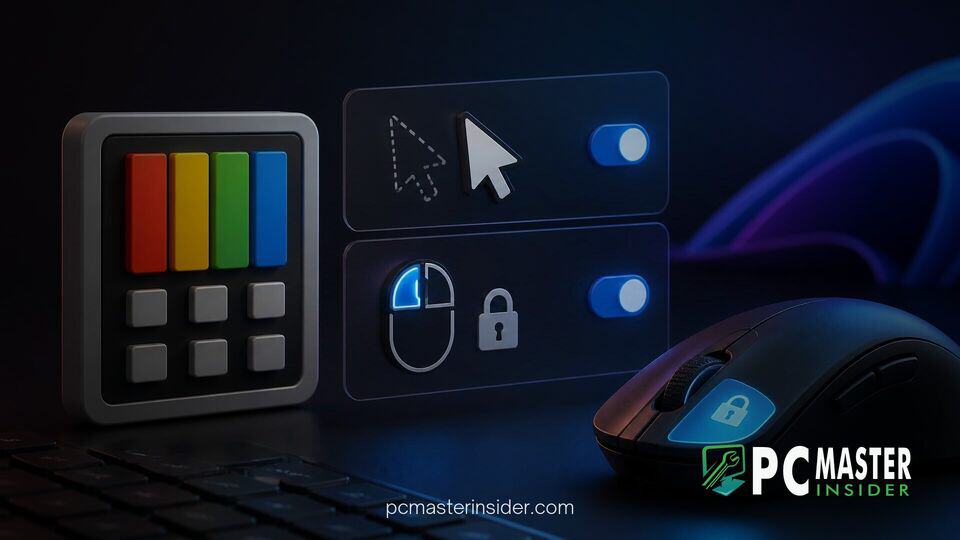
Microsoft has officially released PowerToys 0.102, introducing dedicated mouse tools designed to make Windows 11 navigation more seamless and accessible. The update expands the suite's customizability by adding CursorHide and Mouse Button Lock alongside several improvements to existing components.
By focusing on input management and ergonomic control, version 0.102 addresses common user friction points like cursor distraction during typing and the physical strain of prolonged mouse dragging. Beyond mouse utilities, the update enhances the Command Palette experience, adds dictation tools to ZoomIt, and refines keyboard customization options across the board.
Microsoft PowerToys 0.102 Update Features Boost Accessibility and Workflow Precision
The Microsoft PowerToys 0.102 update features significant improvements aimed at streamlining desktop interactions, bringing two headline mouse tools into the fold alongside workflow adjustments across the open-source utility suite. Designed primarily for power users, creators, and individuals seeking specialized accessibility tools, version 0.102 focuses heavily on input ergonomics and navigation speed. Users can update directly through the app's internal settings page, via the Microsoft Store, or by downloading the latest installer from GitHub.
Microsoft PowerToys 0.102 Introduces New Accessibility Utilities
Over the past few release cycles, Microsoft's developer team has steadily expanded the Mouse Utilities category within PowerToys. Earlier updates introduced CursorWrap to help multi-monitor users maneuver cursors across expansive display setups, but version 0.102 targets fine-grained control and physical comfort during daily tasks.
Input controls in modern desktop environments can present physical challenges for users operating specific hardware such as trackballs, touchpads, or ergonomic mice. They can also present difficulties for individuals managing motor impairment conditions. By integrating customizable mouse behaviors into PowerToys, Microsoft continues to supply native system tweaks without forcing users to rely on third-party hardware drivers or heavy peripheral software suites.
Configurable CursorHide Controls for Distraction-Free Typing
CursorHide is designed to prevent the mouse pointer from cluttering text editors, web forms, and document screens while typing. The utility automatically suppresses the cursor as soon as keyboard activity begins or after a user-selected duration of inactivity.
Users can configure trigger rules within the PowerToys settings panel, choosing whether the pointer hides instantly upon hitting a key, fades after a set timer, or uses a combination of both behaviors. Moving the mouse instantly restores cursor visibility, ensuring that writing workflows remain completely uninterrupted.
Mouse Button Lock for Enhanced Dragging Precision and Accessibility
The second primary tool, Mouse Button Lock, provides an ergonomic solution for long drag-and-drop actions, window resizing, and multi-file selections. With Mouse Button Lock active, holding down a designated mouse button for a brief configurable duration locks the click state into place. Users can then release the physical button and move the mouse freely to perform continuous selection or movement operations.
Pressing any mouse button a second time releases the lock state, restoring standard input behavior. According to Microsoft product management feedback surrounding the release, the tool is structured to reduce hand fatigue for creators performing intricate editing tasks, gamers engaging in click-heavy titles, and users with mobility limitations. To reduce unintended activation during fast clicking, PowerToys permits customized hold timers and movement thresholds.
Additional Bug Fixes and Performance Enhancements in Version 0.102
Alongside its mouse utilities, version 0.102 delivers updates to several popular core tools:
- Command Palette Quick-Access Shelf: Users can pin up to nine frequently used actions to a new quick-access shelf located under the search box. Pinned shortcuts can be executed instantly using Alt+1 through Alt+9 keyboard bindings. The palette also adds support for fuzzy settings searching and custom Copilot key bindings.
- ZoomIt Snip Dictation: The screen-annotation tool now supports speech-to-text dictation, allowing users to speak annotations directly onto captured snips.
- Keyboard Manager Tweaks: Remaps can now trigger on single key taps alone, and large shortcut lists have been updated with a built-in search bar.
- Command-Line Scripting: PowerToys 0.102 includes expanded CLI tools, enabling system administrators and power users to script power utility functions directly from terminal sessions.
These modular enhancements sit alongside broader OS stability work across Microsoft's ecosystem. Recent system updates have prioritized underlying framework performance, ranging from OS-level changes like Windows 11 KB5127936 eliminating launch bottlenecks to architectural tests such as Windows 11 Build 29695 introducing Intel APX support. Similarly, PowerToys 0.102 slims down internal binaries by removing unused legacy code while standardizing UI elements around WinUI 3 modern visual guidelines.
As Microsoft advances deployment for Windows 11 version 26H2, PowerToys remains an essential playground for modular desktop tools. The additions in version 0.102 offer welcome ergonomic relief and organizational efficiency, establishing a solid foundation ahead of planned feature updates in upcoming releases like version 0.103.



