
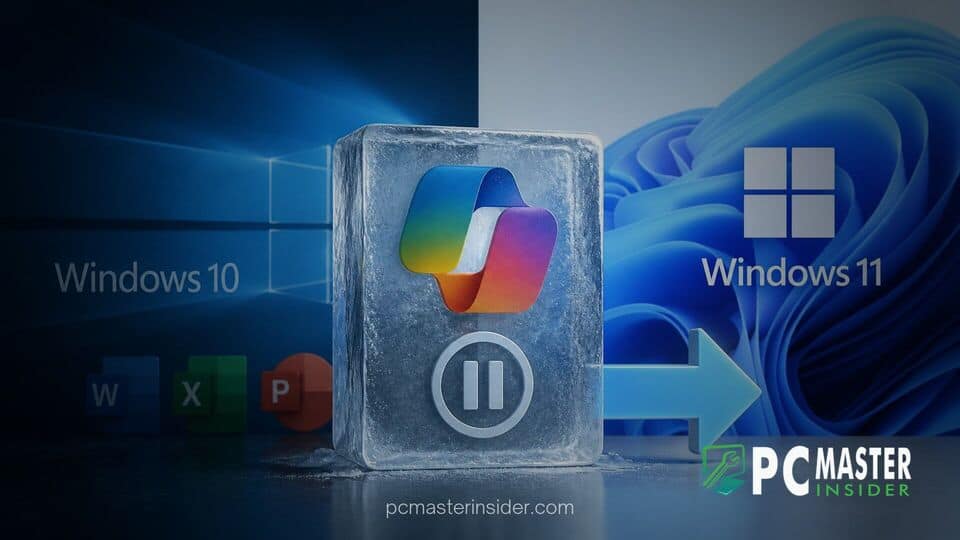
Microsoft has officially halted feature development for Microsoft 365 applications on Windows 10 devices as part of its ongoing efforts to encourage transitions to Windows 11. While the productivity suite will continue to operate on the older operating system, future functional enhancements, UI redesigns, and new capabilities will remain exclusive to newer platforms.
Under the updated servicing timeline, devices running Windows 10 will remain capped at Microsoft 365 Version 2608. Although feature growth is now frozen, Microsoft confirmed that essential security patches and bug fixes will continue to be delivered through October 10, 2028, ensuring system stability for remaining users.
Microsoft 365 Feature Freeze Details for Windows 10
The implementation of the Microsoft 365 feature updates Windows 10 freeze marks a pivotal shift in how the tech giant services its core productivity suite on legacy software. Users on Windows 10 will no longer receive new tools or functional additions, placing the apps in a maintenance-only state for the remainder of their supported lifespan.
This decision applies universally across all Windows 10 installations, including systems enrolled in the Extended Security Updates (ESU) program. While basic operational functionality remains intact, the gap in capability between Microsoft 365 on Windows 10 and Windows 11 will steadily widen as development efforts focus entirely on newer platforms.
Version 2608 Reaches Final Feature Milestone
Version 2608 serves as the final feature update milestone for Microsoft 365 Apps running on Windows 10. The exact date a device reaches this frozen state depends on its designated update channel within the organization or personal deployment structure:
- Current Channel: Transitions to the frozen Version 2608 state starting in August 2026 for consumer and standard business subscribers.
- Monthly Enterprise Channel: Scheduled to reach the final feature milestone on October 13, 2026.
- Semi-Annual Enterprise Channel: Reaches the Version 2608 baseline on January 12, 2027.
Once a system reaches Version 2608 on its respective update path, no subsequent feature builds will be offered, effectively freezing the application build in place.
Security Servicing Extended Through October 2028
Despite the end of functional upgrades, Microsoft is maintaining critical security protections for users who cannot immediately migrate. Security patches will continue to be delivered via regular servicing channels until October 10, 2028.
One noteworthy exception to the strict feature freeze involves the standalone OneDrive desktop client. Devices running Windows 10 Version 22H2 will continue receiving regular performance updates and service improvements for OneDrive until the October 2028 sunset date. However, older builds of Windows 10 will not qualify for these ongoing OneDrive enhancements.
Impact on Copilot and Productivity Tools
The feature lock significantly affects Microsoft's artificial intelligence ecosystem. Microsoft Copilot capabilities within Word, Excel, PowerPoint, and Outlook will be limited to the integrations present in Version 2608. Next-generation AI models, advanced automation features, and new workflow tools deployed in subsequent software updates will not be backported to Windows 10.
Technical support policies are also tightening. In official documentation, Microsoft outlined that technical support agents will assist with troubleshooting on Windows 10, but if an issue is determined to exist solely on Windows 10 and not on Windows 11, the primary support guidance will be to upgrade the underlying operating system.
Microsoft's Strategy to Accelerate Windows 11 Migration
This policy change highlights Microsoft's determination to migrate its user base away from Windows 10, which officially reached its general end-of-support milestone in late 2025. While millions of enterprise and individual devices remain on the older OS, limiting core productivity tools serves as a powerful incentive to upgrade hardware or operating systems.
By maintaining security updates through 2028, Microsoft fulfills its commitment to keep legacy enterprise environments secure while sending a clear signal that the future of its cloud and AI innovations belongs strictly on Windows 11 and beyond.
In summary, while Microsoft 365 on Windows 10 will remain secure and fully functional for everyday tasks through late 2028, users seeking the latest productivity innovations and Copilot features must transition to Windows 11.



