
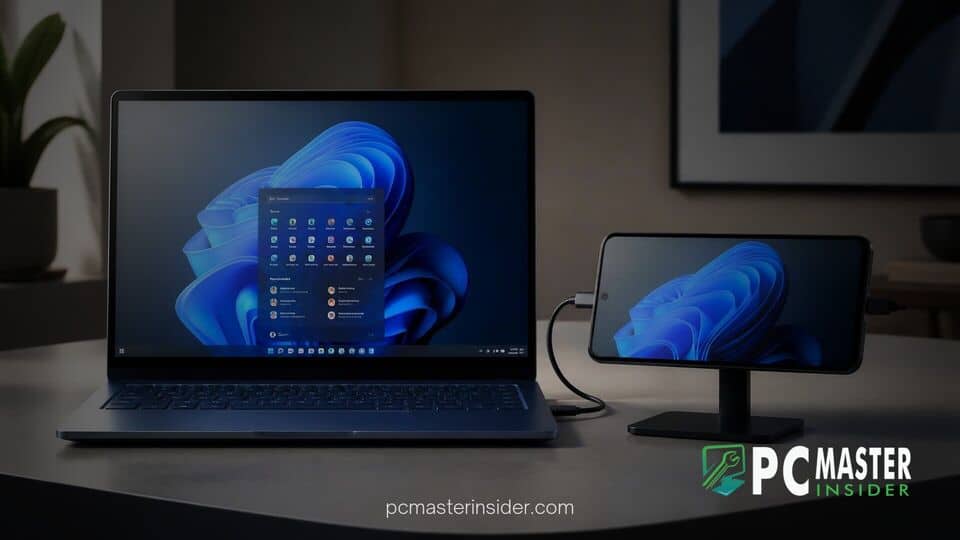
Microsoft is developing a native feature within its Link to Windows application that will allow users to turn Android phones and tablets into secondary desktop displays for Windows 11. Code strings and interface assets discovered in recent builds indicate that the system will enable wireless desktop extension directly through the operating system's ecosystem without requiring third-party software.
Link to Windows Adds Wireless Display Extension for Android
According to recently surfaced app resources, Microsoft is preparing an update to the Link to Windows Android companion app that introduces a dedicated feature named Extend display. The functionality is powered by an internal package structure identified as phone_as_display.v1. Rather than merely mirroring the existing screen or streaming individual mobile applications onto the desktop, this system operates in reverse by outputting the Windows 11 desktop onto the connected Android device's screen.
Interface strings discovered within the application indicate that users will be able to initiate display sessions from either the mobile client or the paired PC. Once a connection is established, the mobile screen receives its own dedicated status page displaying the host computer's name alongside session management controls, including display adjustment options and a manual disconnect action. To prevent unintended background battery drain or disconnected states, session safety rules automatically end the stream if the host computer locks, if the network connection breaks, or if the client display receiver encounters an error.
Technical Requirements and Performance Features
Underneath the user interface, internal code references highlight support for standard video compression formats, specifically H.264 and High Efficiency Video Coding (HEVC). This suggests that Windows 11 will capture and encode desktop output frame-by-frame before streaming the video payload over the local network to be decoded by the hardware video processor on the Android hardware.
The system also tracks display parameters including screen width, pixel height, and target refresh rate to ensure the output scales correctly. A built-in 60-second fallback timeout is included to safely reset the connection if the primary video frame fails to render on the mobile device. Microsoft has been expanding multi-device integration across its desktop ecosystem, similar to how Microsoft tests People Widget with WhatsApp integration in Windows 11 to centralize cross-platform communication tools.
Comparing Wireless Display Extension to Existing Multi-Monitor Solutions
While third-party utilities such as Spacedesk, Duet Display, and Samsung's native Second Screen utility have long allowed users to turn mobile screens into external displays, integrating this capability into the core Link to Windows experience provides a frictionless option built directly into the operating system. Users will no longer need to configure dedicated virtual display drivers or install third-party server software on their primary desktop.
This development also marks a key strategic difference compared to competing ecosystems. While Apple offers its Sidecar feature to let Mac users extend their desktop onto an iPad, the capability is restricted exclusively to tablet form factors and does not support iPhones. Microsoft's approach with Link to Windows appears designed to accommodate both Android smartphones and tablets regardless of screen dimensions, taking advantage of modern large-screen smartphones that feature display sizes between 6.5 and 6.9 inches.
This push toward cross-device integration comes alongside broader continuous system refinements in Windows 11. Recent platform preview releases have targeted graphics performance, core productivity, and system usability, as seen when Microsoft releases Windows 11 KB5132057 with overhauled Search UI to streamline navigation across local desktop applications.
Availability and Rollout Expectations Across Mobile Devices
Microsoft has not yet formally announced a public release timeline for the Extend display feature. Because the code string discoveries were located inside production application files, testing is expected to begin through the Windows Insider Program before rolling out widely via standard Microsoft Store and Google Play updates.
As Microsoft advances OS deployment schedules, such as when Microsoft begins automatic Windows 11 26H2 rollout for eligible PCs, deep companion app features are increasingly delivered modularly outside major annual OS upgrades. Hardware compatibility criteria remain unconfirmed, but baseline requirements are expected to align with existing Phone Link requirements, which mandate Android 10 or higher and a shared Wi-Fi connection.
Security protocols will likely follow standard Windows network validation mechanisms. Ensuring clean client connections over local wireless networks fits alongside Microsoft's ongoing work on platform integrity, such as when Microsoft issues KB5135609 Setup security update for Windows 11 to harden system installation components.
When completed, the native display extension feature will give mobile workers, travelers, and multi-device owners an immediate productivity boost by transforming everyday Android phones and idle tablets into flexible secondary monitors.